

You’ve just welcomed a new wave of employees (congrats!)—they’re trained, motivated, and ready to dive in. The emails start flying… BUT… OH, THE DRAMA! Their email signatures are missing! That final touch—like the cherry on top of a sundae or the encore to a perfect symphony—has been overlooked. Without it, the "professional" in "professional email" feels incomplete.
So, to help you (and your new employees), we've compiled the best practices and 20 stunning examples to help you transform those dull email sign-offs into polished, impactful masterpieces.
Let’s dive in and make every email a statement of your company’s professionalism!

What sets a professional email signature apart from a personal one? And why is it so important?
Often paired with an email banner or tailored messages, a professional signature can do more than just inform—it becomes a strategic communication tool. Whether promoting your company’s values, highlighting a key message, or elevating brand visibility, a well-crafted email signature transforms a simple sign-off into an impactful marketing asset.
A professional email signature should be clear and practical. It serves its purpose without overwhelming the recipient. Here are the five essential elements every signature should include:
Your email signature is your digital identity card. Include your full name and job title to provide a clear representation of your role. Highlight this information in bold for better visibility, using a professional and readable font.
For example:

The name and position are generally presented in bold to attract the reader's attention. We also aim to keep this information visible and easy to read (i.e. a good font size and positioning in a logical place). When it comes to font choice, we recommend keeping it simple and professional. There's no need to get too creative here.
And a little clarification on the job title: it's entirely possible that you'll need to change your title depending on the situation or the person you're addressing. Just make sure you use the right signature when you're addressing an important customer or prospect. An automatic email signature tool can be very effective in this respect, enabling you to manage several signatures automatically and centrally.
Next, if you want to make it easier for people to get in touch with you, it's best to clearly present your company's contact details in your email signature. As with your name and job title, the idea is to keep it clear and concise.
For example, this could be :

Then, on a regular basis, we make sure that all our contact details are up to date. If you're on your own, this is pretty easy to manage, but if your company has hundreds or even thousands of employees, we wish you luck!
On a more serious note, if you're in this case, you might need a specialized tool like Letsignit (that's us!).
To reinforce your corporate identity in your business emails, consider adding your company logo to your signature. A logo is a powerful visual element that makes your email signature more recognizable. For a professional look, it's best to use a high-quality logo and size it correctly for optimal display.
There are several ways to integrate a logo into your professional email signature. You can insert it by copying and pasting the image into the email signature editor, or by using the “Insert image” function if your email tool allows it.
Also, make sure the image maintains a lightweight file size!
Here's an example:

*Note that the logo must be consistent with your company's graphic charter.

A word of advice: make sure the logo is well-positioned and doesn't overload the signature. It can be placed next to or below your name and title.
We don't need to remind you how important a presence on social networks is today. To increase the visibility of your networks and website, consider adding them to your corporate email signature.
There are several options for doing this. You can directly insert hyperlinks to your Facebook, X, or LinkedIn profiles, for example. You may also decide to insert social network icons, which are more visual and attractive. Don't forget to also include the link to your company website to direct recipients to an additional source of information.
Here's an example:

It may be necessary to add certain legal elements to your signature, such as a disclaimer or confidentiality statement. So don't hesitate to insert any additional information that is essential to the specifics of your business sector.
When creating a professional email signature, there are some common pitfalls to avoid. Remember, your signature isn’t the place for a lengthy narrative or creative masterpiece (though we fully support your literary ambitions!). Its primary purpose is to provide key information clearly and succinctly.
So the first tip is to avoid information overload! A signature that's too long or includes too many elements can confuse the recipient and/or damage your professional image (we don't want that!);

Once you've decided which elements to include in your signature, the next step is to focus on its design and layout, followed by selecting the appropriate creation tool. But how do you pick the right tool?
Here are a few points to consider:
This is a simple way of creating elaborate visuals, without having to go through the “HTML code” stage.
However, this approach has the disadvantage of allowing the insertion of a single clickable link and involves a more cumbersome creation process. For each new signature (or new employee joining your structure), you have to go through the design software. It's an approach that works on a small scale but can quickly become very time-consuming for a larger company.
For the more ambitious, it's also possible to write everything by hand in HTML and CSS using a simple code editor.
The advantage of this kind of tool is that it's (relatively) easy to use for people working on their own or in very small structures. It's also a way of getting access to a first free email signature with clickable links in text format. However, as the signatures generated are static, they are inherently non-dynamic, making it difficult to adapt them quickly for a large number of employees.
Some tools automate the creation of professional, custom, email signatures, making it as easy as possible to create communication banners from a single platform.
The strength of these email signature tools lies in their ability to maintain brand consistency across all email communications, while also enabling the integration of dynamic elements like promotional banners or CTAs.
Another major benefit for large companies: your company's Active Directory connects to our tool in just two clicks, ensuring that new team members are automatically assigned a signature as soon as they join.
Changing your address or corporate identity? You can make the changes in just a few minutes, and see them reflected in the signatures of all your collaborators almost instantly.
An email banner is a visual element placed just below your email signature. With our “email campaign” feature, the banner can be used to share tailored messages with both internal and external audiences. It’s a valuable tool for enhancing your marketing campaigns.
Here are a few tips on how to create a banner that makes a lasting impression:
Don't forget that brevity is an asset: an overly long email signature can distract from the essentials. Limit yourself to 3 or 4 lines, including only the most important information.
Crafting the perfect email signature is both an art and a science. To help spark your creativity, we've gathered 20 examples of professional email signatures and banners that set the standard for impactful communication.
1. Growth Manager

A signature designed to reflect leadership and for easy contact. Complete with social media links.
2. Head of Customer Success
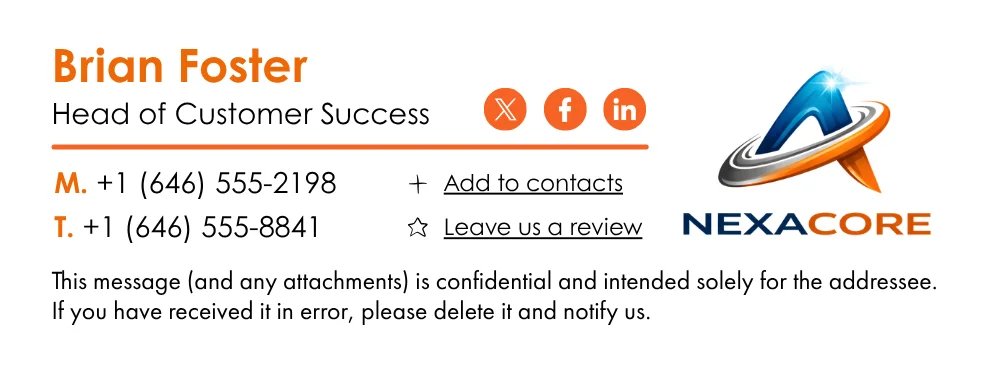
A clear and approachable signature, highlighting contact details and a link for reviews.
3. Human Resource Manager
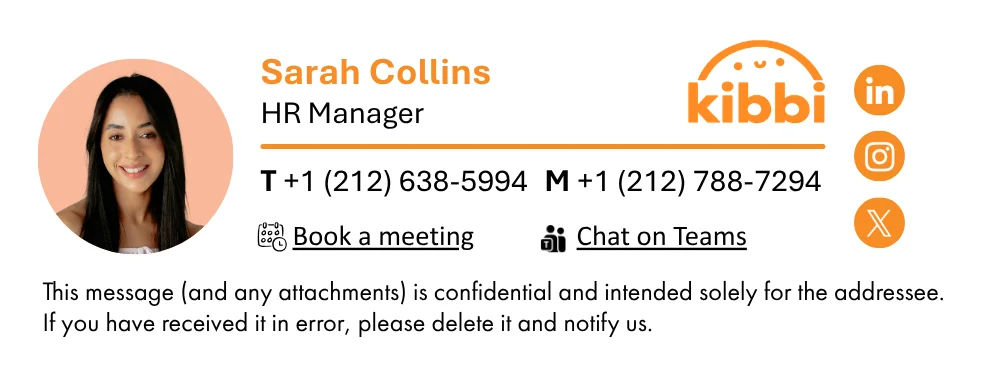
A well-structured signature emphasizing meeting booking and contact informations.
4. Chief Revenue Officer

A signature showcasing the title, contact informations and social links.
5. Chief Marketing Officer
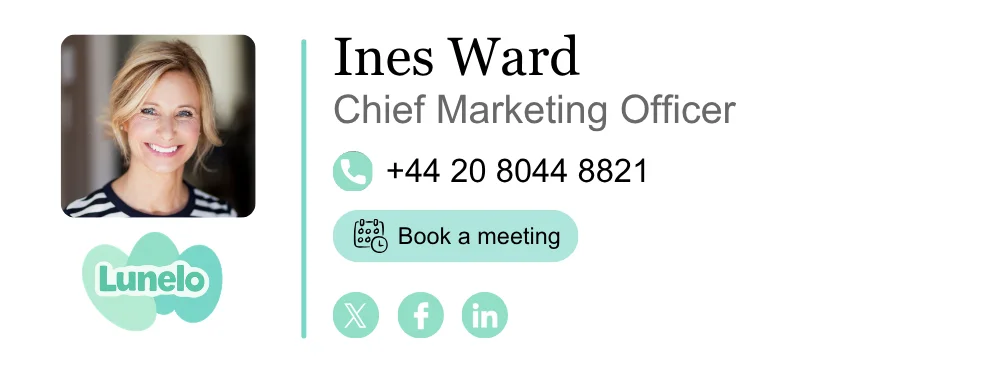
A streamlined pro email signature with a clear call-to-action to book a meeting.
6. Customer Experience Manager
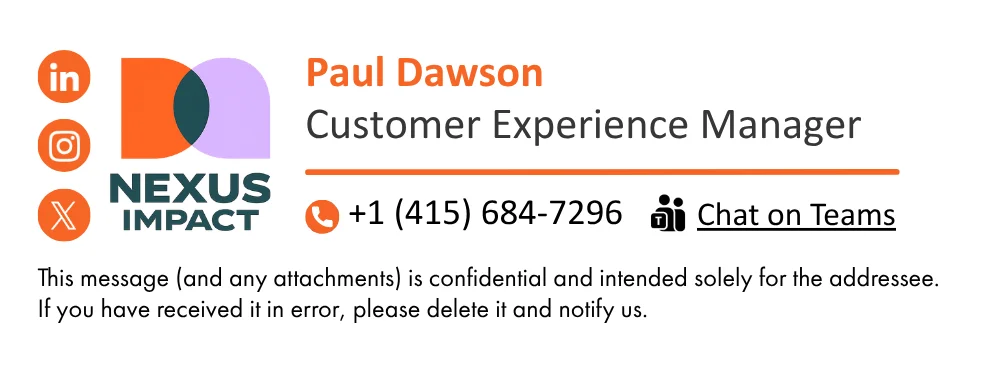
A concise signature with social links, contact infos and a disclaimer.
7. Business Developer
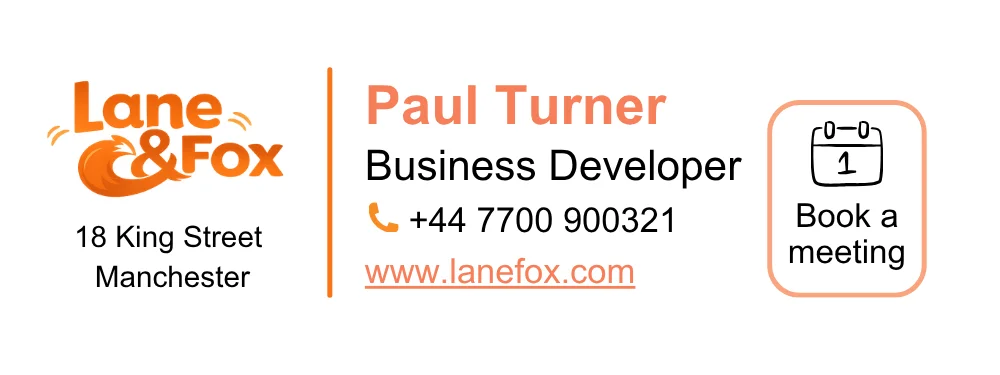
A signature designed to foster strong connections with partners and clients
8. Chief Technology Officer
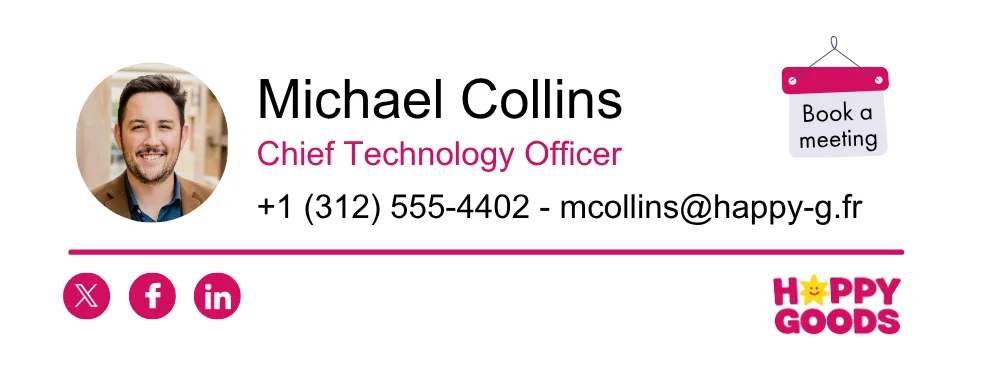
A functional signature including critical contact information and a button to book meetings.
9. VP Sales
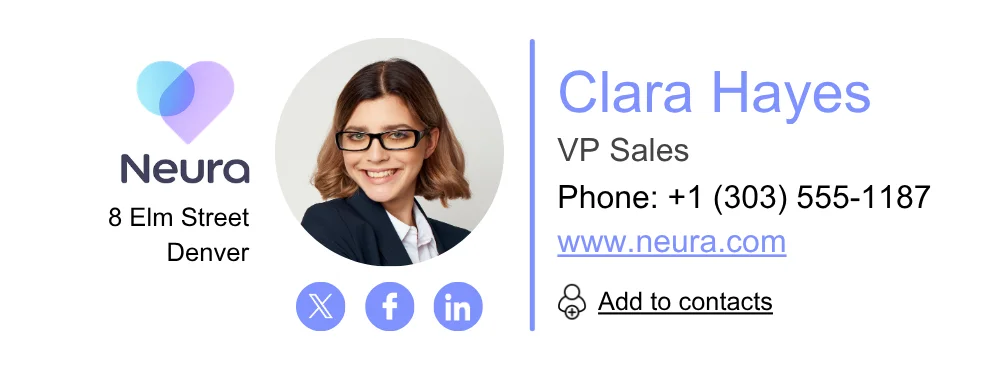
A signature that highlights the employee's title, phone number, social links, and vCard.
10. Marketing Manager
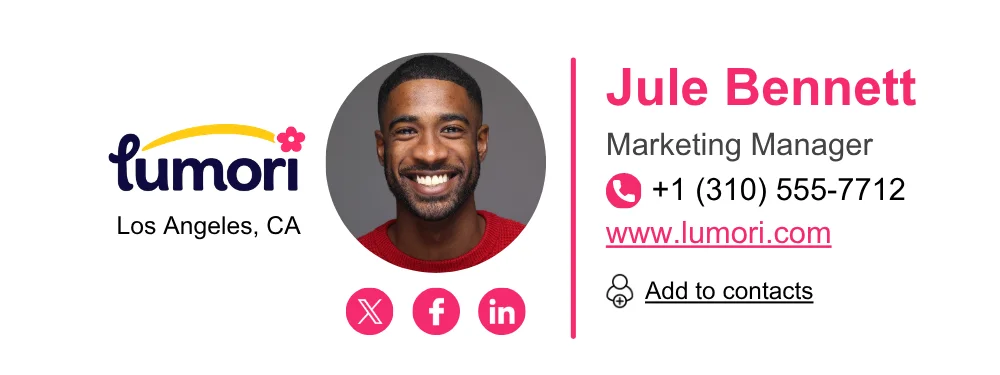
An accessible signature with all the needed information.
11. To recruit

A banner designed to attract top talent by promoting your open positions and opportunities.
12. To relay marketing content

Showcase your latest blog post or product update through a visually engaging banner.
13. To distribute promotional offers

Highlight exclusive discounts or promotions to engage recipients right from their inbox.
14. To gather feedback

Invite customers to share their opinions through a quick and easy survey link.
15. To communicate safety risks

To help your company react effectively in the event of an attack.
16. To share your latest news

Share company news with an internal or external audience.
17. To relay marketing content #2

To share your stunning new marketing creation.
18. To relay events #1

Using your email signature banner can also be great to share your next webinar or physical event.
19. To support change management

Announce important changes to processes or teams with a clear and informative banner.
20. To relay events #2

Introduce your customers to the latest events
For even more ideas, take a look at the Letsignit signature and banner directory! A large number of signature and banner templates have been added, with the sole aim of inspiring you!
Your email signature is prime real estate for more than just your contact info—it’s a gateway to boost engagement. By adding a well-crafted Call-to-Action (CTA), you can subtly encourage recipients to take a step that benefits both them and your business.
A CTA is a simple yet persuasive prompt that invites your audience to act, such as visiting your website, downloading a guide, or registering for an event. The best CTAs are concise, friendly, and actionable.
Animation can enhance your signature, but moderation is key. Overly elaborate motion may distract from the core information, making it difficult for recipients to focus. Excessive movement can cause frustration, diverting attention from your message. Keep animations simple and tasteful to avoid overwhelming your audience—just enough to add interest without becoming a nuisance.
We’ve designed specific add-ons to meet unique industry needs, helping professionals customize their email signatures to better reflect their fields:
Whether you're in law, the arts, travel, or advocacy, these add-ons make your signature more impactful and dynamic—perfectly tailored to your industry’s needs.
Remember: the email signature's style should reflect your professional identity and that of your company. It's all very well to be fanciful but remember—moderation is key.
In absolute terms, a professional signature should be :
In addition to being an effective way of sharing your contact details, the professional email signature has the ability to become a real communication tool. Properly used, the signature has the power to reinforce your brand image, facilitate contact, and even serve as a marketing communication lever.
Remember that in many cases, it's your signature that gives your contacts their first impression of you. By fine-tuning your signature, you can better control this first impression and share your messages with a wider audience.
In short, with all these reasons, there's no reason not to set up the most beautiful email signature ever (if you haven't already).

Letsignit exists to make your life easier! In compliance with RGPD standards and ISO 27001 and 27018 certifications (the highest in terms of information security), the tool is secure, easy to use and headache-free to deploy. With more than 1,200,000 active users, the tool has made it possible to standardize the signatures of numerous structures, such as Michelin, Gerflor, and the Exco Group!
Don't wait any longer to benefit from the power of email as a communication channel for cultivating employee commitment, generating leads, or sharing your company's latest innovations!








.svg)
