



Your brand guidelines deserve more than a SharePoint folder. Letsignit Slides brings them inside PowerPoint and keeps them enforced: the right template, the latest content, the right disclaimer, just one click away.
Every day, thousands of presentations leave your company. Client proposals. Board decks.
Partner pitches. Internal reports. Each one a brand moment and most of them, off-brand.
Better templates aren't the answer. Brand governance is. Letsignit Slides delivers the last mile: your brand, enforced on every slide, the moment PowerPoint opens.
Letsignit Presentations doesn't replace PowerPoint.
It makes PowerPoint finally work for your brand.
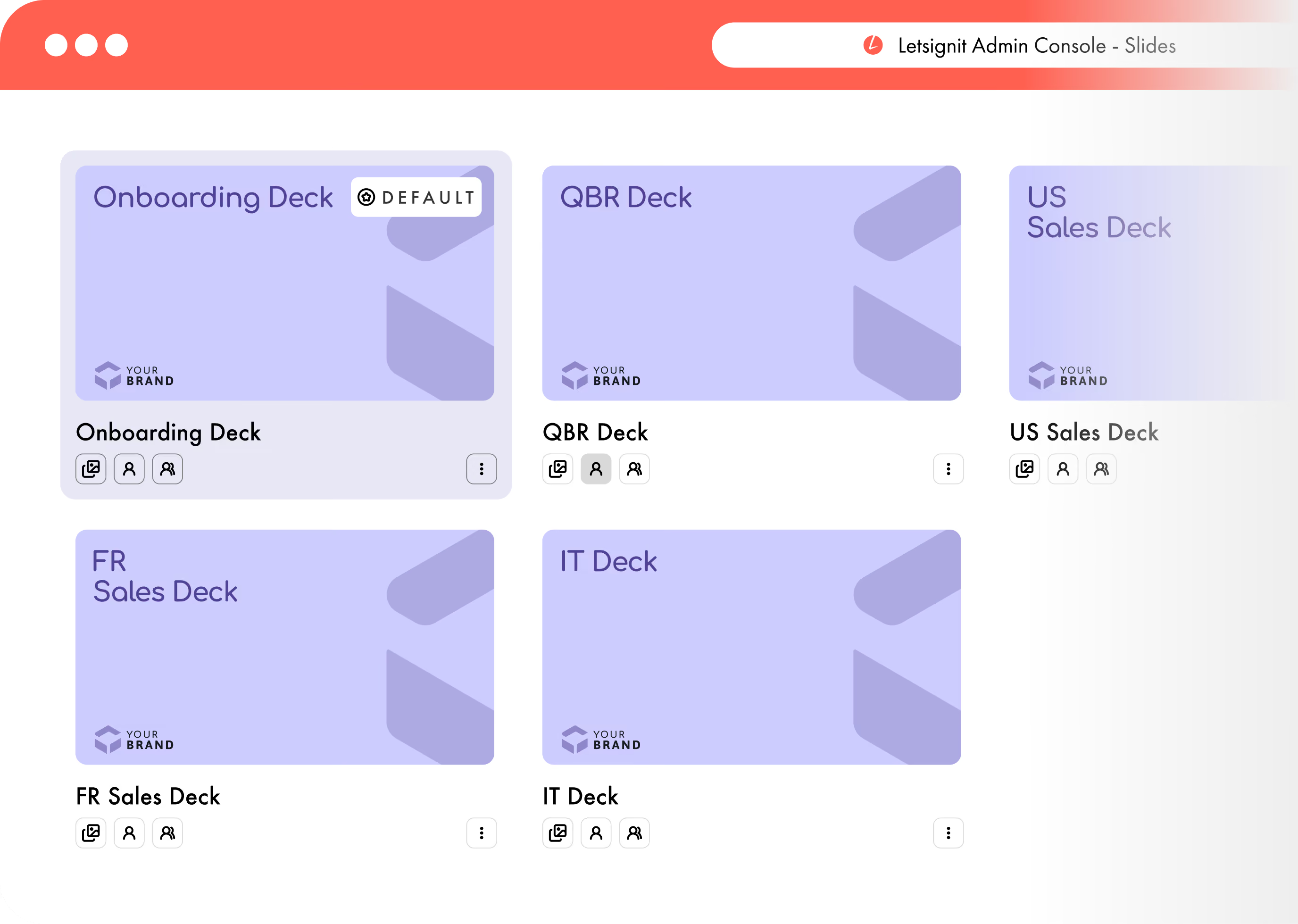
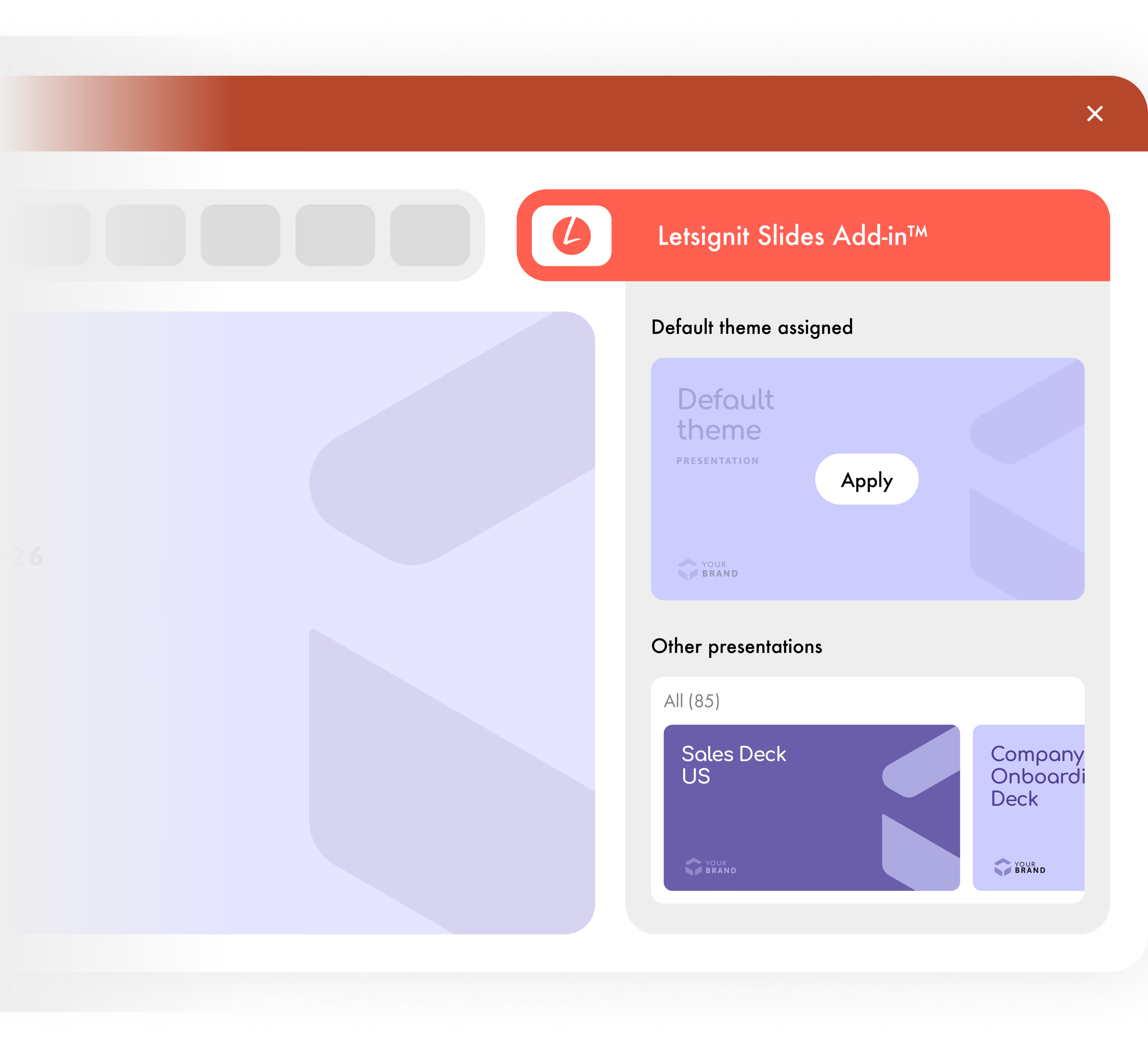
When your brand spans multiple BUs, regions, or entities, governance can't be manual. Letsignit Slides gives Brand teams one console to centralize, assign, and deploy decks at scale, with no IT dependency.

Real enforcement, not just distribution. Brand rules are applied at the application level, not at the trust level so employees can't improvise, even by accident.

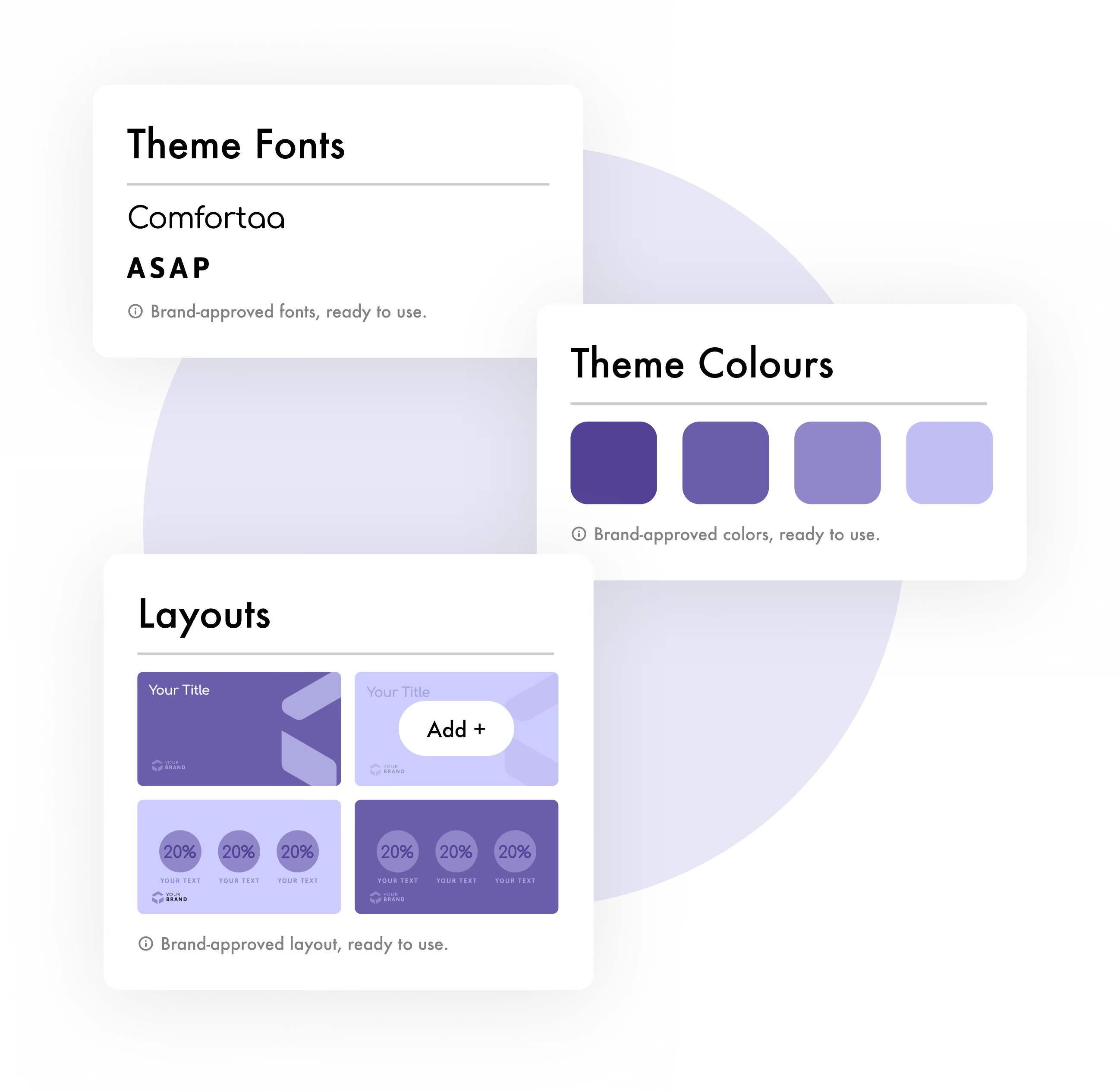
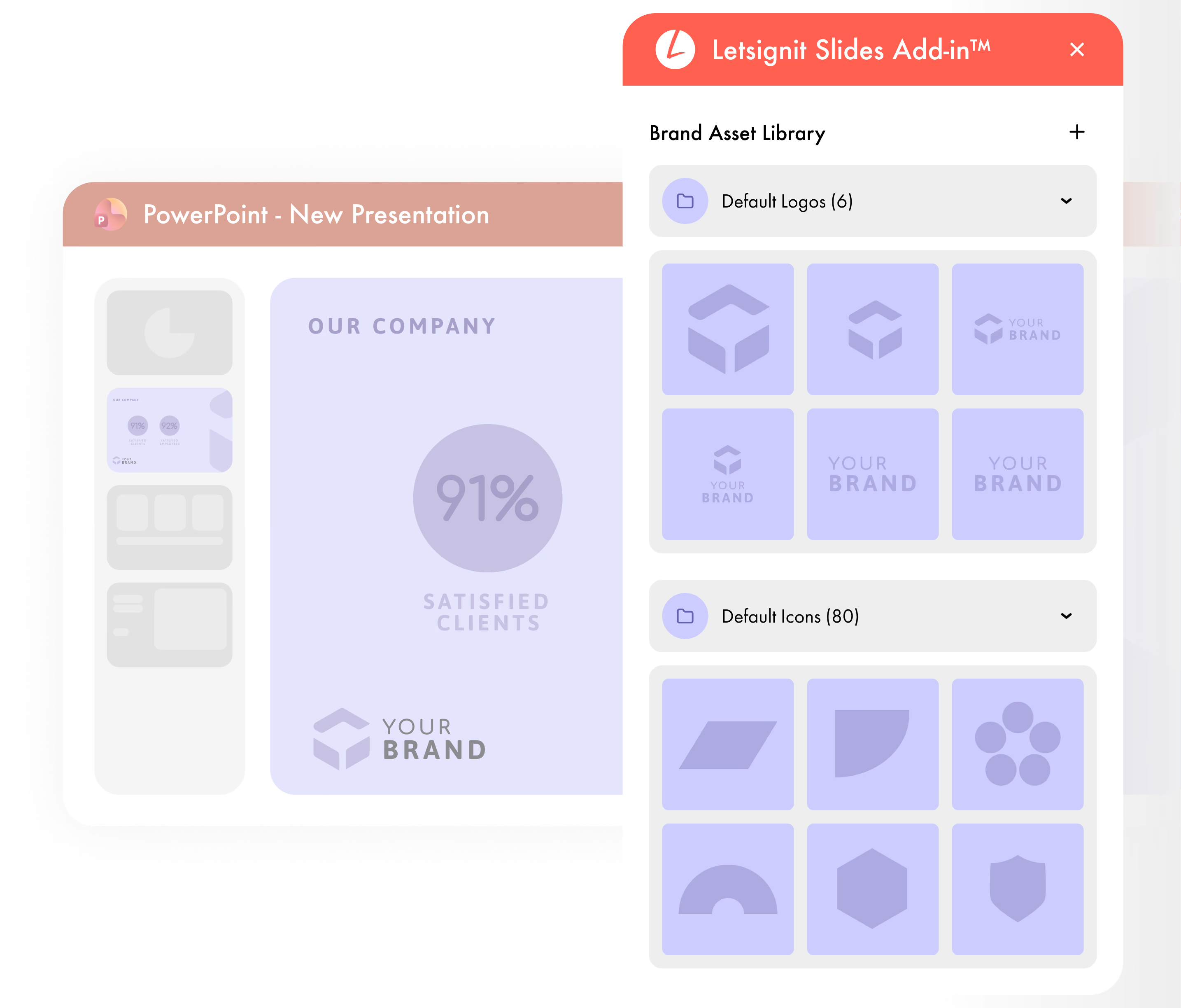
Beyond themes, your teams need ready-made building blocks. Letsignit Slides puts a curated library at their fingertips — right inside PowerPoint — so they spend their time on the message, not on hunting for the right asset.

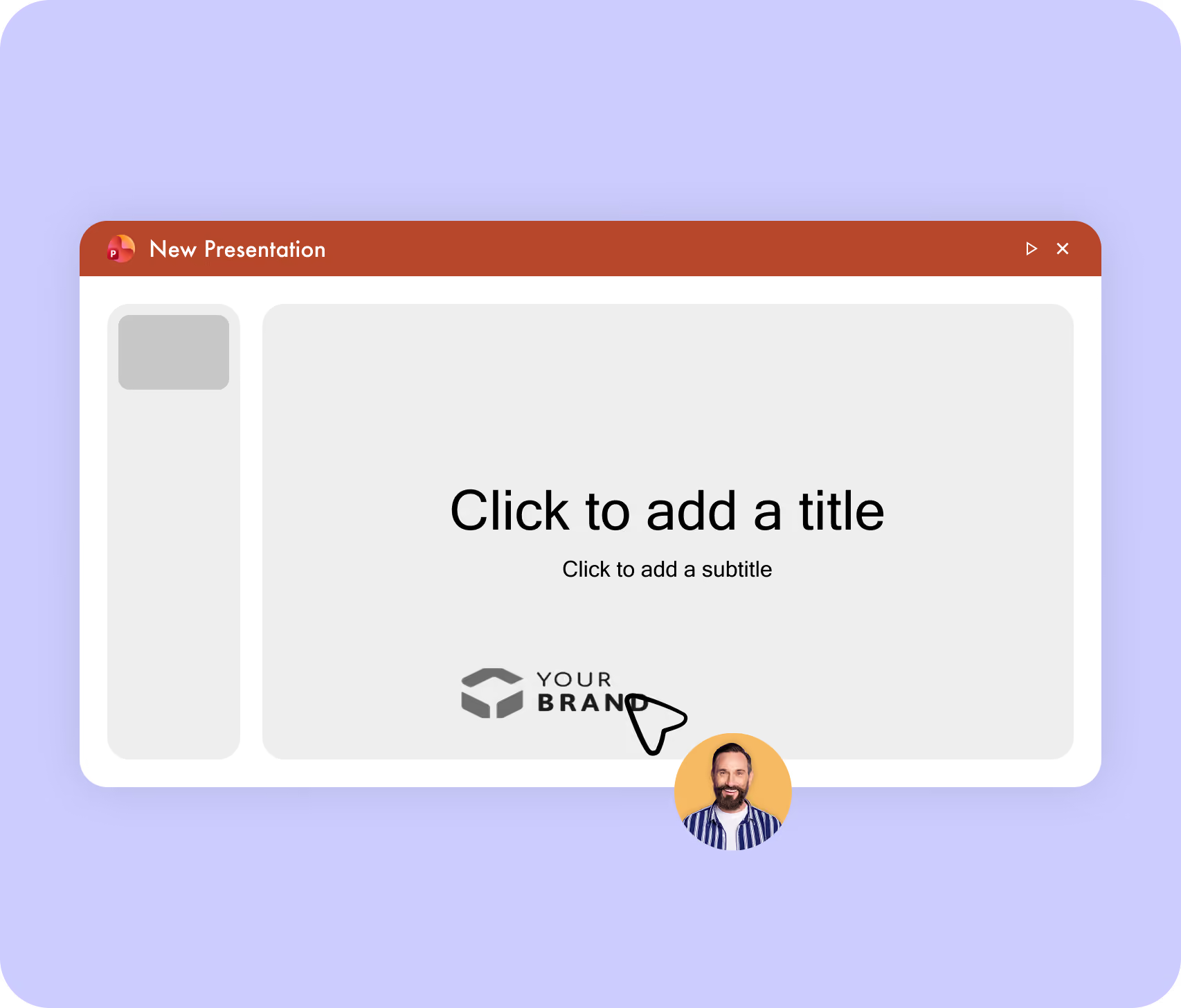
The Letsignit Slides add-in lives inside PowerPoint itself. Your assigned brand theme and asset library are one click away. No new tool, no behavior change, no extra login.

Every email, every meeting, every connection is a brand impression, multiplied by every employee, every day.
No channel matches that scale, and none matches that humanity.
Letsignit Slides is built to clear your security review:
native to Microsoft 365, independently certified, and private by design.


Letsignit Slides applies your approved PowerPoint theme automatically when an employee opens the app — through a native Microsoft 365 add-in. No SharePoint sync, no manual opt-in. Themes are assigned per user, team, or business unit via Azure AD synchronization. Brand governance is enforced at the application level, not relied on employee behavior.
Yes. Letsignit Slides is distributed via Microsoft AppSource, works natively inside PowerPoint (Windows, Mac, online), and is co-developed with Microsoft engineering. It integrates seamlessly with existing Microsoft 365 deployments, including Copilot-enabled tenants.
Yes. The admin console supports multi-theme, multi-BU, multi-country management from a single dashboard. Themes are assigned automatically based on Azure AD attributes (department, location, role). Each employee receives the appropriate theme without any manual action from Brand or IT teams.
Deployment timeline aligns with Letsignit Signatures : a matter of days, not months. Because the add-in distributes via Microsoft AppSource and syncs with your existing Azure AD, there's no infrastructure project, no SMTP setup, no new vendor review.
No. The Letsignit Slides Add-in distributes templates and brand assets to employees — it does not read, store, or access any content employees create inside their presentations. Presentations remain under Microsoft 365 control. The integration is client-side by design : no personal data or confidential content transits through Letsignit servers.
Yes. Rebrands deploy in minutes, not months. Publish the new theme in the Letsignit admin console, deprecate the old one, and the change propagates automatically to every employee on their next PowerPoint open. No manual rollout, no communication campaign, no IT ticket.
Letsignit is dual-certified ISO 27001 and ISO 27018, with continuous audits, 100% EU hosting, and zero compliance incidents in 13 years. Security posture is identical across all Letsignit platform modules — Signatures, Presentations, and vCards.