
An email signature banner can promote an event, highlight a piece of content, support a product launch, share company news or reinforce internal communications. Each campaign is an opportunity for Marketing and Communications teams to turn employee email signatures into a communication channel they can activate throughout the year.
But as the number of campaigns grows, keeping track of the schedule can become more challenging. Which banners are live today? What’s coming next? Are campaigns overlapping? Are there key moments in the year that aren’t being supported by a campaign?
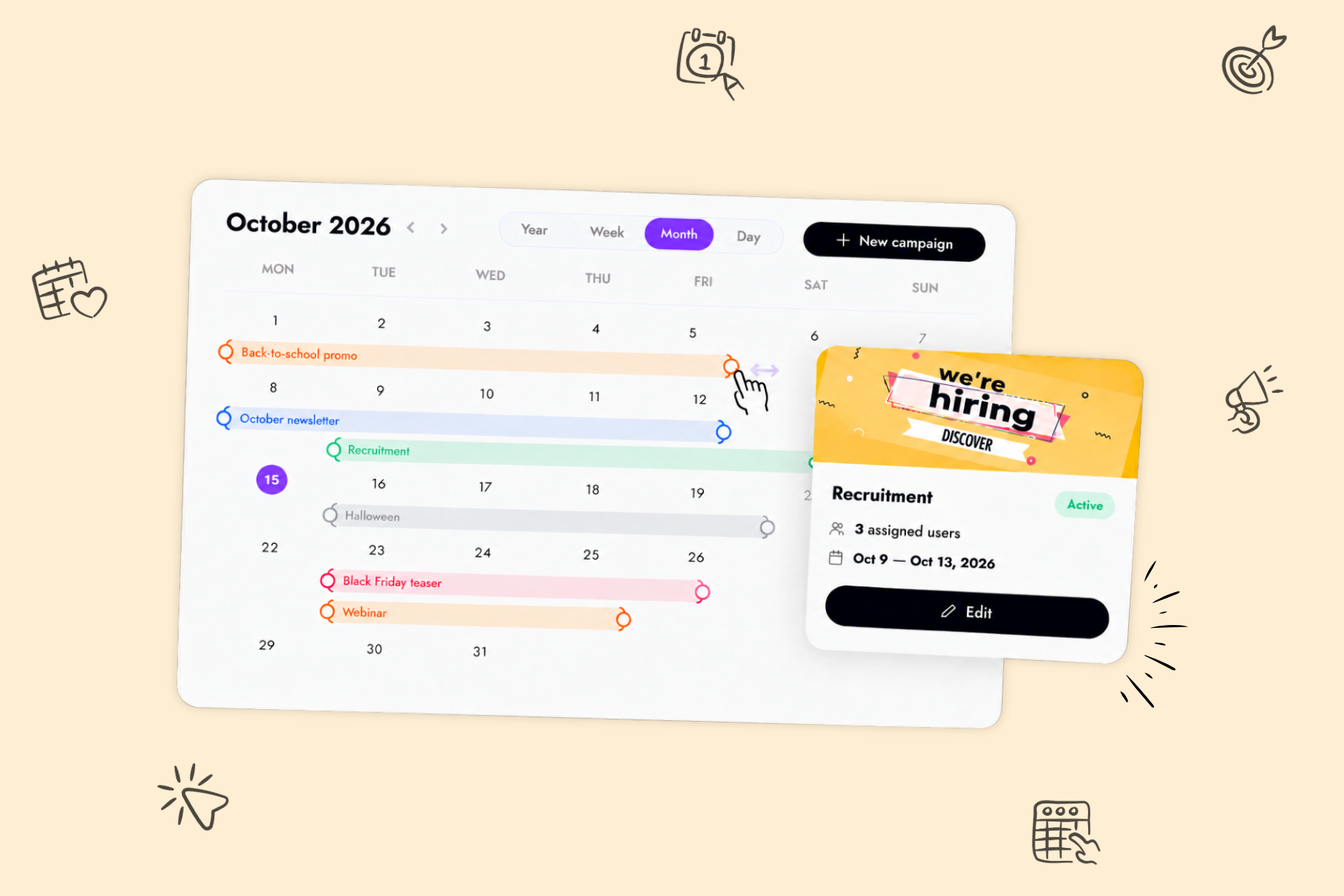
That’s exactly what the new Letsignit Campaign Calendar is designed for: giving Marketing and Communications teams a clear view of their email signature banner campaigns over time, directly within Letsignit.
And it’s a feature our customers have been particularly eager to see: during our latest Product Webinar, the Campaign Calendar ranked as the #1 feature they wanted us to develop next.
Noémie from SDIS13, who uses the Calendar view to manage her campaigns, shares her experience:

As Marketing and Communications teams run more campaigns through employee email signatures, creating and scheduling each campaign is only part of the equation. Teams also need a clear view of how their campaigns fit together over time.
Which messages are live right now? What’s coming next? Are multiple campaigns overlapping?
A calendar view provides a clear overview of your campaign schedule and helps address three key needs.
The calendar gives teams an at-a-glance view of past, current and upcoming campaigns.
This makes it easier to understand how different campaigns are scheduled over time, without having to open and review them one by one.
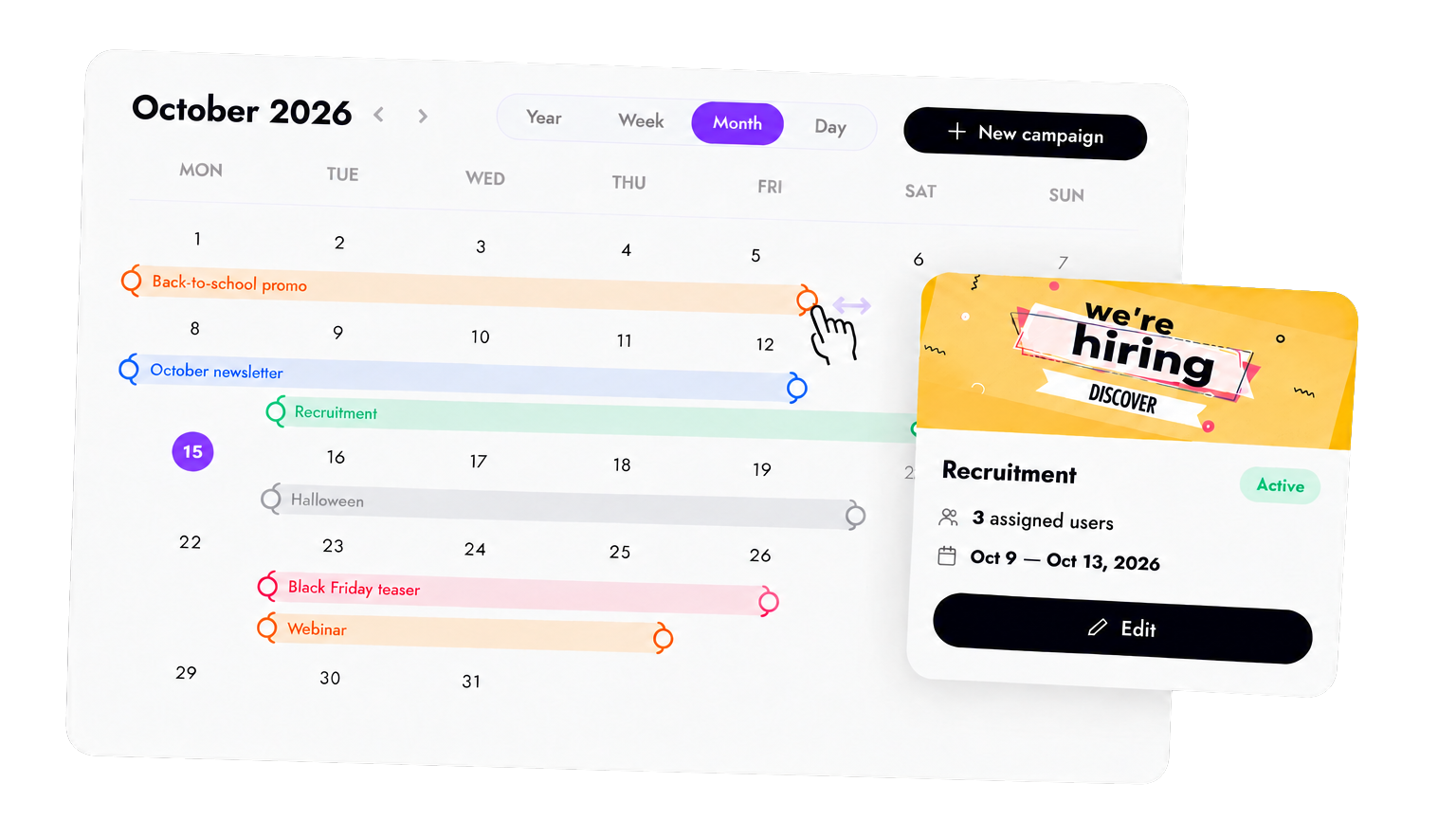
Multiple banners can run at the same time, particularly when they target different audiences. So an overlap isn’t necessarily an issue.
Having a clear view of these overlaps makes it easier to check whether your schedule makes sense. Are campaigns targeting the same audiences? Do their messages complement each other? Would one campaign be more effective at a different time?
Conversely, a period with no active campaigns is an opportunity to check whether an upcoming event, key initiative or piece of content has been overlooked.
The goal isn’t to communicate more for the sake of it, but to choose the right moments to communicate.
An event gets moved forward, an important announcement comes up or priorities suddenly shift and your communications calendar can quickly change.
A calendar view makes it easier to see how these changes affect other campaigns and adjust your schedule accordingly.
With Letsignit, Marketing and Communications teams can already create and schedule email signature banner campaigns for different audiences.
The Campaign Calendar builds on this experience by providing a visual timeline of all the campaigns configured in Letsignit.
Four different views let teams manage their schedule at the level of detail they need:
Color coding makes campaign statuses easy to identify at a glance, while search, filter and sorting options make it easier to navigate as the number of campaigns grows.
When plans change, campaign dates can also be adjusted directly from the Week and Month views, depending on the user’s permissions and the campaign status. Simply drag the edges of a campaign within the calendar to update its scheduled dates.
The Campaign Calendar is more than just a way to view your schedule: teams can take action directly from it.
From the Week and Month views, simply drag the edges of a campaign to adjust its start and end dates without leaving the calendar.
It’s a simple way to view and adjust campaign schedules from the same place, depending on the user’s permissions and the campaign status.
Every day, your employees exchange emails with customers, prospects and partners. Each of these interactions is a valuable touchpoint that can help extend the reach of your communications campaigns.
For teams already making the most of this channel, the Campaign Calendar makes day-to-day campaign management easier, helping them visualize, anticipate and adjust campaigns as priorities evolve.
And if email signature banner campaigns aren’t part of your strategy yet, now might be the right time to explore their potential.
Create → Target → Schedule → Visualize → Adjust → Track
The Campaign Calendar isn’t a standalone feature. It’s part of a broader set of tools designed to help teams turn employee email signatures into an effective Marketing and Communications channel.








.svg)