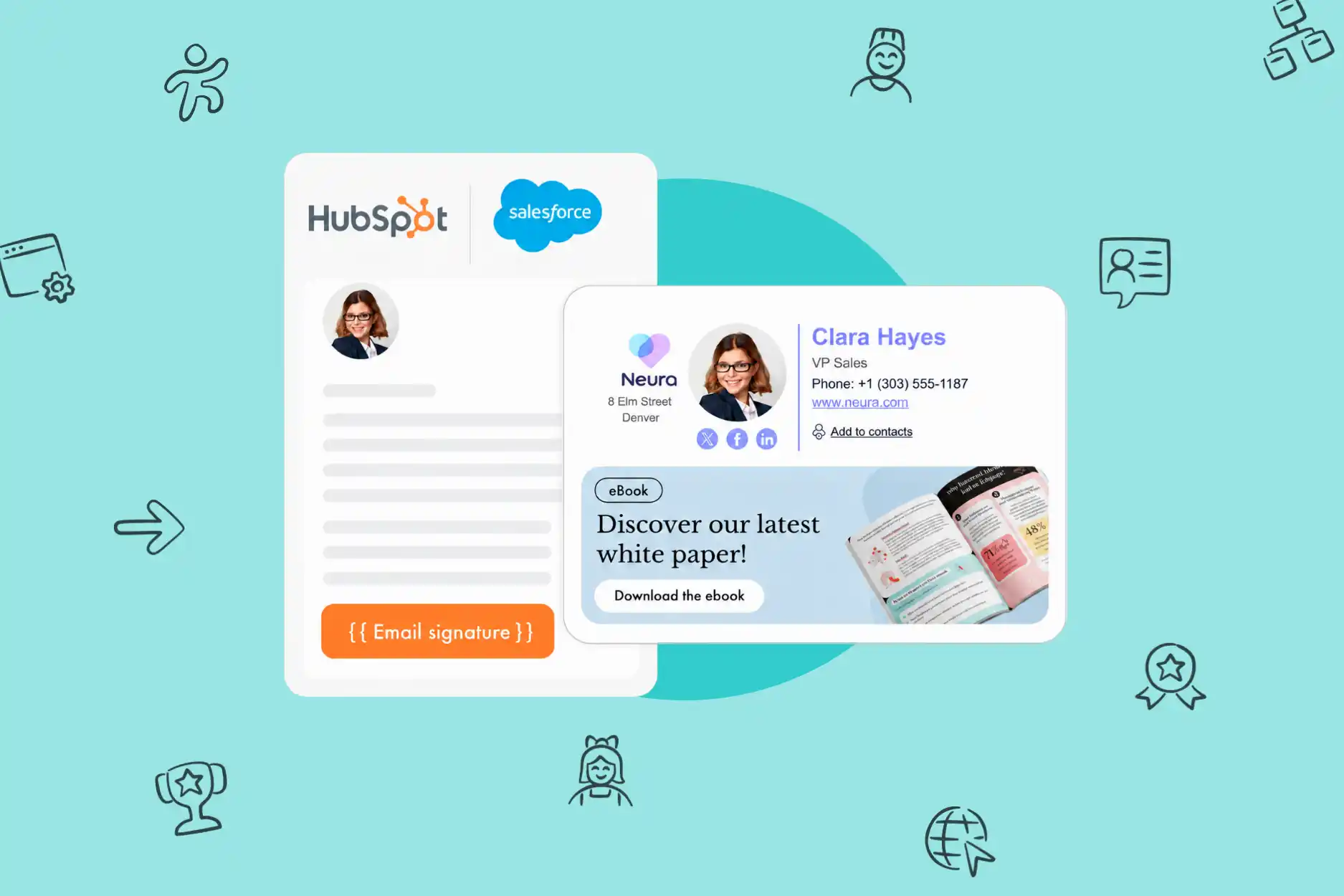

Great news for teams using Salesforce and HubSpot every day: native Letsignit connectors are now available for both CRM platforms.
In practice, every email sent from Salesforce or HubSpot can automatically include the email signature and campaign assigned to each employee in Letsignit.
No copy-pasting, no manual checks, and no action required from your teams.
Salesforce and HubSpot sit at the heart of sales and customer service communications. Dozens, sometimes hundreds of emails are sent from these CRM platforms every day, reaching prospects, customers, and partners.
Yet these emails often fall outside the signature standards set by your marketing or communications team.
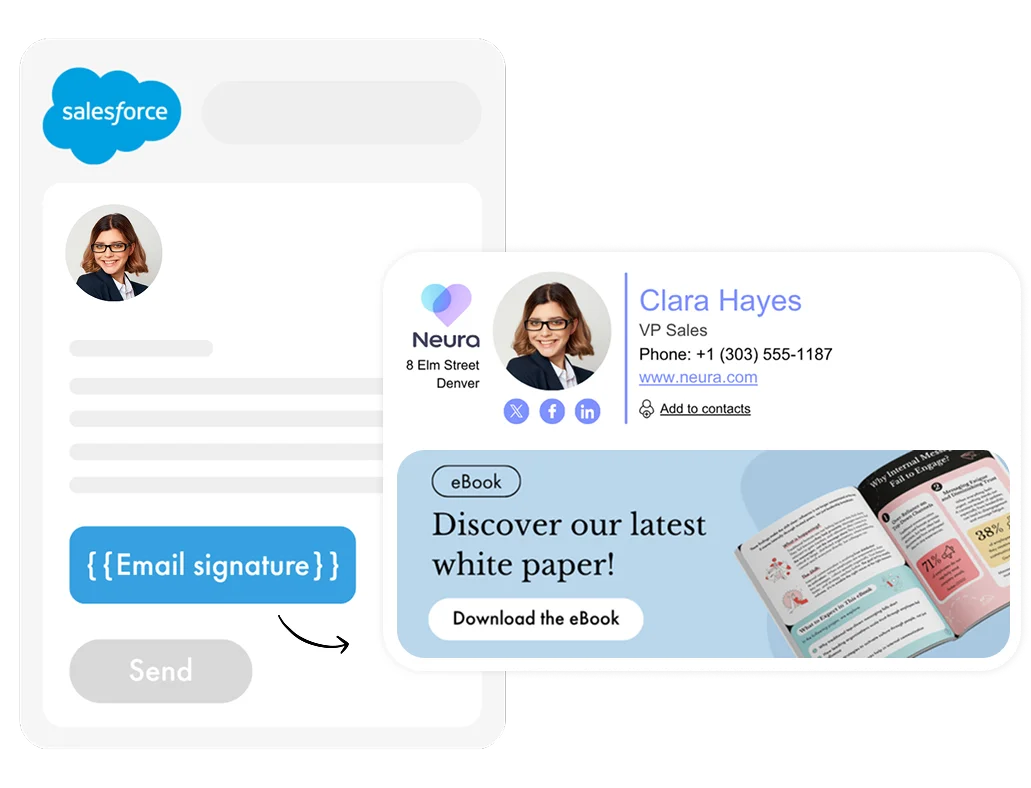
Once the connectors are activated, Letsignit automatically applies the right signature and campaign to emails sent from Salesforce or HubSpot.
The same priority rules, templates, and active campaigns are applied as they would be for emails sent from Outlook or Google Workspace.
No action is required from users. Everything is automated.
For Salesforce, signatures are applied to emails sent through the Salesforce Lightning email composer, on both desktop and mobile.
For HubSpot, Letsignit signatures apply to individual emails and sales sequences sent from a Microsoft 365 mailbox connected to HubSpot.
Every day, Sales and Customer Success teams send hundreds of emails from their CRM. Too often, these emails fall outside brand standards, resulting in inconsistent signatures, missing campaigns, and a fragmented brand identity. With Letsignit, Salesforce and HubSpot are no longer blind spots. The right signature and the right campaign are applied automatically to every eligible email sent. The result: a unified identity, visible campaigns, and zero effort for your teams.
Valentine Drevet, Product Marketing Manager at Letsignit

The connectors can be enabled in just a few clicks from the Letsignit platform, followed by a short configuration on the Salesforce or HubSpot side.
Once set up, they require no ongoing maintenance or recurring technical support.
If an employee does not yet have a Letsignit signature, nothing breaks. The email simply goes out without an added signature.
With Letsignit, your email signatures and campaigns now cover your CRM communications, including emails sent from Salesforce and HubSpot.
Same branding, same campaigns, and the same level of control, regardless of where the email comes from. Because your customers and prospects do not see the tool. They see your brand.
That is why it matters to keep it consistent, everywhere.
---
Ready to see it all in action? Join the 6,000 customers who’ve already done so and request a demo!
Already a Letsignit customer and want to activate the connector? Find all the instructions in our help center.