Communication
Published:
Updated:
November 25, 2025

design-blog-test

By
Letsignit
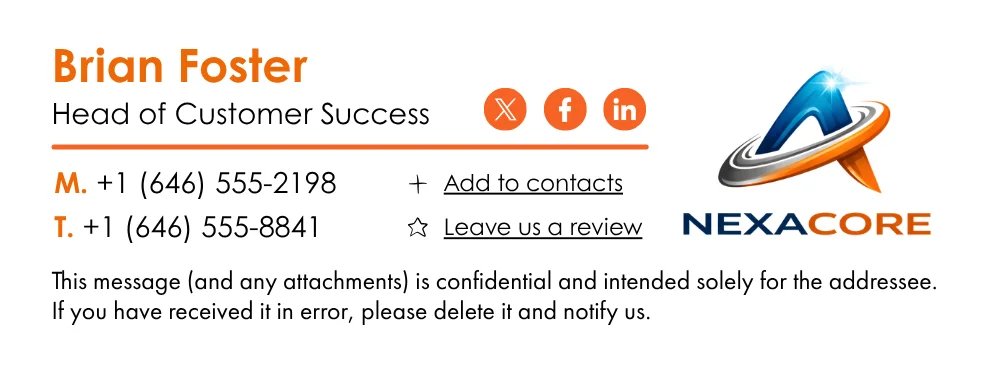
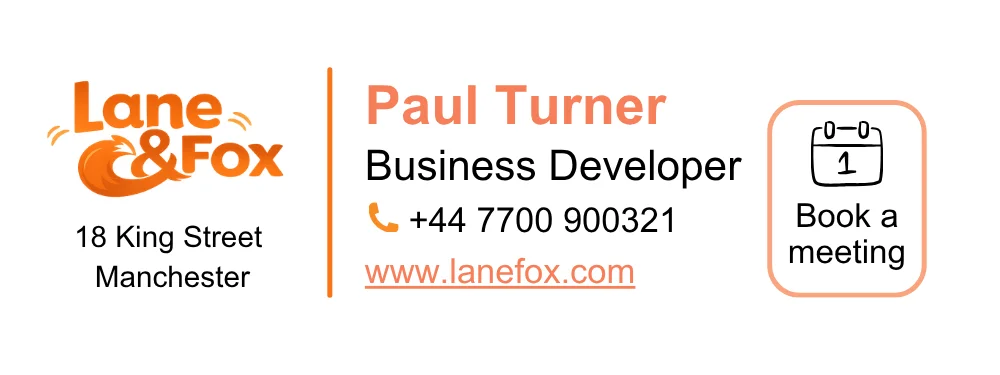
Signature 1
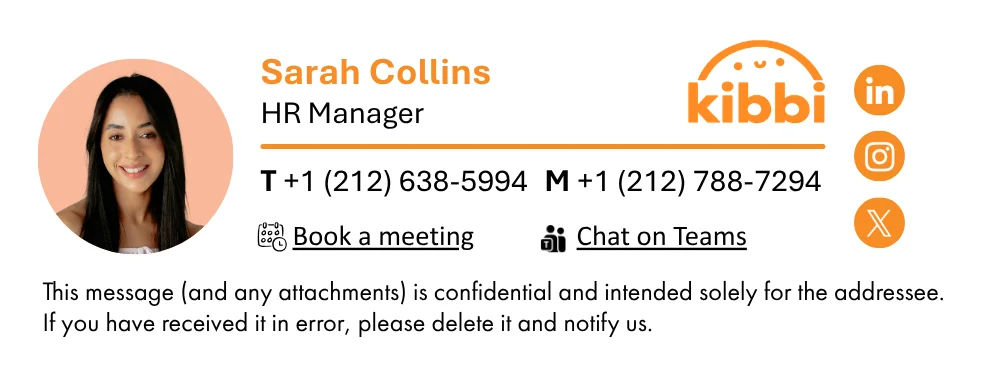
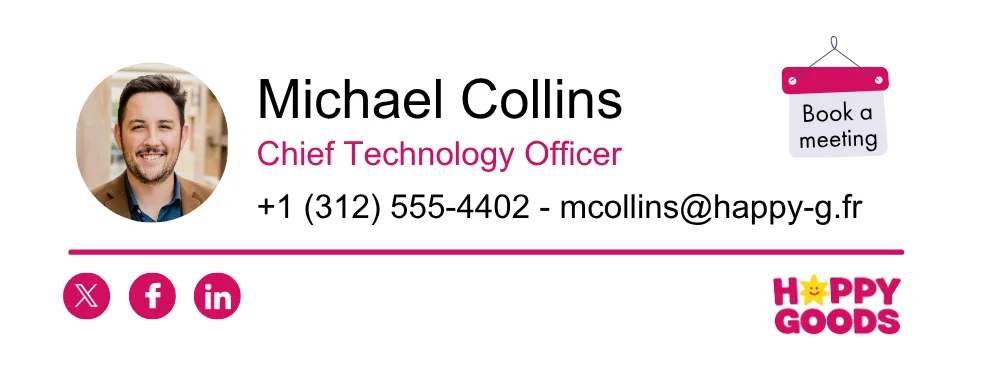
Signature 2
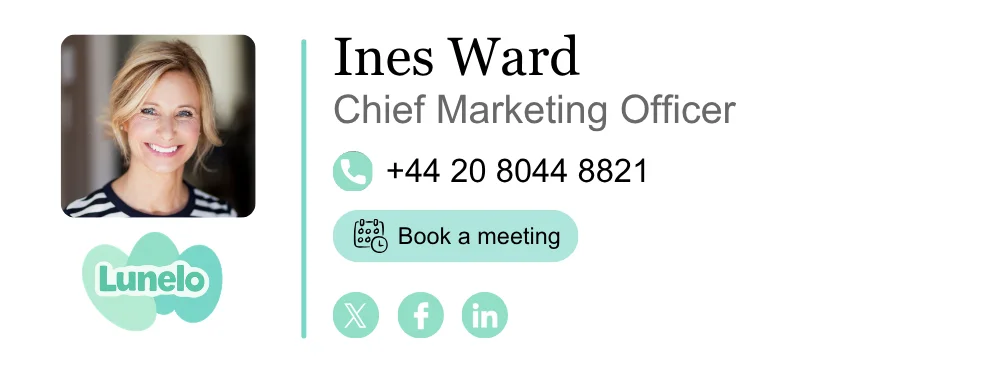
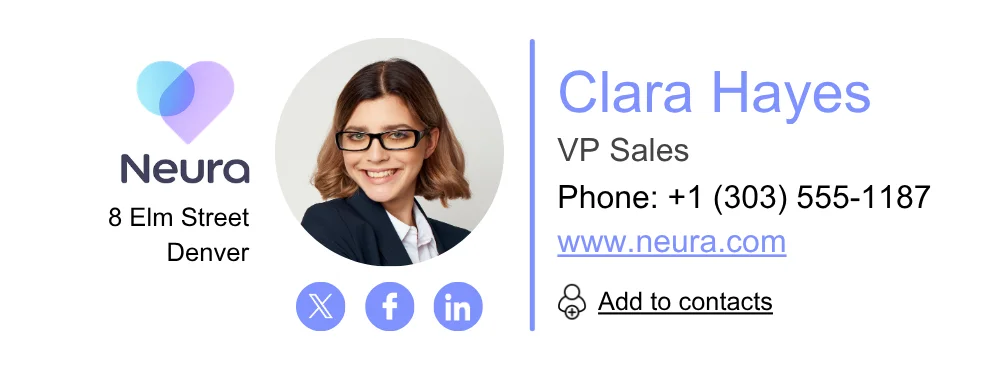
Signature 3
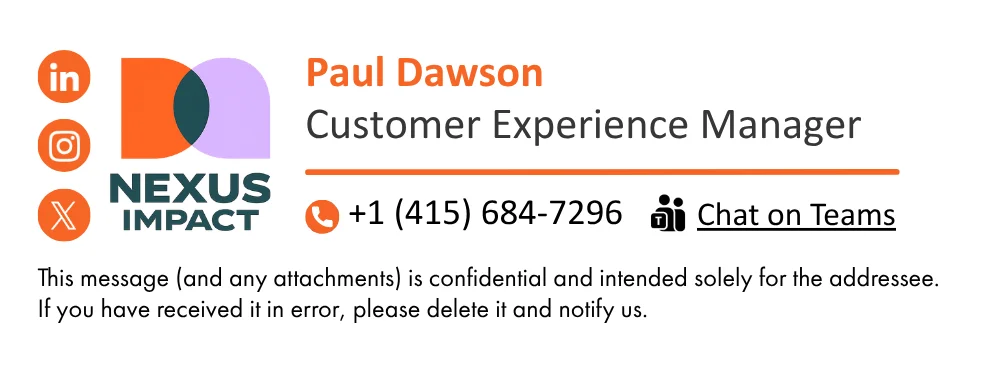
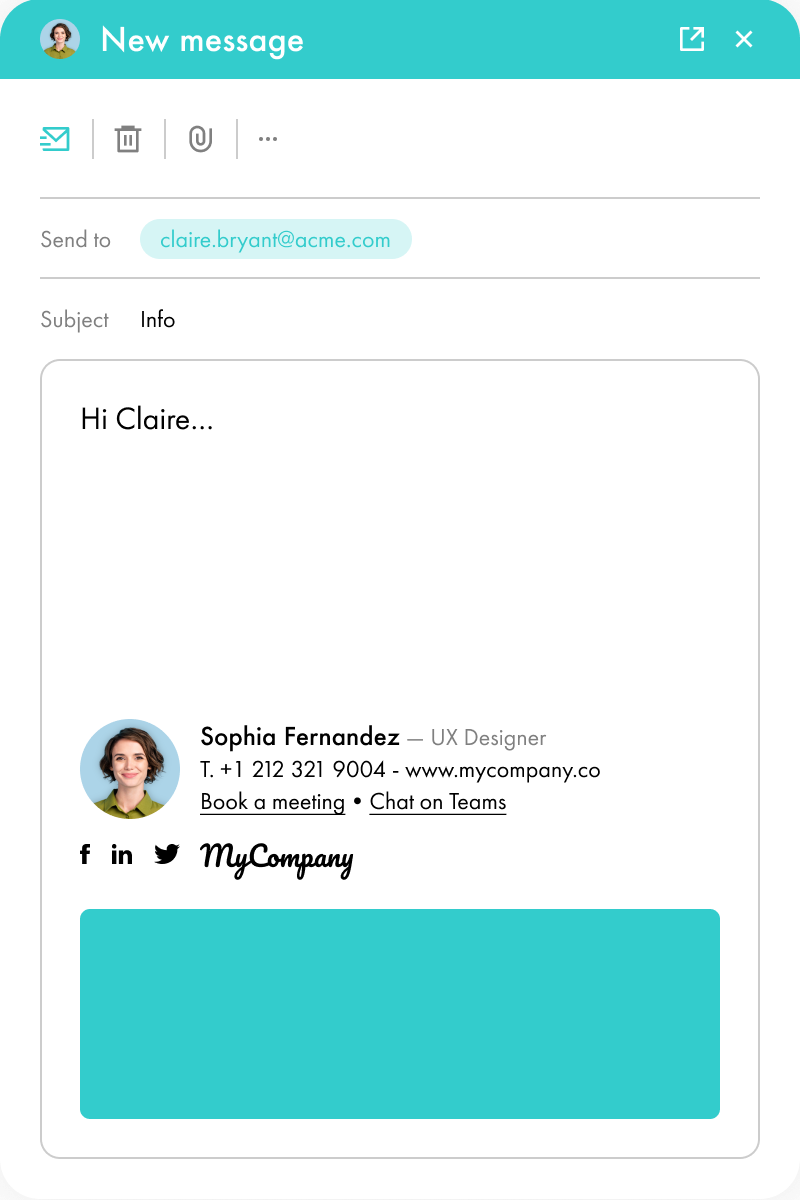
Signature 4

Communiquer par ses signatures mail peut paraître insignifiant en comparaison à certaines opérations médiatiques. Pourtant, les résultats peuvent être impressionnants. À la différence des canaux « classiques », les gens ne perçoivent pas comme intrusive une bannière de communication glissée sous vos signatures mail.

C’est le seul canal sur lequel vous pouvez communiquer sans risque de passer à la trappe (pour rappel : en 1-1, le taux d'ouverture des emails frôle les 90 %). Associée à l’ensemble des emails de vos collaborateurs, elle permet d’adresser un grand nombre de personnes en interne et en externe. Rappelons aussi qu'en moyenne, 40 emails sont envoyés quotidiennement par vos collaborateurs.

À l’échelle d’une entreprise de 500 collaborateurs, cela représente 20 000 emails sur une journée, soit 400 000 emails sur 20 jours ouvrés. Cela laisse donc l’opportunité d’atteindre une audience large et diversifiée : clients, prospects, collaborateurs ou prestataires.

Considérant cela, la signature mail peut vous permettre de vous différencier de la concurrence. Elle contourne l’affolement médiatique hivernal de manière subtile et non intrusive, tout en attirant l’attention de vos destinataires.

Une signature mail avec une bannière attire naturellement plus l'attention.

Et si un élément attire votre attention, vous aurez plus de facilité à vous en souvenir. Ce sera aussi le cas pour vos clients, vos prospects ou vos prestataires. Pourquoi ? Parce que cela a suscité de l’émotion. Si vous souhaitez interpeller votre audience, intégrer une signature festive est un excellent moyen d’y parvenir.

L’émotion marque durablement une personne. Tous nos souvenirs sont associés à une émotion : la joie à l’ouverture des cadeaux de Noël, un plaisir coupable après un 6e chocolat… L’émotion est un élément moteur chez l’humain. Elle influence les comportements, la perception et les choix.

En attirant l’attention de vos destinataires avec une signature festive, vous créez un premier lien émotionnel : un sentiment de sympathie, d’étonnement ou de curiosité.

Lorsqu’une personne est émotionnellement liée à une marque, elle n’en a plus la même perception. Elle accueille avec plus de bienveillance les communications. La perception à l’égard de votre entreprise sera différente. Dans ce cas de figure, utiliser vos signatures comme canal de communication durant les fêtes est tout à fait pertinent.

En utilisant vos signatures mail pour souhaiter vos vœux, vous aurez une occasion de renforcer l’attachement à votre marque. Contrairement à un email (dont nous ne retenons qu’un ¼ du contenu), vos signatures mail, notamment celles pour vos vœux favoriseront la mémorisation des éléments visuels de votre marque. En d'autres termes, vous serez plus facilement identifiable.

Ainsi, vous aurez plus de facilité à engager votre audience et consolider des liens.

Si vous utilisez un outil de gestion des signatures avec des statistiques, vous pouvez suivre les clics sur vos campagnes (par signature, période, etc.) et mesurer l’impact réel de vos bannières.

Christmas Wish Banner 1
Christmas Wish Banner 2
Christmas Wish Banner 3
Christmas Wish Banner 4
Christmas Wish Banner 5
Christmas Wish Banner 6
Christmas Wish Banner 7
Christmas Wish Banner 8
Christmas Wish Banner 9
Christmas Wish Banner 10
Christmas Wish Banner 11
Christmas Wish Banner 12
Christmas Wish Banner 13
Christmas Wish Banner 14
Christmas Wish Banner 15
About the author
About Letsignit
Letsignit est une solution de gestion de signatures mail qui permet aux organisations de transformer les signatures mail de leurs collaborateurs en un média d'engagement 1-1 puissant pour leurs marques et leurs campagnes.

Questions
Fréquentes

1

Is it possible to track the number of clicks on email signatures?

Yes, with the 'Campaigns' offer, it is possible to track the number of clicks on the email signatures of all your employees in the 'Statistics' area of the platform.

You can then access a detailed or global view of the number of clicks on the email signatures of each employee. You can use the search option to target a specific signature or a given period. Finally, you have the possibility to export all statistics to an Excel document.

If you launch campaigns with banners inserted in your email signatures, you can also access their performance via this same space.

2

Can we add links to social networks, our website, and appointment-setting applications such as Calendly?

With Letsignit, you can easily add social network icons in your collaborators' email signatures and link to your company pages. Also, our "attributes" feature allows you to manage personalized URLs for each of your collaborators such as their individual LinkedIn profile.

And that's not all: you can add links to an appointment-setting application, allow your customers to leave reviews easily, and integrate our 'Chat on Teams' widget to let anyone start a discussion via Microsoft Teams chat.

3

Can employees update their signature information themselves (number, function, etc.)?

It’s up to you! As an administrator of the Letsignit platform, you choose whether or not to grant modification rights to your employees. These permissions are managed on an attribute-by-attribute basis, which means that you can decide to allow the employee to change their phone number, but not the address of your premises, for example.

This feature applies to all attributes in your directory, including custom attributes created on Letsignit. When your employees change one or more attributes, your directory is obviously not affected.

4

Why it is important to standardize our email signatures on a large scale to ensure our identity and brand image?

It often happens that employees make their email signature their own: custom format, bad fonts, colors inconsistent with the brand standards... all of this has an impact on your brand!

A consistent visual identity is considered authentic and outperforms a perceived weak one by 20%. And, your customers are 2.4 times more likely to buy your products.

With Letsignit, take back control over your brand identity by standardizing all your email signatures. Our tool has many features that allow you to customize your signatures by department, by audience or by subsidiary. Not to mention the possibility of carrying out campaigns within your email signatures thanks to our Campaign offer.

5

What is the user experience like for our employees?

What is the user experience like for our employees?

  • If you opt for the Letsignit Add-in for Outlook, they will have a dedicated space in their Outlook account where they will be able to view the signatures and campaigns assigned to them.
  • If you opt for the Letsignit Desktop APP, they will be able to preview all their signatures and campaigns in this space. If they want to change their default signature to another one when sending an email, this will be done in their signature library in Outlook.

In both cases:

  • They preview their signature before sending an email and choose from signatures assigned to them.
  • Based on the permissions granted, they will also be able to modify their personal information such as their name, position, or address in these spaces.

In short, they have autonomy in their email signature, but you keep control on the field, signatures, and banners they can edit or use.

6

Can my employees have multiple signatures available to them?

With our "multi-signature" feature, your employees can benefit from multiple email signatures. No technical manipulation is required. Thanks to our Add-in for Outlook or the desktop app, they can change their email signatures as they wish with just a few clicks.

Regarding the creation of email signatures, you can make several variations such as:

Everything has been thought of to go further in the personalization process based on the recipient of your emails.

7

Regarding “Green IT,” have you implemented measures to limit the digital footprint of email signatures?

If sending emails has an impact, non-optimized email signatures also have an impact. An unsuitable format or an image that is too heavy considerably increases the size of your signatures... and therefore, your emails.

As a responsible economic actor, we contribute to reducing our CO2 emissions and those of our customers in several ways:

  • Optimization of the weight of signatures and campaigns in emails.
  • Green features: lightening of signatures during response/transfer emails, possibility of not embedding images, implementation of lighter signatures for internal exchanges.
  • Integration of a 'Switch to Teams' widget to encourage your employees to continue their exchanges via chat, rather than email.

As we are increasingly involved in sustainability initiatives, our priority in 2023 is to develop even more green IT functionality.

8

Regarding “Green IT,” have you implemented measures to limit the digital footprint of email signatures?

If sending emails has an impact, non-optimized email signatures also have an impact. An unsuitable format or an image that is too heavy considerably increases the size of your signatures... and therefore, your emails.

As a responsible economic actor, we contribute to reducing our CO2 emissions and those of our customers in several ways:

  • Optimization of the weight of signatures and campaigns in emails.
  • Green features: lightening of signatures during response/transfer emails, possibility of not embedding images, implementation of lighter signatures for internal exchanges.
  • Integration of a 'Switch to Teams' widget to encourage your employees to continue their exchanges via chat, rather than email.

As we are increasingly involved in sustainability initiatives, our priority in 2023 is to develop even more green IT functionality.

Frequently asked questions

1

2

3

4

5

6

7
8

Looking for a tool to manage your email signatures?

Letsignit allows you to create, manage, and deploy email signatures for all your employees in just a few clicks.
Discover Letsignit