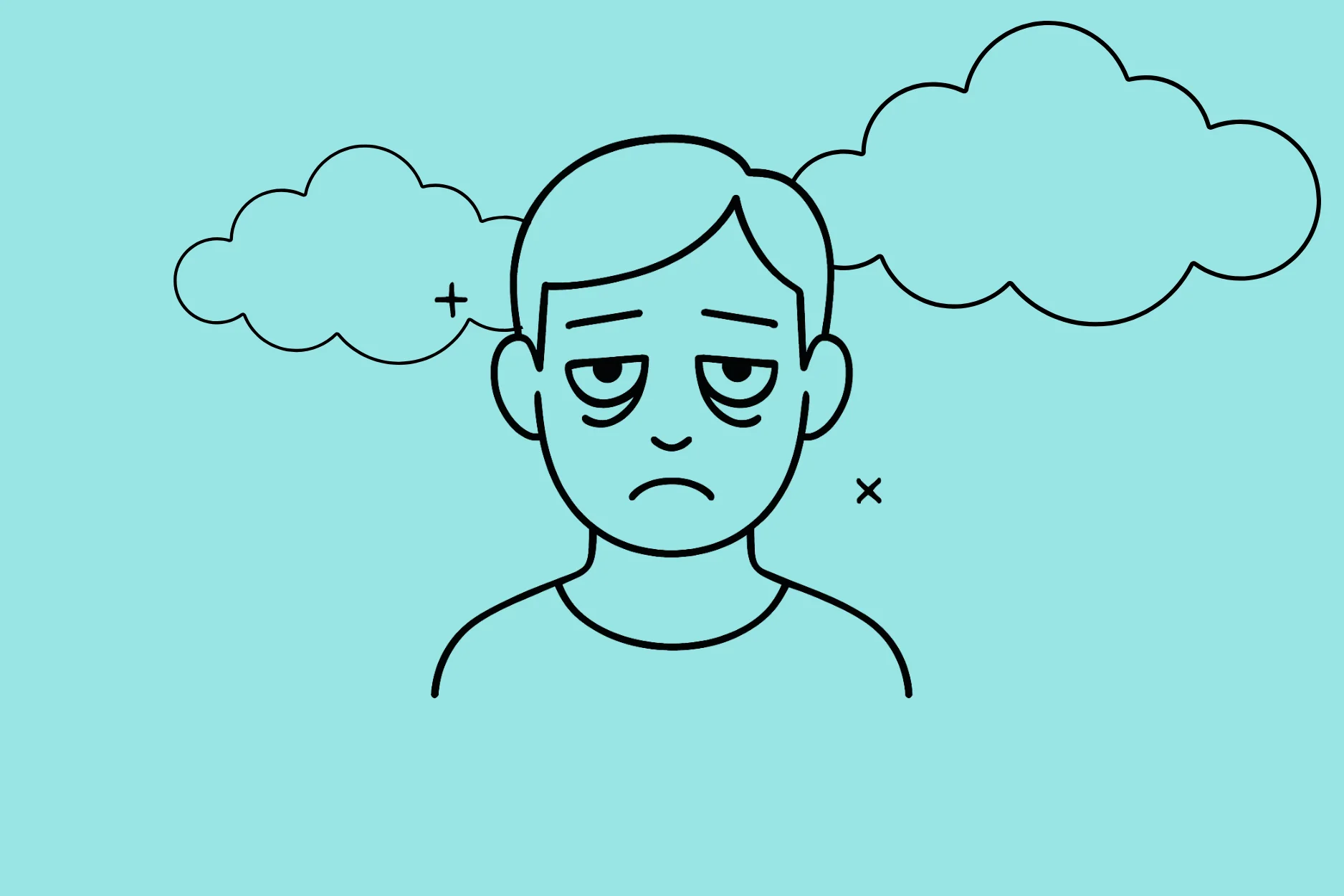

I don't think I'm alone when I say that I sometimes feel like my life revolves around screens.
Nowadays, everything is done through the infamous blue light, both for work and leisure. Whether it's at work, finalizing a last-minute presentation that should have been ready last week (we all know that one), or streaming a movie on our personal computer, our lives are immersed in digital technology.
There are few moments when our eyes are not bombarded with moving images and our ears with the gentle (or not so gentle) sound of notifications from our phones.
Having access to this whole digital universe is great, but it can be tiring. And not just a little.
Does this sound familiar?
Then let's talk about digital fatigue!
The main symptoms are:
You might think it's something that only affects accountants who stare at numbers all day long, 2 cm away from their screens, but no! Even the most seasoned accountants, like the young, cool creatives in the marketing world, can be affected by digital burnout!
To put it simply: digital fatigue now affects a large portion of the American population, with studies showing that nearly three-quarters of younger generations report feeling digitally exhausted. And this phenomenon is tending to increase with the growing digitalization of our daily lives.
Digital fatigue research shows alarming trends in our connected world. Studies indicate that people spend an average of 7+ hours daily on digital devices, with employees particularly vulnerable to technology fatigue due to constant barrage of notifications throughout their workday.
What are the three types of technology burnout linked to digital use?
The manifestations of digital exhaustion are particularly noticeable in the workplace, where 42% of executives report experiencing daily cognitive overload.
That's an average of 275 interruptions per day!
Many employees were already in the habit of checking their emails every 5 minutes, but now they also have to deal with Teams notifications, virtual meetings, and messages on various platforms on a daily basis.
This hyperconnectivity not only harms employees' physical well-being and emotional well-being, but can also lead to a decrease in company productivity in the long term.
Excessive screen time causes lasting damage to brain function: daily exposure of more than 7 hours causes a 15% reduction in gray matter volume in areas related to memory and learning, potentially leading to memory problems.
The accumulation of blue light disrupts melatonin production and disturbs natural sleep cycles. Research conducted in 2025 reveals that each additional hour of screen use is associated with a 63% increase in the risk of insomnia and a 24-minute reduction in sleep time.
The consequences extend to the musculoskeletal system: poor posture in front of screens and repetitive movements on smartphones lead to chronic tendonitis and spinal deformities.
Digital eye fatigue, also known as computer vision syndrome, is one of the most common impacts of digital fatigue. It occurs when people strain their eyes by staring at digital screens for extended periods without adequate breaks.
But what are the best ways to reduce eye strain and digital fatigue overall?
One of the best ways to combat digital eye fatigue is the 20-20-20 rule!
The technique is quite simple: just look at a point 20 meters away for 20 seconds every 20 minutes you spend at your workstation.
A simple but powerful exercise is to blink 10 times very slowly every 20 minutes. This natural method rehydrates the surface of the eye and prevents dryness.
Software such as Workrave automatically reminds you to take the necessary visual breaks during your working day. These digital wellness apps are among the best ways to manage screen time.
Glasses with blue light filters are also a proven technical solution, particularly suitable for long sessions in front of a computer.
We also recommend arranging your workspace in a more ergonomic way. Position your screen at arm's length, tilted slightly backward, and adjust its brightness according to the ambient lighting.
And if your eyes are as dry as the coat of a Saharan mouflon in the middle of summer, lubricating eye drops can always help maintain proper hydration.
Information overload is particularly prevalent during peak periods of professional activity. The average modern employee receives 125 notifications per day on their smartphone, while their inbox accumulates nearly 80 messages daily.
This digital tsunami causes our poor brains to become saturated, contributing to what experts call social media burnout and ad fatigue in digital marketing.
As mentioned above, concentration levels drop, but on top of that, a study indicates that it takes an employee 23 minutes to regain full cognitive capacity after a digital interruption!
In light of this, some companies are introducing notification-free time slots, allowing their teams to regain their optimal attention span and combat Zoom fatigue from excessive virtual meetings.
It's important to note that no one is 100% protected from potential cognitive overload and notification anxiety.
It is therefore best to remain alert and learn to detect the physical and mental warning signs. Your body communicates with you and alerts you through the symptoms we discussed earlier (these can range from recurring headaches to vision problems, neck tension, digestive issues, etc.).
Mentally, you may experience frequent disorientation in time: you lose track of how much time you spend in front of screens. You may gradually find it difficult to make simple decisions, even for everyday choices such as planning meals.
Behavioral changes may appear: irritability when receiving notifications, inability to stay focused on a single task, repeatedly forgetting appointments. In the evening, despite physical fatigue, your brain remains hyperactive, making it difficult to sleep.
A feeling of constant mental overload and an inability to enjoy moments of rest are major warning signs that should not be ignored.
Controlling the digital flow therefore requires real, concrete action in the office. Here are some of the best ways to manage digital stress at work:
A well-structured digital environment significantly reduces cognitive load.
Are you a fan of cleanliness in your everyday life?
Then you should know that this cleanliness should also be reflected in your digital life.
A balanced digital routine starts with simple daily habits and represents one of the best ways to maintain digital wellness:
And if nothing else works, why not fight fire with fire?
Why not use smart apps to combat digital exhaustion? Digital fatigue research confirms that strategic app use can be one of the best ways to manage screen time:
Let's be honest: the line between connected life and real downtime is becoming increasingly blurred. However, finding a balance is far from impossible. It all starts with a few well-placed habits.

A simple tip? Incorporate offline rituals into your day. For example, swap your morning emails for a few pages of a paper book. At lunchtime, go for a walk without your smartphone glued to your hand. These moments of calm help your brain take a breather.
At home, create "no screen zones": bedroom, kitchen, dining room... These screen-free spaces allow you to truly disconnect. Above all, they remind your mind that no, not everything has to be done on a screen.
Digital detox sessions can also be very helpful when you feel the need.
We often underestimate the impact of our work environment on our digital well-being. However, a few well-thought-out adjustments can make all the difference.
Start with the basics: place your screen at eye level, at a reasonable distance (about an arm's length away). Well-balanced natural light (neither too direct nor too dim) also improves concentration without straining your eyes.
Also, consider varying your position: an adjustable desk is the key to alternating between sitting and standing and avoiding the aches and pains of marathon teleworking. Add a footrest and a document holder, and you'll have a workstation that's good for your back and your mind.
When your mind is overwhelmed, there's no point in escaping into yet another video. It's better to take a real mental break. Here are some simple techniques to try:
Digital learning fatigue doesn't go away on its own. But with a few good practices, it becomes much more manageable.
Try to plan your connected moments and your screen-free moments throughout the week. Create a minimalist workspace, focused on the essentials. What if you're working on complex topics? Put your screens away and go back to basics: a notebook, a pen, some paper.
Finally, consider tools that have your best interests at heart. Some software analyzes your digital habits and discreetly suggests that you change your posture or take a break.
Not to police you, but to help you keep going for the long haul—without ending up in "brain burnout" mode.
***
Finally, if your day sometimes feels like a tunnel of screens, know that there is a way out. It's not about cutting everything out, but about finding a better balance. And you'll see: even 10 minutes without a screen can have more effect than an hour of scrolling!








.svg)


