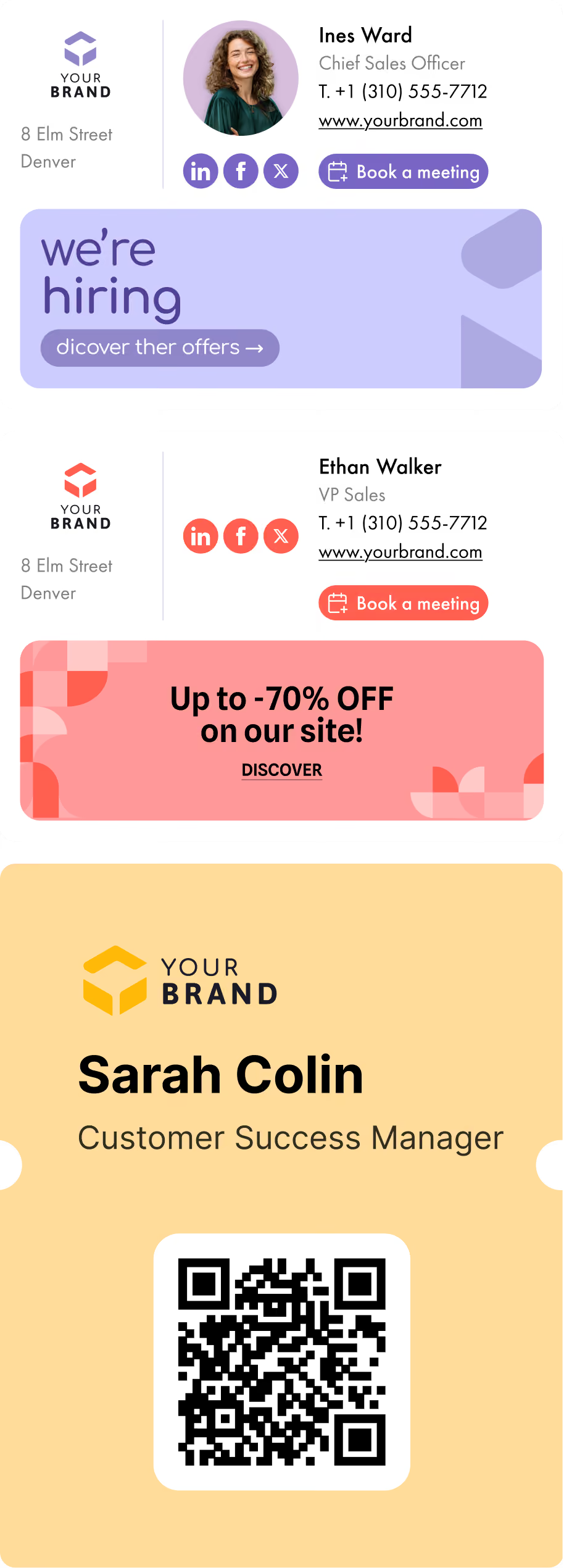
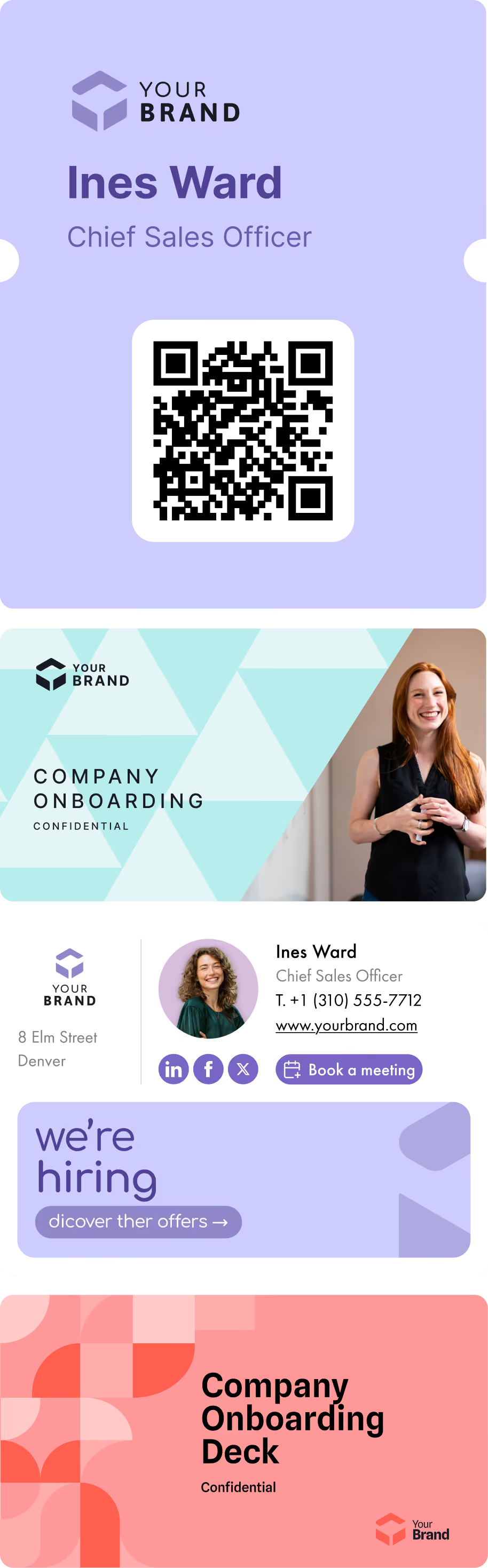
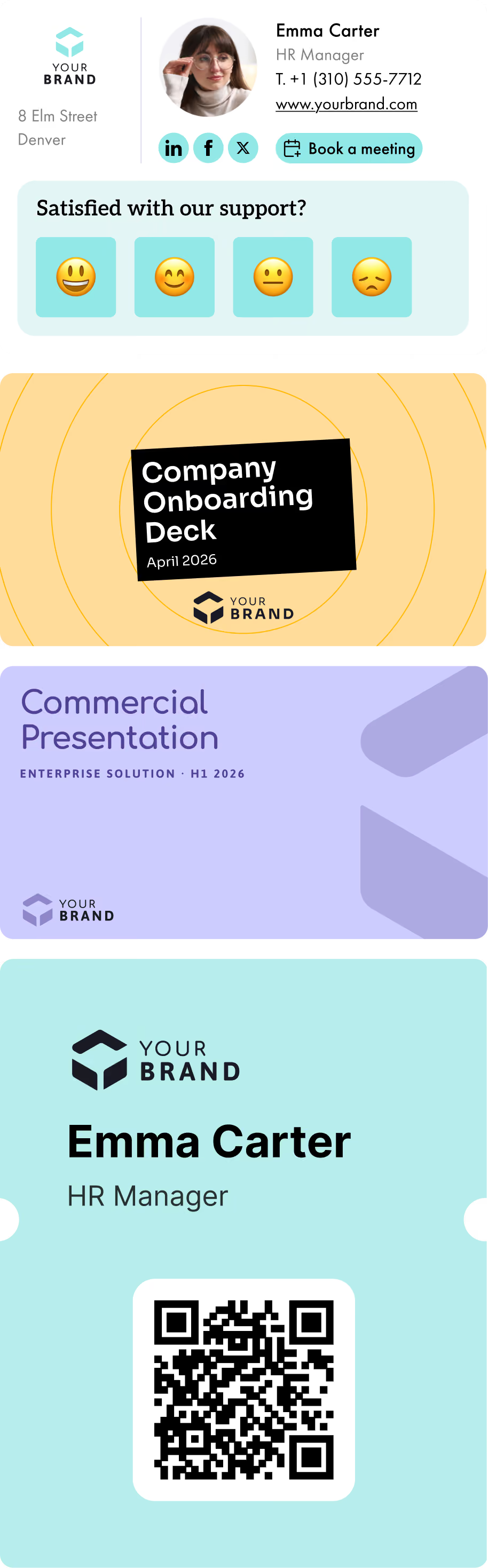
We’ve come a long way since the era of iPhone’s default “Sent from my iPhone” flex or Gmail’s auto-added “Best, Riya”— which, in hindsight, felt like it came from an AI before AI was cool!
Back then, email signatures were utilitarian at best, and often, completely ignored. A name. A title. Maybe a logo (that didn’t render in Outlook).
But now?
Designers are styling them. Marketing teams are optimizing them. Some brands are split-testing banners inside their cool business email signatures to drive clicks, leads, and traffic, all from the bottom of a message.
In 2025, the email signature isn’t just a sign-off. It’s a conversion surface, a trust builder, and a traffic driver—all rolled into one. It is all about:

Forget fancy fonts!
A cool professional email signature isn’t about aesthetics alone; it’s about performance, reliability, and alignment with your brand and role.
Well, before we dive in, let's also address:
Optionally add cool email signature quotes for personality, but they must align with the tone and space.
That’s it. Form follows function, and clarity drives action.
Studies confirm: decision fatigue kills clicks. A single cool email signature CTA, like “Book a Demo” or “Download the 2025 Trend Report”, triggers more action than a wall of options.
Use a signature management tool to create cool email signatures, apply updates across all teams effortlessly, and swap in campaign-specific content in minutes.
Unlike a basic generator that creates one-off signatures, a centralized email signature manager lets you control, customise, and update every employee’s signature at scale, automatically and effortlessly.
A good signature is consistent. A great one is contextual.
Instead of forcing every employee into a generic format, align the content of each signature to the purpose of their role:
Goal: Promote assets and campaigns
CTA: “Download the Latest Whitepaper”
Extras: UTM-tagged rotating banners, subtle branding taglines
Goal: Book more calls
CTA: “Schedule a Demo”
Extras: Calendar link, a headshot for trust, LinkedIn icon
Goal: Gather feedback or promote help resources
CTA: “Rate Your Experience”
Extras: NPS survey link, chat support icon
Goal: Highlight company culture and hiring initiatives
CTA: “We’re Hiring”
Extras: Culture slogan or open roles page
Goal: Thought leadership, credibility
CTA: “Read Our 2025 Vision” or “Connect on LinkedIn”
Extras: Subtle formatting, verified badges, external links to keynote clips or authored blogs
This personalized-by-role approach keeps your brand voice cohesive while making every message feel relevant and human.
Let’s be honest: Outlook is still breaking hearts in 2025. If your signature isn’t tested across email clients, you’re gambling with brand perception.
Here’s how to ensure your email signature doesn’t just look cool—but renders perfectly:
Logo size: 100–120px wide, <50 KB
Banner width: 300–600px, web-optimized PNG or JPEG
Fonts: Arial, Tahoma, or Verdana (aka: “Outlook-safe”)
Font sizes:
Do:
Use tables, not divs
Host images externally with alt text
Test across Outlook, Gmail, Apple Mail, and mobile apps
Don’t:
Use background images (they’ll break)
Assume a design works just because it looks good in Gmail
Outlook’s rendering engine ignores modern CSS and responsive HTML, without testing there, signatures break.
Technically simple, but absolutely essential.
Every signature link deserves a UTM. If you’re running demos on weekends? Measure clicks and returns. If HR is hiring, measure conversions to job listings.
Test button copy (“Explore Now” vs. “Learn More”), banner images, and links across segments. Let data inform your design.
Different CTA buttons for each team, with branding consistency. Remember: cool business email signatures are aligned but personalized.
Mobile users make up 60–70% of email opens. If your signature looks broken on mobile, it isn’t “cool”—it’s costly branding.
GDPR, CCPA, confidentiality disclaimers, all necessary. Hide legal copy in small font, beneath the footer, so it doesn’t disrupt the design.
In marketing, execution often happens in margins. In your case, that’s at the bottom of every email.
A cool email signature checks every box:
If you’re running paid search and content campaigns, you can’t ignore this opportunity, especially when it's basically free.
Treat your signature as a channel. Optimize it the way you do social or search. The frames of your next brand interaction might already live below your outro.
Let’s face it, no one wants to spend their day designing email signatures in Outlook. Or chasing down inconsistent formats across teams. Yet that one-line footer gets sent out thousands of times a week, representing your brand in every single conversation.
That’s where tools like Letsignit (that's us!) come in—not as some flashy signature generator, but as the invisible infrastructure that makes email signatures actually work at scale.
Think of it as the difference between a personal playlist and a brand-wide campaign. Anyone can throw together a decent-looking signature. But what happens when you need 300 employees, across five departments, sending on-brand, campaign-aligned, tracked messages—with unique CTAs, banners, and compliance lines, all synced with Microsoft or Google? You need more than templates. You need orchestration.
With Letsignit, companies don’t just “make signatures.” They create dynamic campaign surfaces that evolve by the week, whether to promote a webinar, amplify a hiring push, or run A/B tests for different messages by team.
It integrates directly with Microsoft 365 and Google Workspace, so employees never have to lift a finger. Marketing controls the messaging, and IT keeps it secure. Everyone wins!
While most people ignore the bottom of their emails, brands using Letsignit know better. They see the click-throughs. The banner impact. The micro-conversions that add up to serious ROI over time.
It’s not glamorous. It’s not loud but works consistently, quietly, everywhere your emails go.
Want to see it in action?


A good email signature clearly shows who you are and makes it easy to connect. It typically includes your name, role, company, and contact details—formatted cleanly with your brand’s look and feel. Adding social icons, a logo, or a small call-to-action can make it more engaging without overloading it.
A professional email signature should include your full name, job title, company name, and contact details. Keep the layout clean and consistent—use readable fonts, line breaks, and brand colours. You can also add social media icons, pronouns, or a call-to-action banner. For consistent formatting across teams, use an email signature management tool like Letsignit to create and centrally manage signatures that are mobile-friendly and on-brand.