Letsignit Email Signatures

The #1 tool to create, manage and deploy your company email signatures

Letsignit centralizes how you create, manage and deploy your email signatures, and turns them into a communication channel in their own right.

Whether you equip 50 or 500,000 employees, your signatures stay consistent and up to date, with no data entry errors, on every device.

Don't underestimate the power
of your email signatures

Thank you! Your submission has been received!
Oops! Something went wrong while submitting the form.

458k

emails sent every month
by your organization

+17%

rand visibility,
according to our study

+20k

potential clicks to your website,
social media or calendar

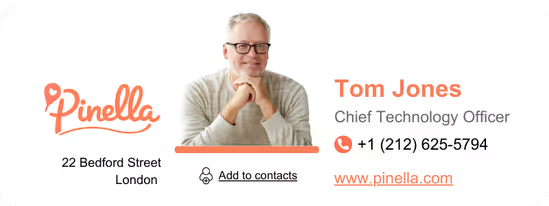
Professional email signature design – in just 3 clicks

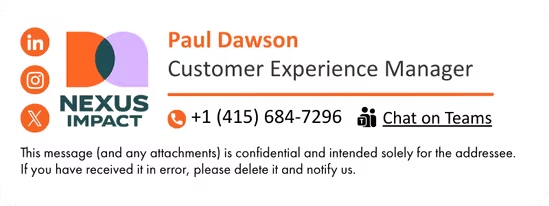
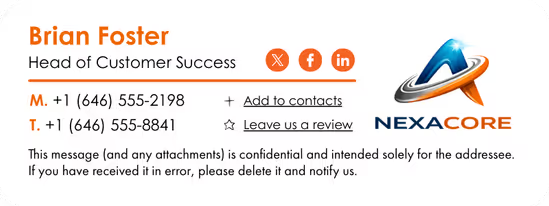
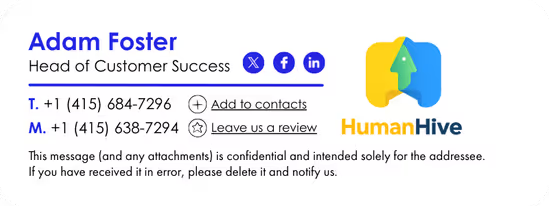
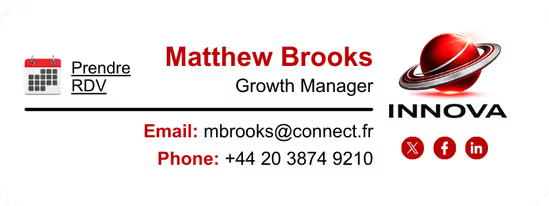
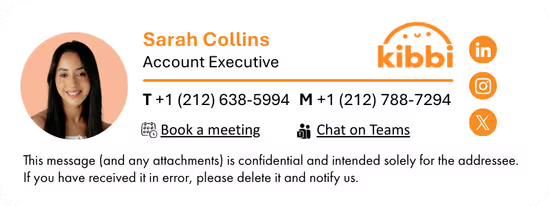
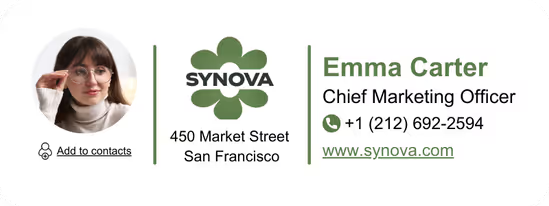
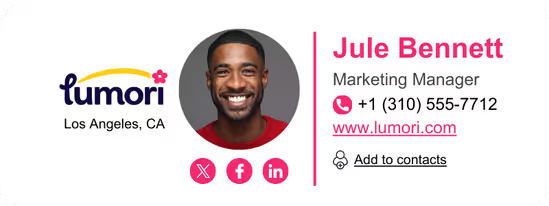
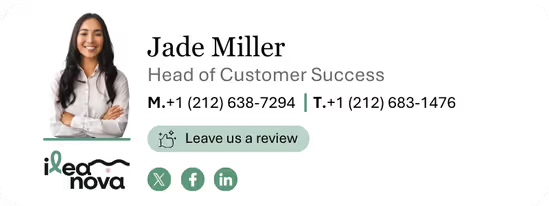
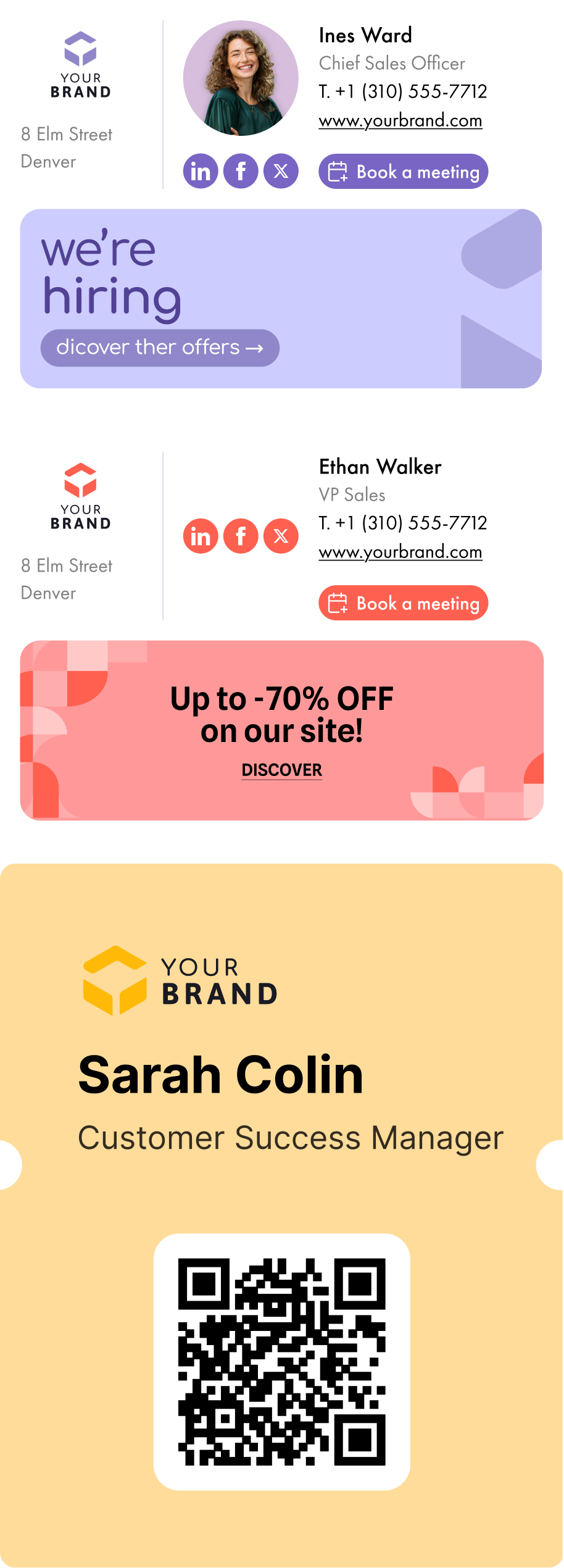
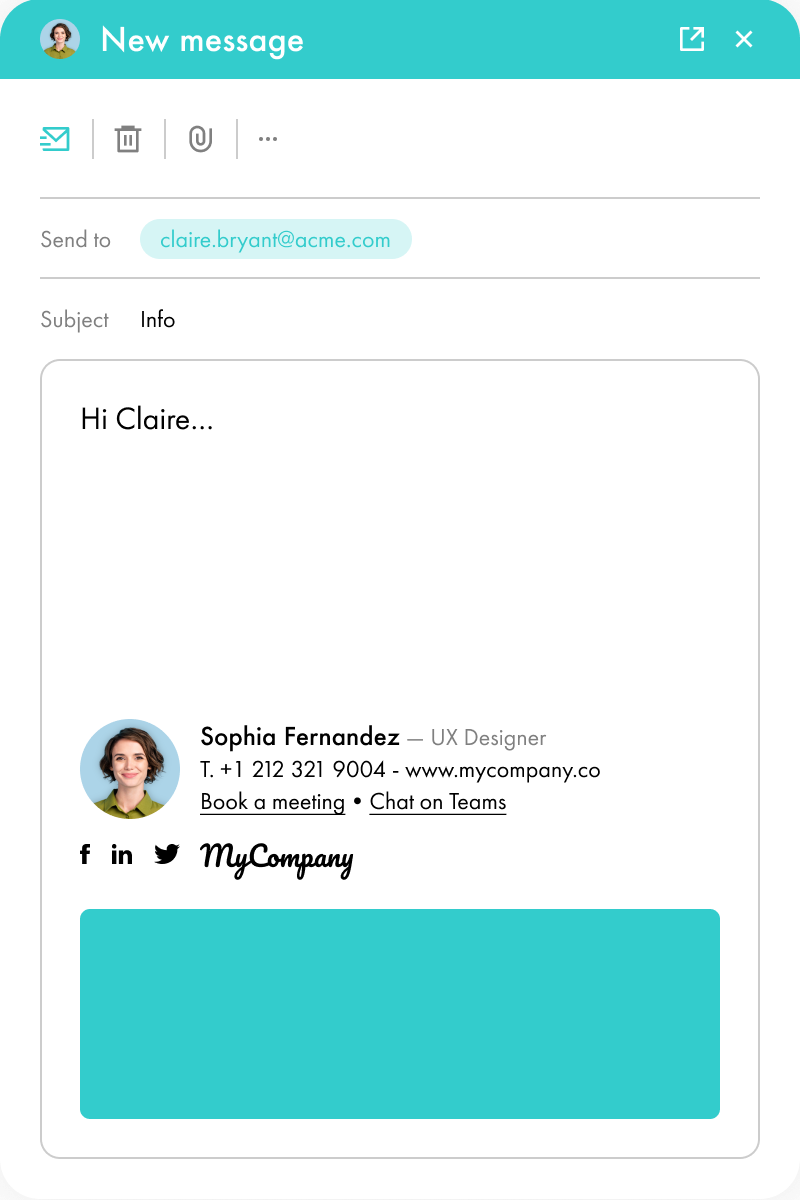
Import your company logo. Letsignit automatically generates on-brand email signature templates based on your brand colors.

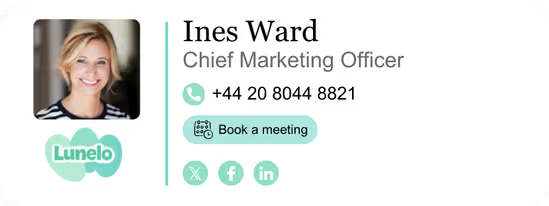
Use the Drag & Drop Designer to customize each signature template to match your brand guidelines. Then make it your own: add dynamic content, social media icons, appointment calendar links, awards, marketing banners, and more.

Email signature solution
Pro email signature on mobile

Consistent email signatures across every device and every user

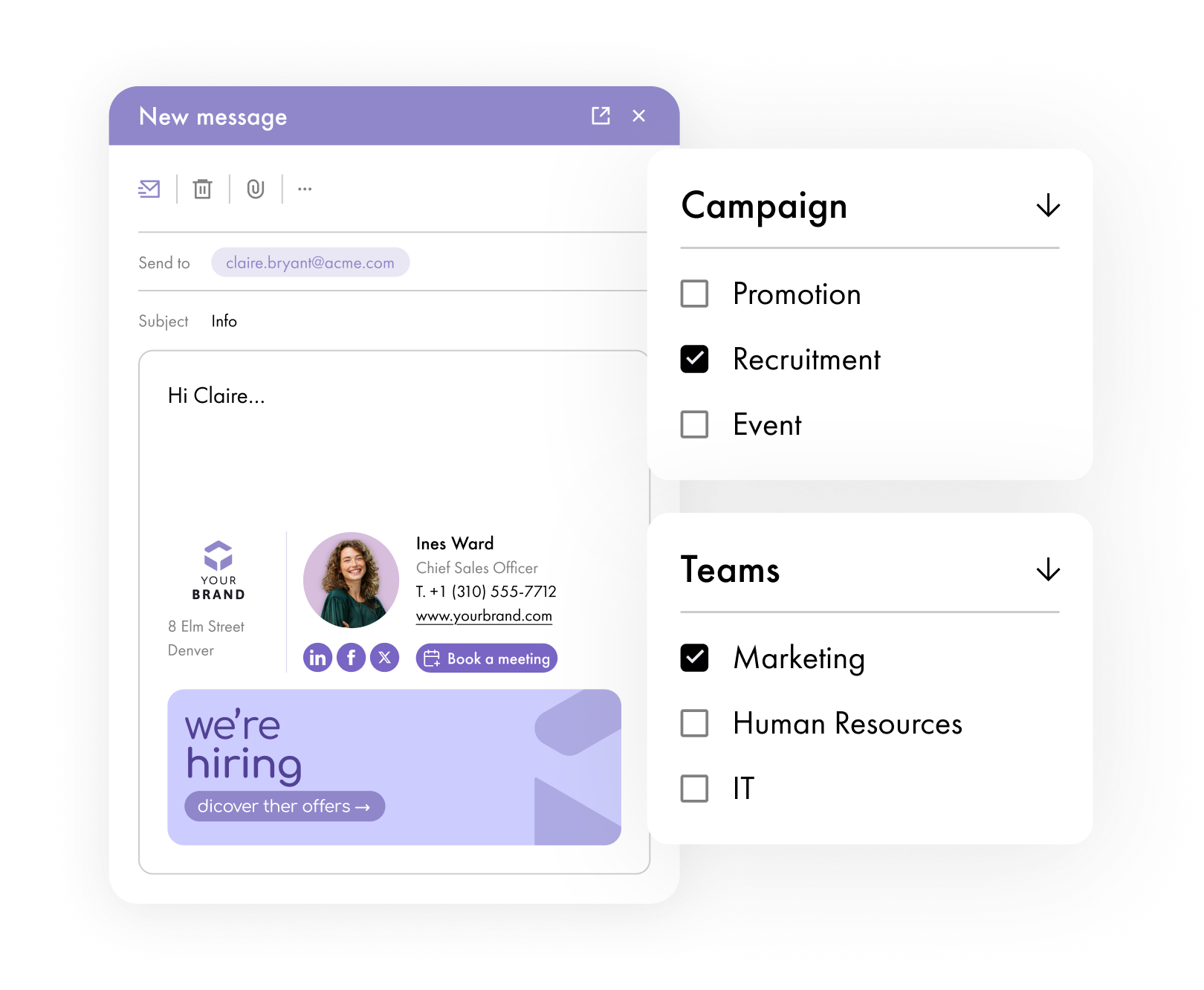
Assign each email signature template to specific users, teams, or campaigns. Contact details are automatically pulled from your directory.

Letsignit signatures look great regardless of the device (PC, Mac, tablet, or mobile). Users can browse their assigned signature designs and pick the right one for each recipient.

Professional email signature design – in just 3 clicks

Import your company logo. Letsignit automatically generates on-brand email signature templates based on your brand colors.

Use the Drag & Drop Designer to customize each signature template to match your brand guidelines. Then make it your own: add dynamic content, social media icons, appointment calendar links, awards, marketing banners, and more.

Email signature solution
How it works

Connected to your stack.

Activated for your brand.

Letsignit doesn't replace your stack, it empower it. We sync with the tools you already trust, centralize your brand once, and push it everywhere your employees show up.

1.
Sync & centralize data
Connect Letsignit to your directory once (Microsoft Entra ID, Google Workspace, and more). Employee and company data flow in, stay current, and propagate automatically whenever something changes.
2.
Set up brand charter
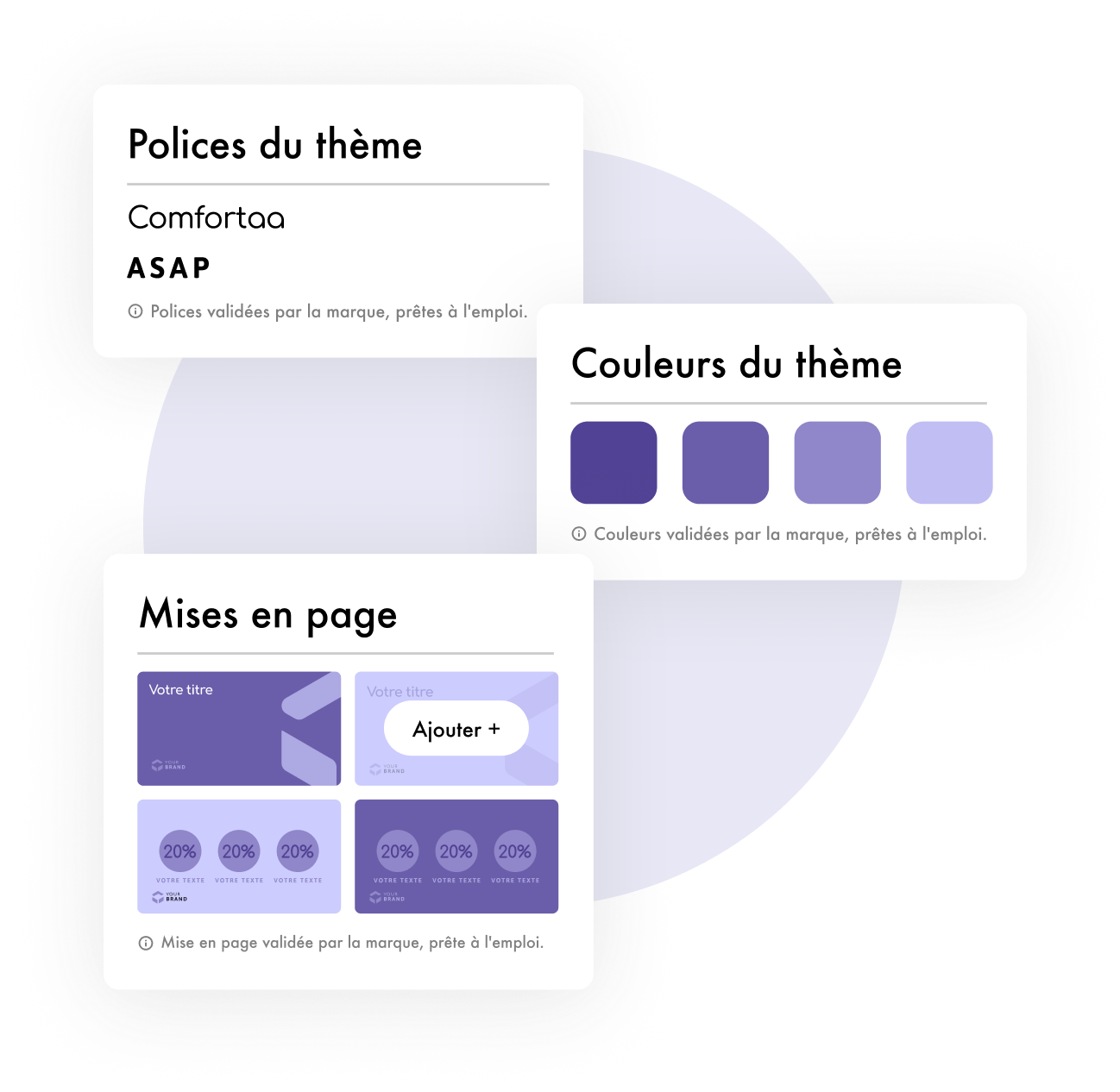
Define your brand once. Define your brand charter and import your brand identity assets into a single admin console. One source of truth for your people and your brand.
3.
Manage employee brand interactions
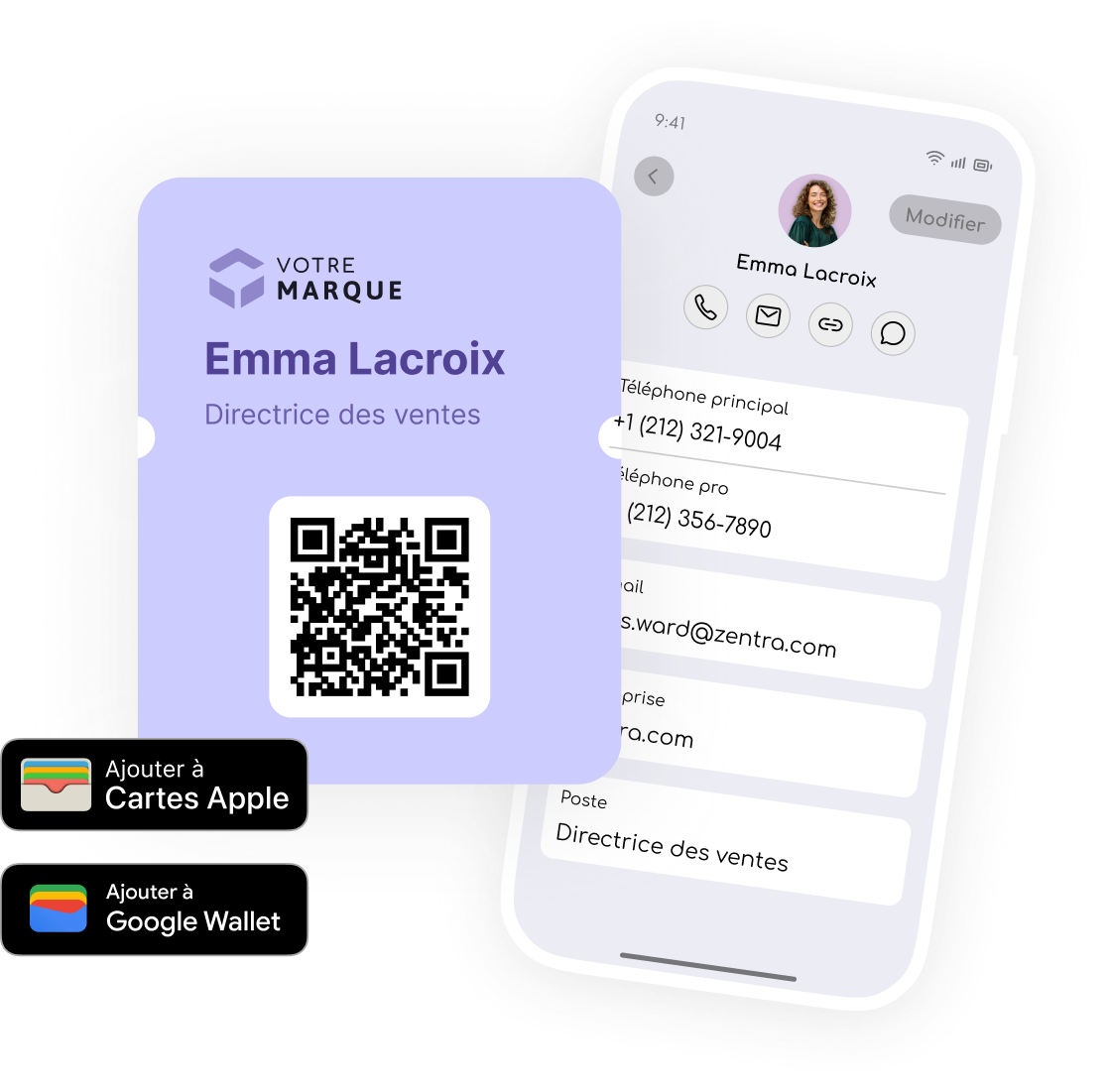
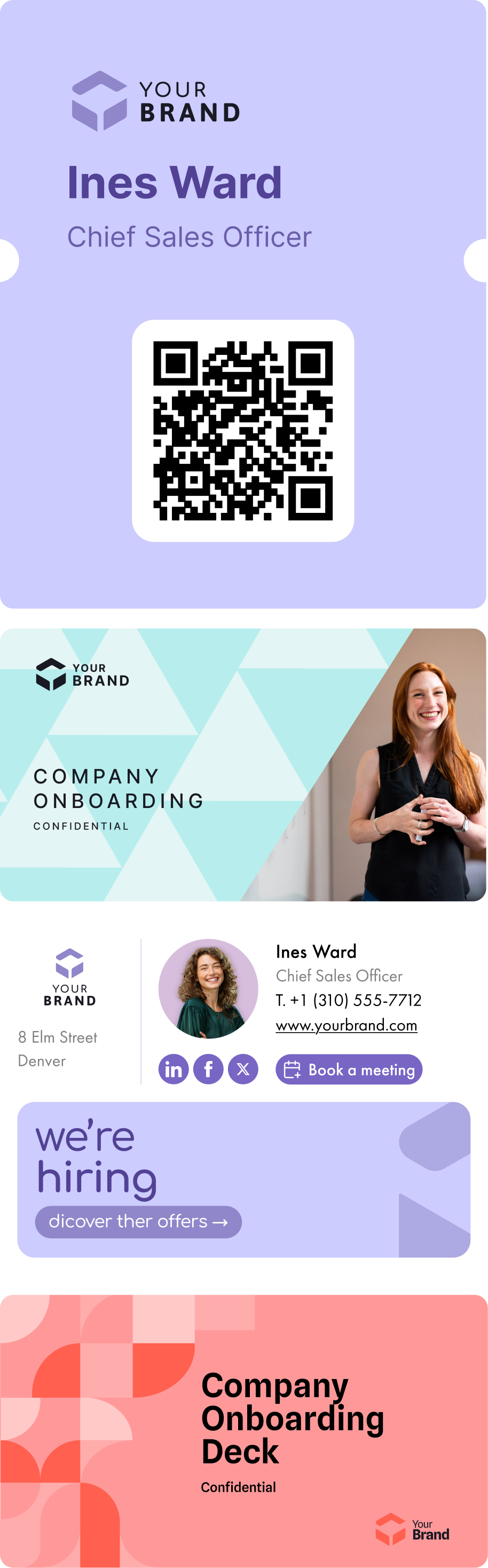
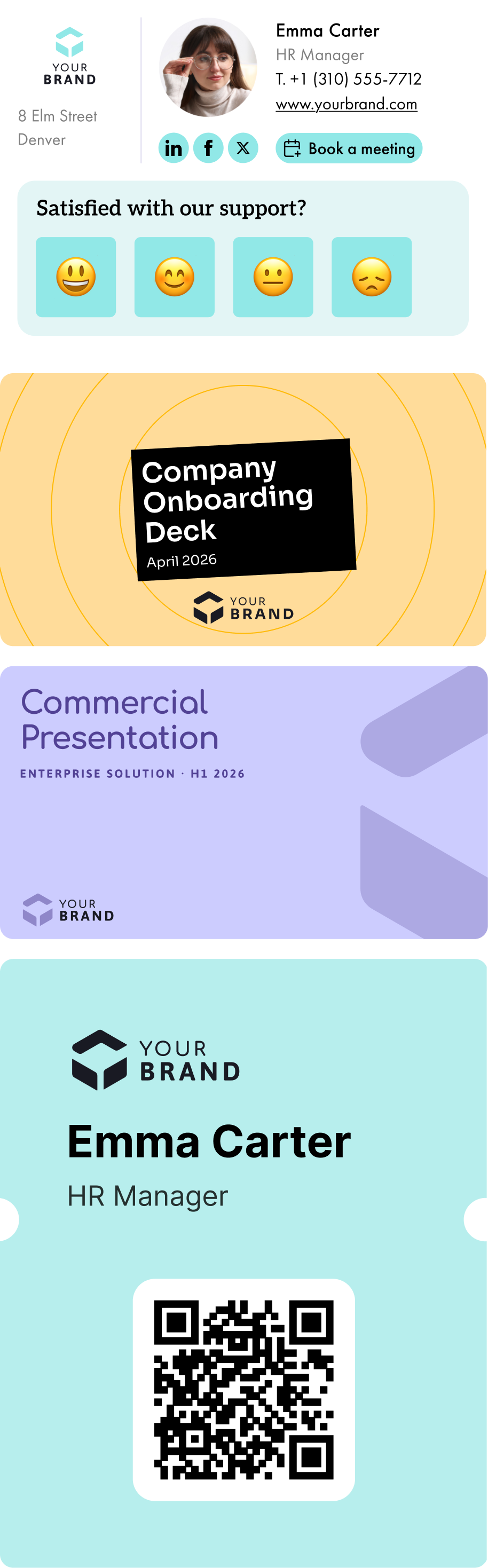
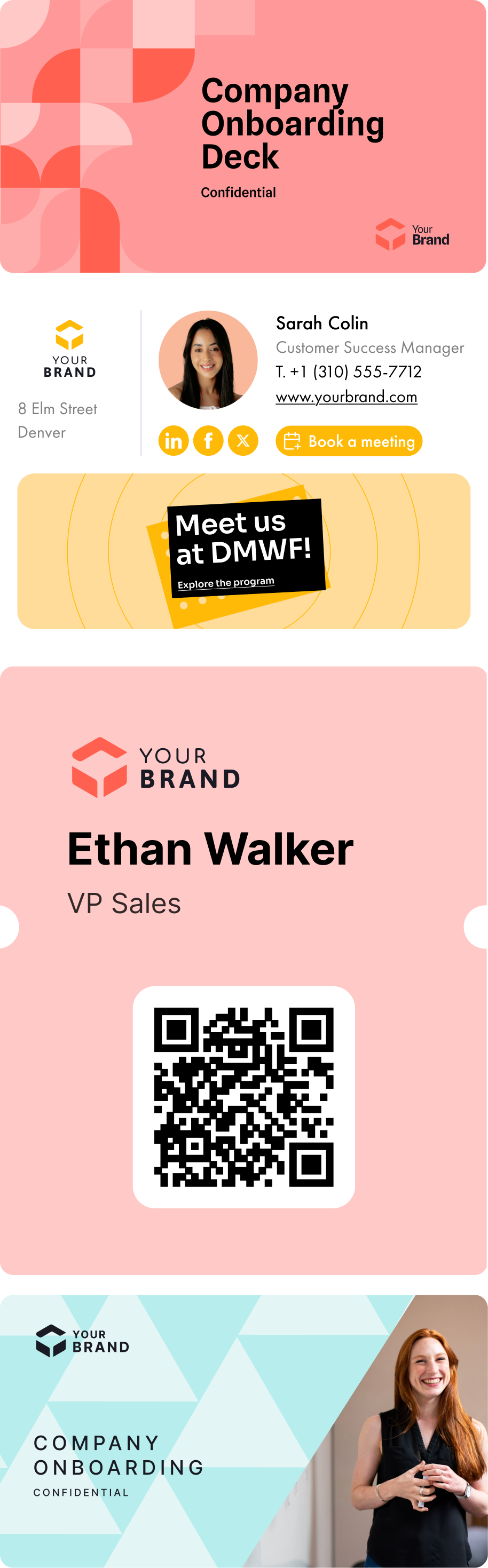
Create your email signature templates, import your powerpoint presentation themes, generate your vCards. Then assign them by your own rules: signatures by team, themes by BU, vCards by country, campaigns by audience. The segmentation that makes your brand precise at scale.
4.
Deliver a frictionless experience
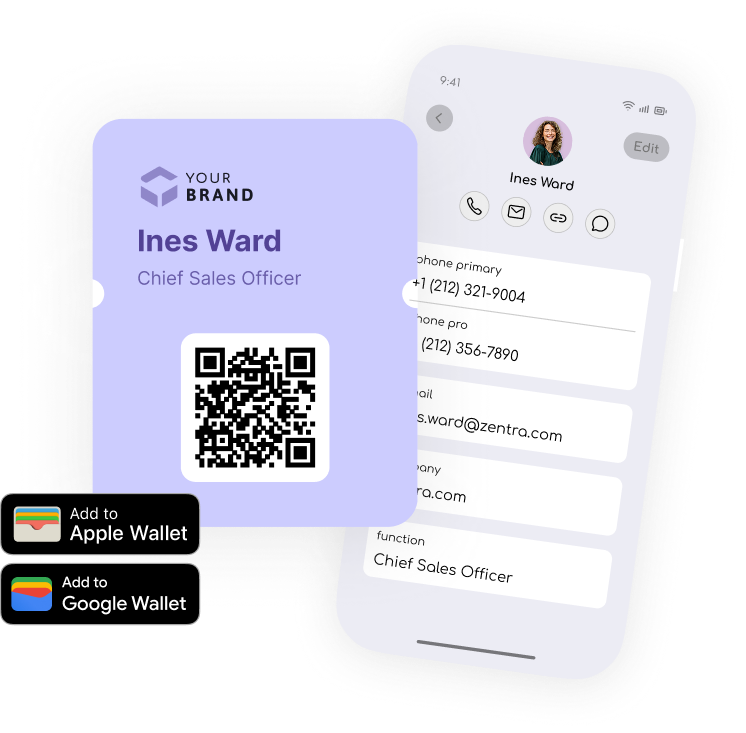
Everything deploys to every employee, no install, no manual step. The Letsignit Add-in lives in Outlook and PowerPoint, the vCard in Apple and Google Wallet. Wherever they work, the brand is already there, accurate and ready to use. Zero friction, day one.
5.
Measure brand impact
Track signature clicks, campaign performance, and brand exposure in real time. See exactly what's working across every channel, and turn brand consistency into outcomes you can prove.

Enterprise-grade, by design.

Letsignit Slides is built to clear your security review:
native to Microsoft 365, independently certified, and private by design.

No access to content
The Letsignit Slides Add-in distributes templates and assets. It never reads or stores what employees create, which stays under your Microsoft 365 control.
Co-built with Microsoft
Native Microsoft 365 Add-in, distributed via Microsoft AppSource. Co-developed with Microsoft engineering. Zero infrastructure change required.
ISO 27001 & 27018
Continuous audits and penetration tests, not a one-off certification. 100% EU hosting, and zero compliance incidents in 13 years of operation.
Learn more on security
Why it matters

Your most powerful brand channel isn't a campaign. It's your people.

Every email, every meeting, every connection is a brand impression, multiplied by every employee, every day.

No channel matches that scale, and none matches that humanity.

Group of friends and a dog sitting around a bonfire on a pebble beach at dusk.Smiling woman with brown hair wearing a black turtleneck and a gold hoop earring against a yellow background.Smiling woman with brown hair wearing a black turtleneck against a light orange background.

A platform already
trusted by 6,000+ brands

2.2M
active users
98%
satisfaction
94%
renewal rate
Letsignit is easy to get started with, user-friendly, and customizable. The team is responsive and always pleasant when you have a question or need help with something. I highly recommend this excellent service!
Kim‑Mai Buiba
Internal Communication Manager
500 equipped employees
Letsignit is easy to set up and administer. Signatures look great and it tracks marketing metrics and click rates. It also allows for easy navigation when setting up URLs on our signatures. The value of this tool has been proven!
Danny Murphy
Partner, Technology & InfoSec
265 equipped employees
Letsignit enhances and elevates our brand image, making it more dynamic. With the platform, we can create both internal and external campaigns to highlight events or promotions.
Corinne Demange
Digital Marketing Officer
 
Letsignit is a tool that is both simple and powerful for standardizing employees' email signatures and also treats the signature as a new media. It can be used as a low-cost acquisition channel. All of this integrated into Microsoft Office 365.

Carole Benichou
Director of Microsoft 365 Division
 
Before Letsignit with our old signatures, we couldn't add banners or do anything else. Everything was complicated. Although some things were possible, it took a lot of time for IT to create all the signatures.
Elodie Mescam
Senior Digital Strategy & Marketing Manager
 
Read the success story
Letsignit makes it easy to create campaigns and manage contact groups. Its link with Office 365 simplifies internal implementation and allows for tracking of user usage. The separation of signature and campaign creation enables fast updates, even with multiple entities.
Rachel Pallamidessi
Digital Communication Manager
 

Frequently asked questions

1

Is it possible to track the number of clicks on email signatures?

Yes, with the 'Campaigns' offer, it is possible to track the number of clicks on the email signatures of all your employees in the 'Statistics' area of the platform.

You can then access a detailed or global view of the number of clicks on the email signatures of each employee. You can use the search option to target a specific signature or a given period. Finally, you have the possibility to export all statistics to an Excel document.

If you launch campaigns with banners inserted in your email signatures, you can also access their performance via this same space.

2

Can we add links to social networks, our website, and appointment-setting applications such as Calendly?

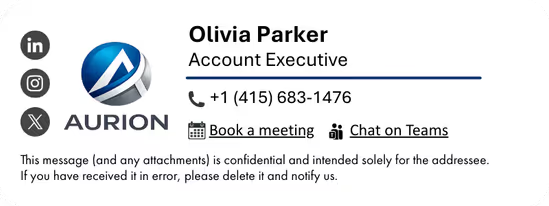
With Letsignit, you can easily add social network icons in your collaborators' email signatures and link to your company pages. Also, our "attributes" feature allows you to manage personalized URLs for each of your collaborators such as their individual LinkedIn profile.

And that's not all: you can add links to an appointment-setting application, allow your customers to leave reviews easily, and integrate our 'Chat on Teams' widget to let anyone start a discussion via Microsoft Teams chat.

3

Can employees update their signature information themselves (number, function, etc.)?

It’s up to you! As an administrator of the Letsignit platform, you choose whether or not to grant modification rights to your employees. These permissions are managed on an attribute-by-attribute basis, which means that you can decide to allow the employee to change their phone number, but not the address of your premises, for example.

This feature applies to all attributes in your directory, including custom attributes created on Letsignit. When your employees change one or more attributes, your directory is obviously not affected.

4

Why it is important to standardize our email signatures on a large scale to ensure our identity and brand image?

It often happens that employees make their email signature their own: custom format, bad fonts, colors inconsistent with the brand standards... all of this has an impact on your brand!

A consistent visual identity is considered authentic and outperforms a perceived weak one by 20%. And, your customers are 2.4 times more likely to buy your products.

With Letsignit, take back control over your brand identity by standardizing all your email signatures. Our tool has many features that allow you to customize your signatures by department, by audience or by subsidiary. Not to mention the possibility of carrying out campaigns within your email signatures thanks to our Campaign offer.

5

What is the user experience like for our employees?

What is the user experience like for our employees?

  • If you opt for the Letsignit Add-in for Outlook, they will have a dedicated space in their Outlook account where they will be able to view the signatures and campaigns assigned to them.
  • If you opt for the Letsignit Desktop APP, they will be able to preview all their signatures and campaigns in this space. If they want to change their default signature to another one when sending an email, this will be done in their signature library in Outlook.

In both cases:

  • They preview their signature before sending an email and choose from signatures assigned to them.
  • Based on the permissions granted, they will also be able to modify their personal information such as their name, position, or address in these spaces.

In short, they have autonomy in their email signature, but you keep control on the field, signatures, and banners they can edit or use.

6

Can my employees have multiple signatures available to them?

With our "multi-signature" feature, your employees can benefit from multiple email signatures. No technical manipulation is required. Thanks to our Add-in for Outlook or the desktop app, they can change their email signatures as they wish with just a few clicks.

Regarding the creation of email signatures, you can make several variations such as:

Everything has been thought of to go further in the personalization process based on the recipient of your emails.

7

Regarding “Green IT,” have you implemented measures to limit the digital footprint of email signatures?

If sending emails has an impact, non-optimized email signatures also have an impact. An unsuitable format or an image that is too heavy considerably increases the size of your signatures... and therefore, your emails.

As a responsible economic actor, we contribute to reducing our CO2 emissions and those of our customers in several ways:

  • Optimization of the weight of signatures and campaigns in emails.
  • Green features: lightening of signatures during response/transfer emails, possibility of not embedding images, implementation of lighter signatures for internal exchanges.
  • Integration of a 'Switch to Teams' widget to encourage your employees to continue their exchanges via chat, rather than email.

As we are increasingly involved in sustainability initiatives, our priority in 2023 is to develop even more green IT functionality.

8

Regarding “Green IT,” have you implemented measures to limit the digital footprint of email signatures?

If sending emails has an impact, non-optimized email signatures also have an impact. An unsuitable format or an image that is too heavy considerably increases the size of your signatures... and therefore, your emails.

As a responsible economic actor, we contribute to reducing our CO2 emissions and those of our customers in several ways:

  • Optimization of the weight of signatures and campaigns in emails.
  • Green features: lightening of signatures during response/transfer emails, possibility of not embedding images, implementation of lighter signatures for internal exchanges.
  • Integration of a 'Switch to Teams' widget to encourage your employees to continue their exchanges via chat, rather than email.

As we are increasingly involved in sustainability initiatives, our priority in 2023 is to develop even more green IT functionality.

Your employees already represent your brand. Every day, across every interaction.

Make sure every interaction stays on brand.
Start governing your brand