

We kicked off the new year with one thing in mind: top performance. We unrolled Letsignit statistics, which allows you to track the day-to-day data collected from all your employees’ active signatures and campaigns. You can track the data, export a report, and adapt your marketing actions to make them more efficient!

Do you have an email signature HTML code you wish to upload or want to personalize your signature further? You can do so with Expert Mode! Put your creativity to use and go deeper in managing line spacing, background colors, prefixes, link colors, and more!

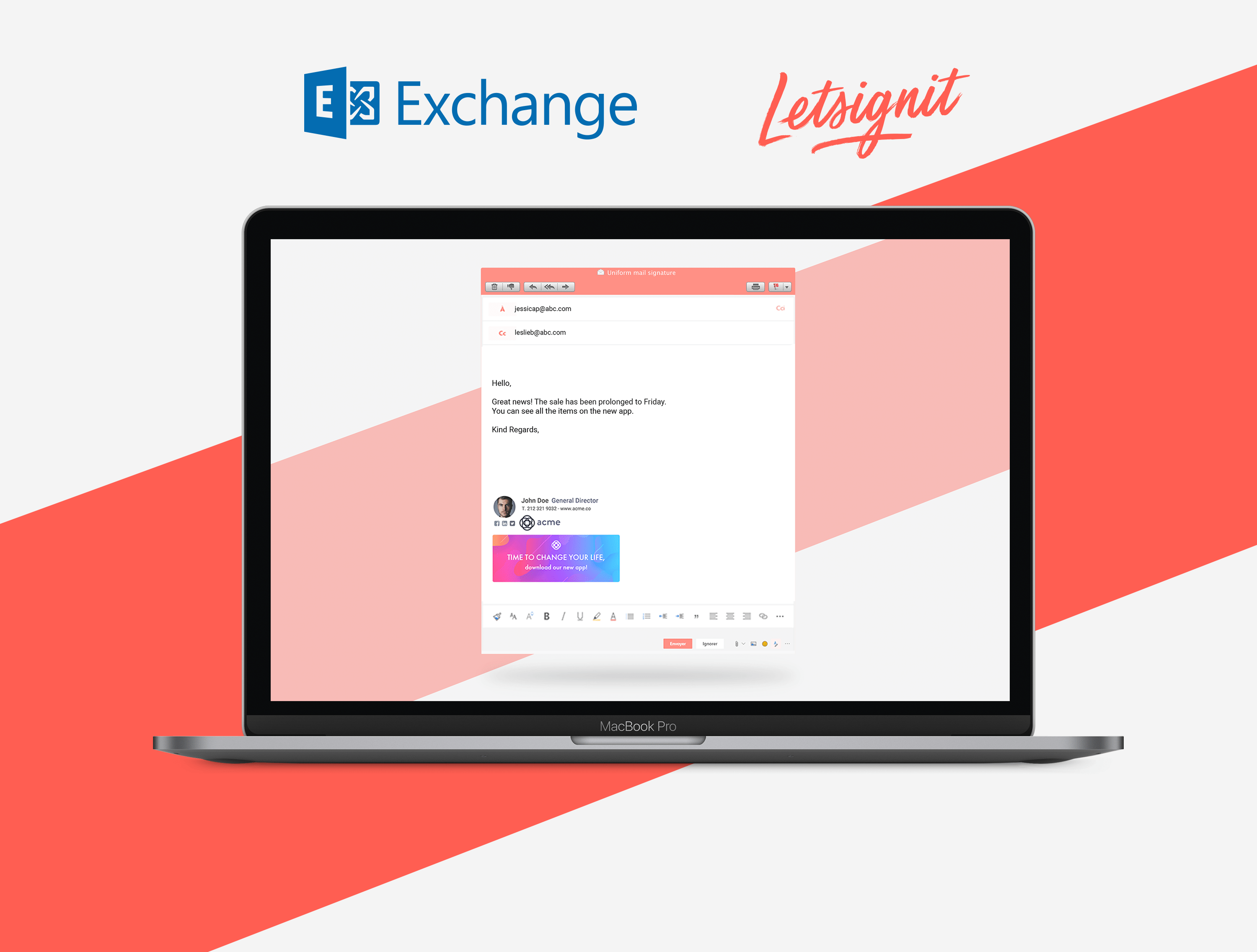
We have great news! You can use Letsignit Cloud to brand every user’s Microsoft Exchange email. In just a few clicks, synchronize your database with your Local Active Directory and automatically diffuse the signatures to your Outlook Online as well as any device (desktop, mobile, tablet).
Uppercase, lowercase, sentence case or title- you have the power to customize your attributes! Format their appearance to match your company’s style. Go further by recovering the attributes from your directory that are most relevant to you and your employees with the attribute mapping tool! Find more about Attribute mapping & formatting here.

One of your biggest concerns was blocking users from modifying their attributes. We heard you loud and clear! You now have full control over the information (service, job title, etc.) your users can edit in their signatures.

You have 100% control of the Letsignit app for all your users. From the platform, you can choose to run the app at startup, manually update the app, disable notifications & more! No need to leave the comfort of your desk, everything at Letsignit is created for your convenience.
+ That's the same for Letsignit Add-in for Outlook!

If you need to use several directories, you can now manage independent access to the Letsignit platform for each directory and benefit from a unique and centralized license subscription. More info about how multi-tenant works here.

Create & manage groups all from the Letsignit platform. Customize the filtering of your employees to your liking and achieve an ultra-precise segmentation that optimizes the target of your campaigns and signatures.


Does your app look different? That is because it is now adapted to users with multiple email accounts. Whether your employees run the contact account or the support account plus their own account, they can now visualize all their signatures and banners on desktop.

The seamless single sign-on feature (SSO) allows your app to log in automatically to your Office account. All it takes is a one-time activation by the administrator for every user to have their app connect at the start of every Windows session. Don’t think twice about your signatures!

If you are working in a TSE/RDS environment, users have full access to the Letsignit application. One app on one server is all it takes to deploy to every employee at your company. Your users can access their signatures and campaigns from anywhere.

What do you think of the new updates? Do not hesitate to contact us using the chat to let us know your thoughts, improvements we could make, or what features you would like to see for our Letsignit email signature platform.
Still haven't tried the new features out because you are not a Letsignit customer, yet? It's time to see what you have been missing!








.svg)
.webp)

.webp)