.svg)

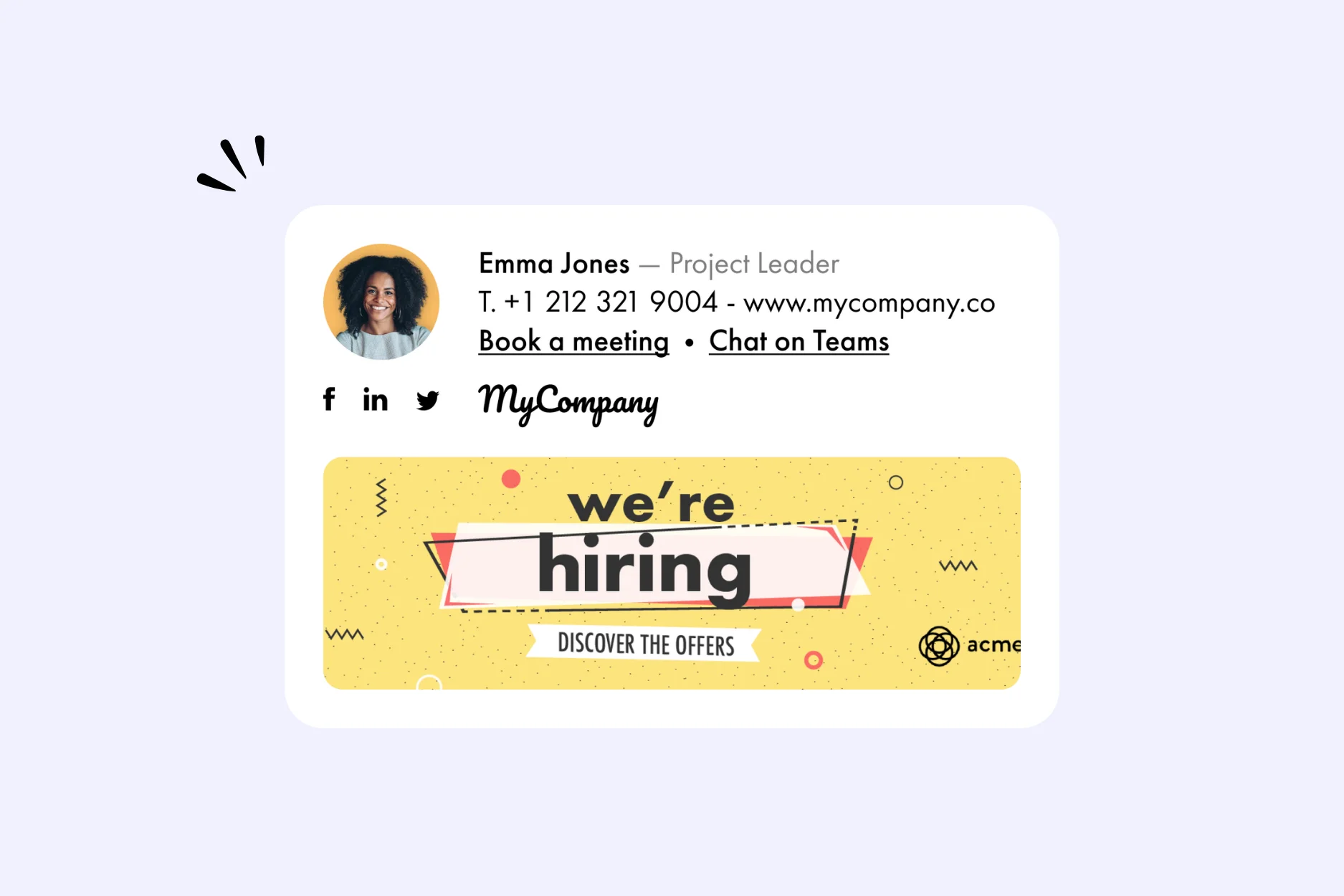

“Only 10s on our team!” But for this motto to be a constant reality within your company, you need to optimize your recruitment strategy.
Sponsored ads, social media campaigns, word of mouth… The levers available to achieve this are numerous, but often costly and not always effective in the face of competition. To truly stand out and reach candidates, turn to the email signature and email banner.
Visual, interactive, and cost-effective, they are a remarkably powerful way to attract top talent.

Every day, hundreds or even thousands of emails leave your headquarters. That represents just as many potential touch points with future candidates, provided they include a well-designed signature or email banner.
Visually impactful and incorporating dynamic links, these tools can boost your digital recruitment campaigns and job postings, while enhancing your employer brand. And encourage the best candidate profiles to join the adventure.
But what exactly are the strengths of the email signature and banner, and how can companies implement them in their HR strategy?
As a professional, you probably check recruitment platforms regularly. So you are familiar with the (less than inspiring) sight of generic job listings that follow one another endlessly without really standing out.
A banner in an email can make all the difference by injecting color and energy into this gray landscape. With this simple little tool, you reach professionals already in contact with your company, while multiplying your exposure through their network.
A well-designed email banner, with contact information, links to your website and effective call-to-actions, can guide the best profiles directly to your careers page.
A large portion of your candidates… do not yet know that they are candidates!
These are the famous passive candidates. People who are already employed or not actively looking for a job, yet still remain attentive to opportunities. With these profiles, a simple “push,” in the form of a CTA or a job description, can lead to an application.
In fact, the figures prove it: 87% of candidates, whether passive or active, would be willing to consider an offer if they were approached directly.
The email banner is particularly effective in reaching them, because it slips subtly into a professional exchange context that includes potential candidates. An approach that respects candidates’ freedom, without excessive solicitation.
It gives visibility to your offers without being intrusive, and reaches profiles that your traditional channels fail to capture.
A digital recruitment campaign comes at a cost. Posting ads or sponsoring content on social media, the bill can quickly rise as applications come in.
The email banner leverages a resource you already naturally have: the (often significant) volume of emails that you and your teams send every day. Once it is in place, the email banner provides continuous visibility at a lower cost, or even free of charge.
With this tool, your contact information and job postings land direcly in the candidate's inbox without being invasive.
A recommendation from a trusted colleague can greatly influence a professional decision.
The email banner acts as a trigger: a contact who is not personally concerned can still take note of your announcement and pass it on to a coworker. By making your opportunities visible, this tool activates an indirect word-of-mouth network and brings high-quality profiles to meet you.
An effect that is particularly valuable for highly specialized or hard-to-fill positions.
Beyond immediate recruitment, the email banner has a broader and more lasting impact: it helps strengthen your employer brand.
Through it, you communicate your values, your culture, and your commitments (innovation and creativity, diversity and inclusion, environmental and social impact, freedom of initiative for employees, and so on).
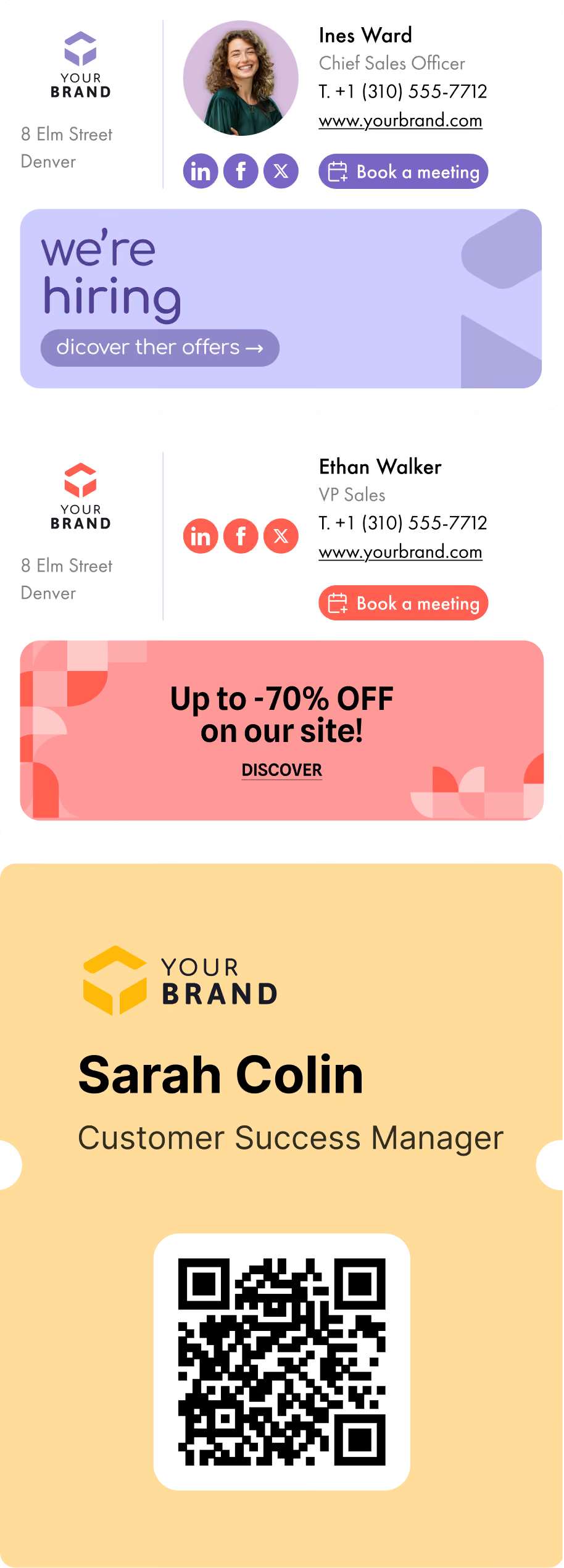
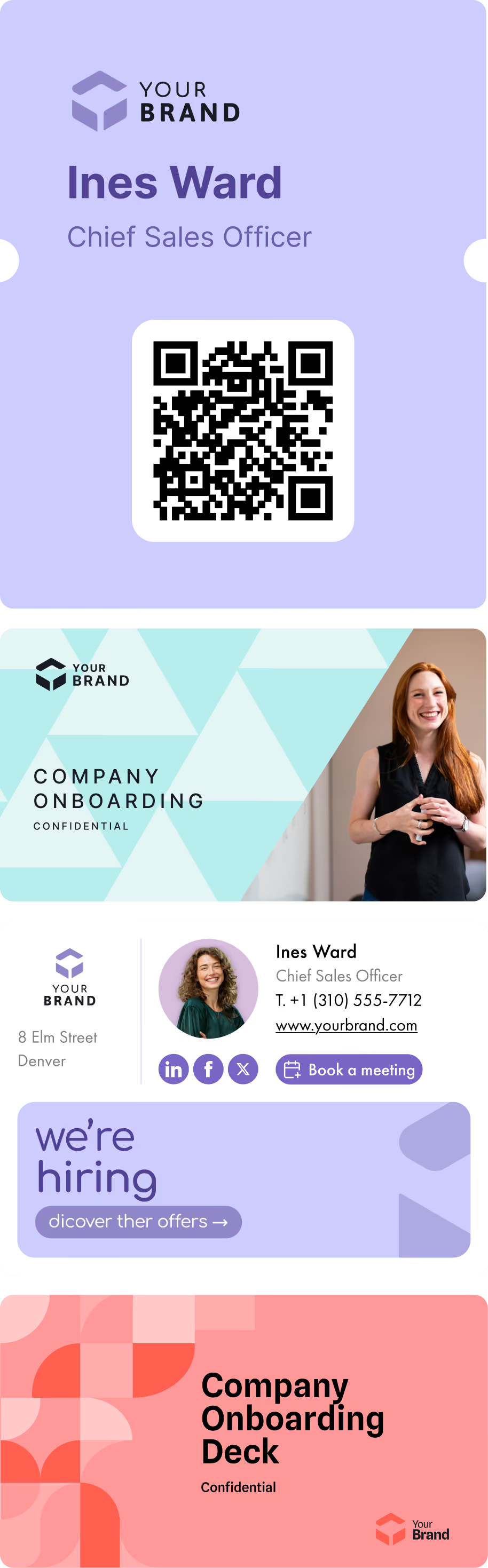
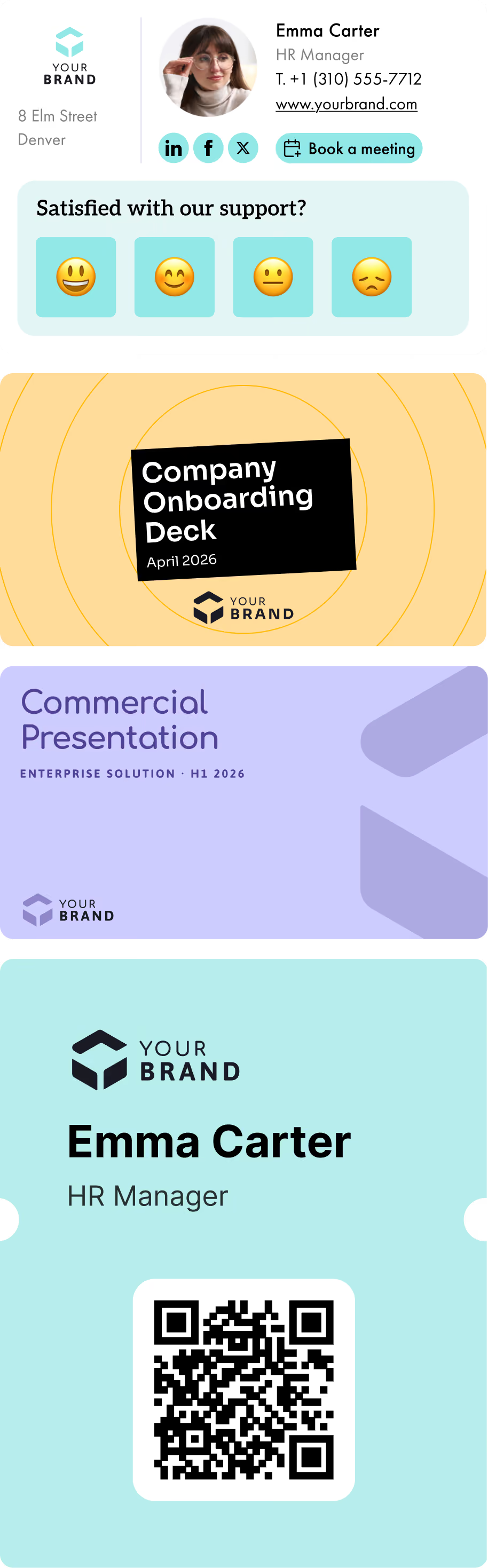
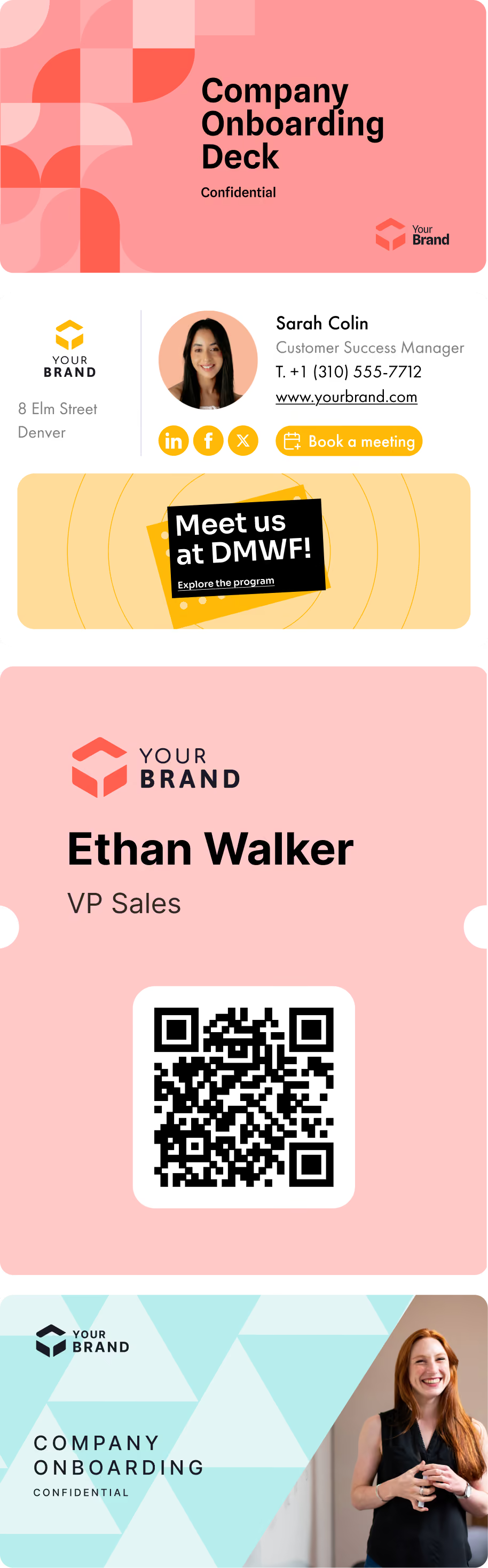
A striking visual (here, for example, is a directory of email banners), dynamic links to your content, and consistency are all factors that nurture a positive and human vision of your company. Little by little, your audience begins to associate your organization with attractive professional opportunities.
The result: more talent gravitates toward you. Those talents are also more likely to be a cultural fit to your company.

Centralizing your signatures does not mean they must be perfectly uniform, with only the contact information. On the contrary, a degree of personalization makes your communication more precise.
For example, the signature or banner of an IT team member can promote a developer position, while the signature of a colleague in sales can include a link to a field sales role.
Be sure to explain the purpose of their banner or signature to your employees. They will feel all the more involved in your hiring strategy and will relay the messages to relevant candidates.
Is this your first time using an email signature? To create and implement an effective signature:
A banner is much more than a visually polished virtual business card. It is a true gateway to your company’s world. By integrating links and CTAs, the email banner or signature can share your news and encourage action.
As part of your recruitment campaign, your call to action must be visible and benefit-focused. Simple phrasing with action verbs such as “Join the team” or “Apply in 3 minutes” can prove effective in attracting your future hires.
Make sure to design a simple and accessible candidate journey. Reduce the number of steps to the essentials, offer a user-friendly and mobile-friendly interface, and include clear information.
Like your other marketing levers, your signatures and banners must be evaluated.
Integrate tracked links to measure the number of clicks, assess the most attractive designs, and identify the highest-performing teams. This way, you will have all the keys you need to adjust your messages, visuals, or positioning.
Over time, you will gain a clearer understanding of what drives candidates to apply: mention of certain benefits (remote work, rapid skills development, opportunities for advancement), a dynamic and original tone, or an appealing visual.
An effective email banner must be consistent and well controlled to have a real impact. On the contrary, inconsistent signatures or banners can create confusion about the company’s identity…
By centralizing signatures and banners across the entire organization, you ensure visual consistency and prevent errors (outdated information, incorrect links, etc.). In doing so, you demonstrate your professionalism to prospective candidates while providing them with up-to-date information about your company.
Moreover, centralized management enables agile message rotation: you can easily switch from promoting an internship opportunity to announcing a job opening.
To achieve perfect coordination of banners and signatures, and to implement a successful recruitment strategy, it may be worthwhile to rely on an email signature management solution such as Letsignit (that’s us!).
With these tools, you can:
To illustrate our point and demonstrate the effectiveness of these solutions, here is an example of the large-scale deployment of Letsignit signatures within the company Onet. In this case, no fewer than 6,000 email signatures were successfully and seamlessly deployed.
*****
In a competitive and ever-changing job market, every touch point counts. What if your next talent joined your team thanks to a simple email? So consider the email signature or banner for your recruitment processes. And to ensure successful management, make sure you use the right email signature format.

Are you a candidate who wants to create a signature for a job application? You should include your contact information (email address and phone number), as well as links to your resume or portfolio. Keep the design clear, simple, and consistent with your resume.
Working with signature consultants (professionals specialized in using email signatures in HR or marketing strategies) can help you channel the power of the email signature or banner. With their support, you can fully leverage this tool to attract talent that is the best fit for your company.
As a recruiter, your email signature should not only include your contact information (name, email address, phone number, etc.), but also a LinkedIn profile link or a careers page link, as well as CTAs promoting open roles.