



.svg)


A roundup of the latest platform updates: from the Salesforce Connector to Random Campaigns, here's everything now available in your Letsignit platform!
Define specific signatures and campaigns for internal emails. No more customer-facing campaigns showing up in a message to a colleague: the system automatically detects whether the recipient belongs to your organization, based on the domains synced with your O365 directory, and applies the right signature accordingly. Available via the Letsignit Add-in for Outlook.
Every email sent from Salesforce now automatically applies the signature and campaign assigned to each employee in Letsignit. No copy-pasting, no manual action. Your brand standards carry through every CRM exchange.
An oversized signature can hurt email deliverability and cause display issues for recipients. The weight gauge, built directly into the editor, shows the estimated size of your signatures and campaigns in real time and turns green once you're within recommended thresholds: 200 KB for a signature, 300 KB for a campaign.
Delegate campaign management without touching global admin rights. This new role lets marketing operations staff create, edit, schedule, and deactivate campaigns independently, without access to admin settings or signature management. Scope remains controlled by the global admin.
The AI Assistant analyzes your active campaigns in real time and notifies you as soon as it detects an issue: a CTA with no URL, a campaign still live when it references a past date, a date mentioned without a scheduled end date... A notification appears directly in your interface with quick access to the relevant campaign for correction. A safety net so nothing slips through.
Embed a question with emoji or text response options directly in your email signatures. Recipients answer in one click, without leaving their inbox, and votes are 100% anonymous. Results can be viewed in real time from your Letsignit admin interface.
Rotate multiple campaigns randomly within signatures. With each new email, the system randomly selects one of the active campaigns sharing the same priority level, letting you promote several initiatives in parallel with no manual intervention. Available via the Letsignit Add-in for Outlook.

Your employees can instantly share their contact details through a vCard integrated into their email signature. In one click, their contacts can add the card directly to their address book: name, job title, phone number, business address. Information updates automatically whenever a change is made in your directory.
Employees can now add their vCard directly to Apple Wallet or Google Wallet. Their digital business card, featuring a personally generated QR code, is accessible from their smartphone at any time, even without an internet connection. The admin sends an email in just a few clicks from the Groups page, allowing each employee to add their card to their Wallet. Contact details always stay up to date, with no action required on their part.
And what if more features were already in the pipeline?
This roundup only covers part of what's in the works. New features are already in development: stay tuned, there's plenty more to come!

Yes, with the 'Campaigns' offer, it is possible to track the number of clicks on the email signatures of all your employees in the 'Statistics' area of the platform.
You can then access a detailed or global view of the number of clicks on the email signatures of each employee. You can use the search option to target a specific signature or a given period. Finally, you have the possibility to export all statistics to an Excel document.
If you launch campaigns with banners inserted in your email signatures, you can also access their performance via this same space.
With Letsignit, you can easily add social network icons in your collaborators' email signatures and link to your company pages. Also, our "attributes" feature allows you to manage personalized URLs for each of your collaborators such as their individual LinkedIn profile.
And that's not all: you can add links to an appointment-setting application, allow your customers to leave reviews easily, and integrate our 'Chat on Teams' widget to let anyone start a discussion via Microsoft Teams chat.
It’s up to you! As an administrator of the Letsignit platform, you choose whether or not to grant modification rights to your employees. These permissions are managed on an attribute-by-attribute basis, which means that you can decide to allow the employee to change their phone number, but not the address of your premises, for example.
This feature applies to all attributes in your directory, including custom attributes created on Letsignit. When your employees change one or more attributes, your directory is obviously not affected.
It often happens that employees make their email signature their own: custom format, bad fonts, colors inconsistent with the brand standards... all of this has an impact on your brand!
A consistent visual identity is considered authentic and outperforms a perceived weak one by 20%. And, your customers are 2.4 times more likely to buy your products.
With Letsignit, take back control over your brand identity by standardizing all your email signatures. Our tool has many features that allow you to customize your signatures by department, by audience or by subsidiary. Not to mention the possibility of carrying out campaigns within your email signatures thanks to our Campaign offer.
What is the user experience like for our employees?
In both cases:
In short, they have autonomy in their email signature, but you keep control on the field, signatures, and banners they can edit or use.
With our "multi-signature" feature, your employees can benefit from multiple email signatures. No technical manipulation is required. Thanks to our Add-in for Outlook or the desktop app, they can change their email signatures as they wish with just a few clicks.
Regarding the creation of email signatures, you can make several variations such as:
Everything has been thought of to go further in the personalization process based on the recipient of your emails.
If sending emails has an impact, non-optimized email signatures also have an impact. An unsuitable format or an image that is too heavy considerably increases the size of your signatures... and therefore, your emails.
As a responsible economic actor, we contribute to reducing our CO2 emissions and those of our customers in several ways:
As we are increasingly involved in sustainability initiatives, our priority in 2023 is to develop even more green IT functionality.
If sending emails has an impact, non-optimized email signatures also have an impact. An unsuitable format or an image that is too heavy considerably increases the size of your signatures... and therefore, your emails.
As a responsible economic actor, we contribute to reducing our CO2 emissions and those of our customers in several ways:
As we are increasingly involved in sustainability initiatives, our priority in 2023 is to develop even more green IT functionality.


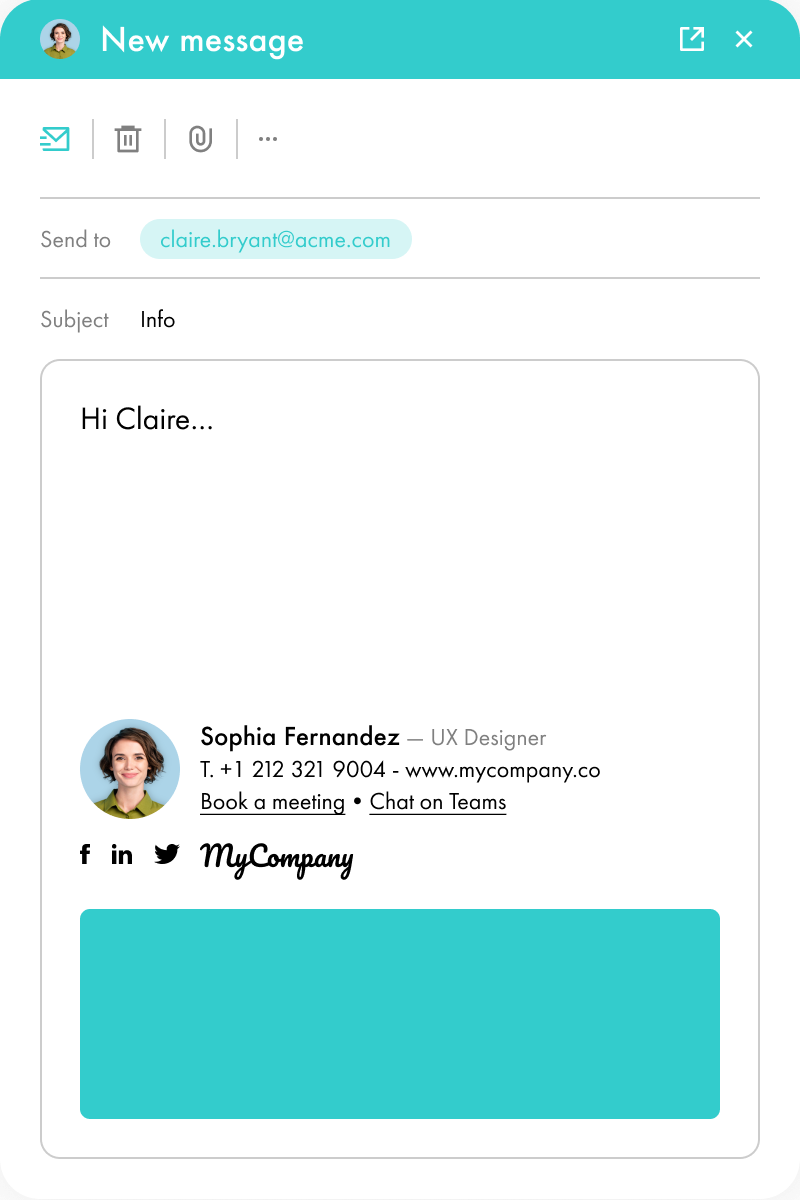
Lorem ipsum dolor sit amet, consectetur adipiscing elit, sed do eiusmod tempor incididunt ut labore et dolore magna aliqua. Ut enim ad minim veniam, quis nostrud exercitation ullamco laboris nisi ut aliquip ex ea commodo consequat. Duis aute irure dolor in reprehenderit in voluptate velit esse cillum dolore eu fugiat nulla pariatur.


