.svg)






.png)


From 50 team members to 500,000. No matter your team size, Letsignit's email signature software helps you get the most out of every email your team sends. Say goodbye to inconsistencies and mistakes in your employees' email signatures.

458k
emails sent each month
by your company

+17%
of visibility for your brand
according to our study

+20k
potential clicks on your email signatures
(website, social networks, calendar, etc.)
Import your company logo. Letsignit automatically generates on-brand email signature templates based on your brand colors.
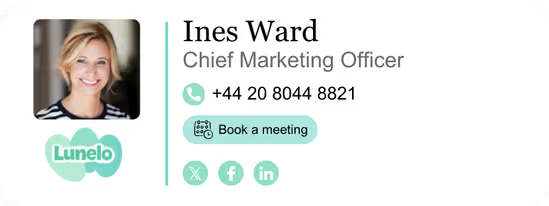
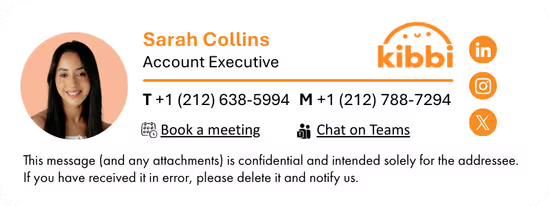
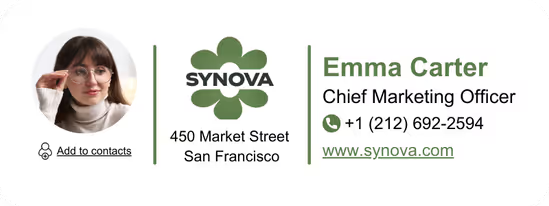
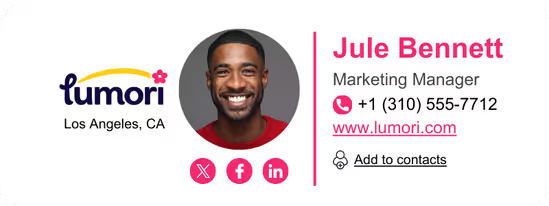
Use the Drag & Drop Designer to customize each signature template to match your brand guidelines. Then make it your own: add dynamic content, social media icons, appointment calendar links, awards, marketing banners, and more.

.avif)
.avif)
.avif)


.avif)
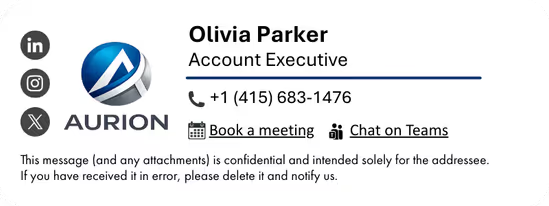


Assign each email signature template to specific users, teams, or campaigns. Contact details are automatically pulled from your directory.
Letsignit signatures look great regardless of the device (PC, Mac, tablet, or mobile). Users can browse their assigned signature designs and pick the right one for each recipient.
Email signatures update automatically across your entire organization. Letsignit syncs with your company directory (including Azure Active Directory) to securely pre-populate each employee's information — no manual entry, no risk of error (learn more about security & compliance).
New hire onboarding or a company-wide rebrand? Your outgoing emails stay accurate and up to date, always.

.webp)

.webp)


1-to-1 emails are one of the most overlooked channels in any business's marketing mix. With Letsignit, you can align every email signature across your organization to your latest email signature campaigns, adding marketing banners, special offers, or CTA buttons without disrupting your team's day-to-day email communications.
It's never been easier to get the word out.

Letsignit is natively integrated with Microsoft 365 and co-developed with Microsoft teams, making it the email signature software of choice for organizations running on Outlook and Exchange. Your employees' contact details are automatically pulled from Azure Active Directory, signatures deploy instantly across all devices, and every outgoing email stays on-brand without any manual work (learn more about security & compliance).
Compatible with all major email clients, Letsignit goes far beyond signature design. Dynamic content, marketing banners, social media icons, CTA buttons, legal disclaimers, custom attributes: every feature has been built to give communication and marketing teams and IT teams complete control over their company's email communications, at any scale.
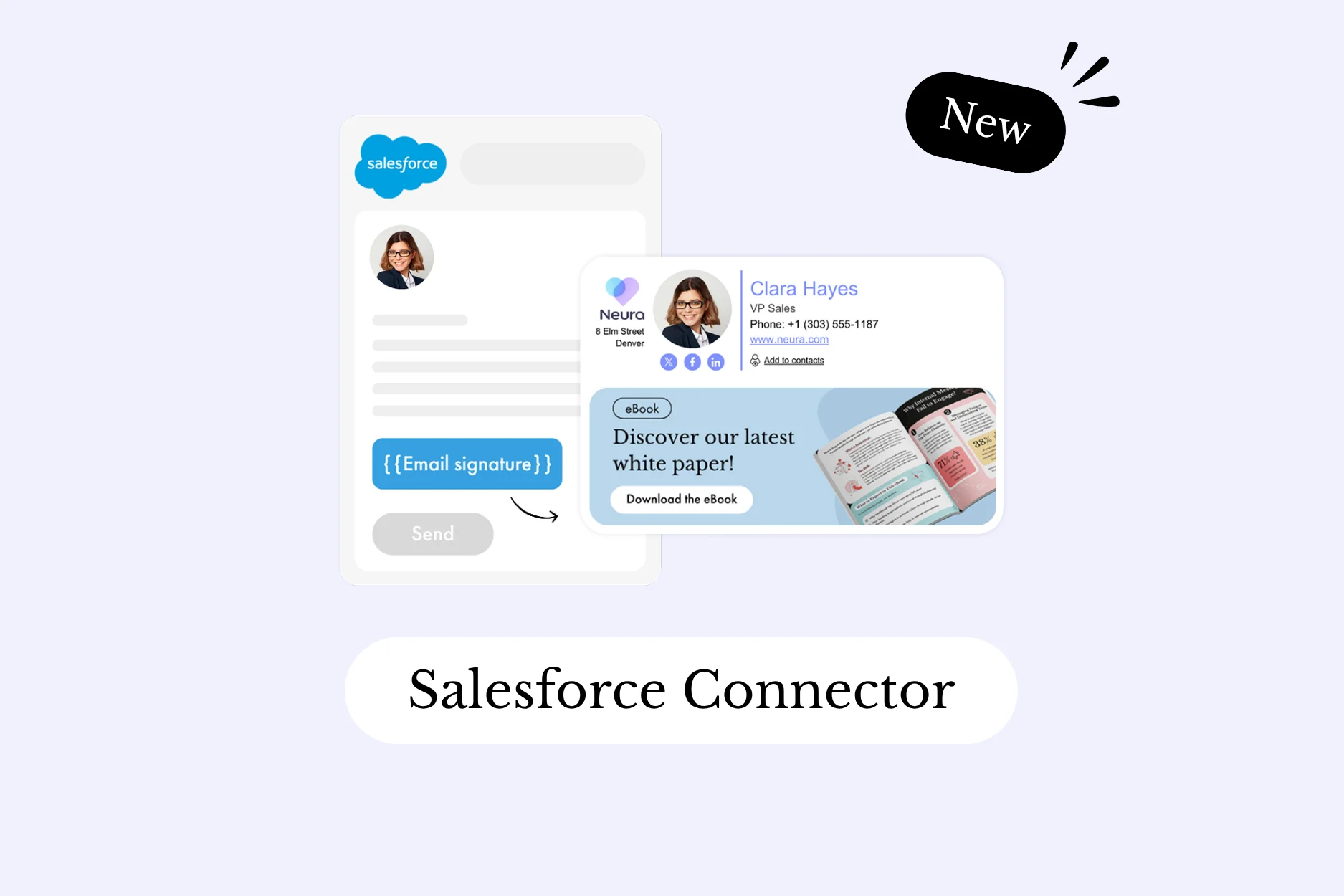
Letsignit connects directly with your existing infrastructure, from Outlook and Exchange to CRM systems like Salesforce, HubSpot, and Salesloft. No additional layer, no complex setup. User data syncs automatically, signatures update in real time, and your team keeps working exactly as before.
See all integrations.

Yes, it is possible to track the number of clicks on the email signatures of all your employees in the Statistics area of the platform.
You can then access a detailed or global view of the number of clicks on the email signatures of each employee. You can use the search option to target a specific signature or a given period. Finally, you have the possibility to export all statistics to an Excel document. If you launch campaigns with banners inserted in your email signatures, you can also access their performance via this same space.
With Letsignit, you can easily add social media icons, a vCard, and appointment links to your employees' email signatures. Our "attributes" feature also lets you manage personalized URLs for each team member, linking to their individual LinkedIn profile, for example.
And that's not all: you can add links to an appointment-setting application, allow your customers to leave reviews easily, and integrate our 'Chat on Teams' widget to let anyone start a conversation via Microsoft Teams chat.
It's up to you. As an administrator of the Letsignit platform, you choose whether or not to grant modification rights to your employees. These permissions are managed on an attribute-by-attribute basis, which means you can allow a team member to update their phone number, for instance, while keeping the office address locked.
This feature applies to all attributes in your directory, including custom attributes created in Letsignit. When employees update their information, your directory is not affected.
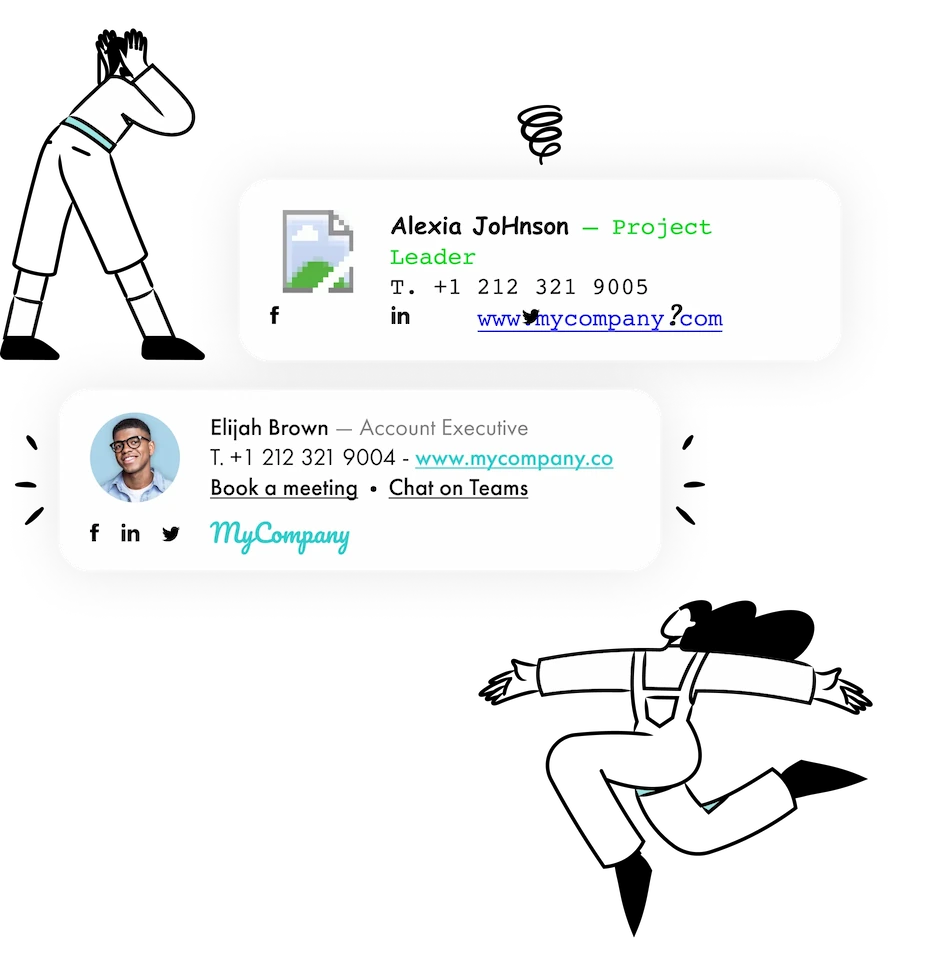
It's common for employees to personalize their own signatures, a non-standard font here, the wrong colors there. Over time, this kind of inconsistency chips away at your brand image.
A consistent visual identity is considered authentic and outperforms a perceived weak one by 20%. Customers are also 2.4× more likely to buy from a business they recognize. With Letsignit, you get complete control over every email signature across your organization, by department, region, subsidiary, or campaign, without overlooking the possibility of running email signature campaigns.
In both cases:
In short, your team has autonomy over their email signatures, but you keep full control over the fields, designs, and banners they can edit or use.
With our "multi-signature" feature, employees can access multiple email signatures with no technical setup required. Thanks to the Letsignit Add-in for Outlook or the Desktop App, switching between signatures takes just a few clicks.
You can create as many variations as you need:
Everything is designed to add a personal, relevant touch to every email, based on who's receiving it.
If sending emails has an environmental impact, poorly optimized email signatures do too. An unsuitable format or oversized image can significantly increase the weight of your signatures, and therefore your emails.
As a responsible software company, we contribute to reducing CO2 emissions in several ways:
The best email signature software gives your team professional email signatures that are on-brand, automatically updated, and deployable at scale, without any manual work. Letsignit is built exactly for that: it combines a powerful email signature management tool with campaign capabilities, analytics, and deep integration with Microsoft 365 and Outlook. Whether you're managing 50 users or 50,000, it's the email signature solution that grows with your business.


