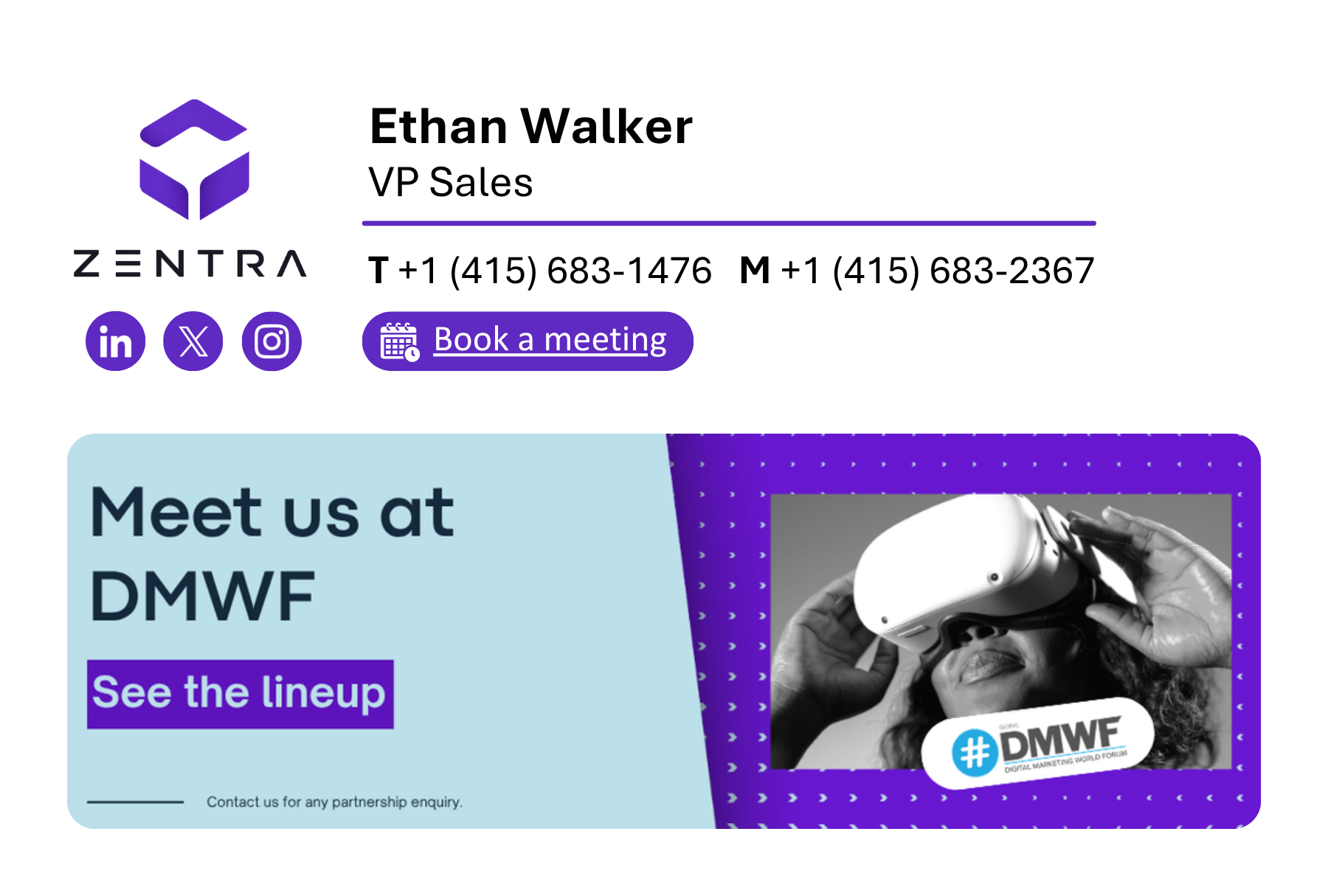
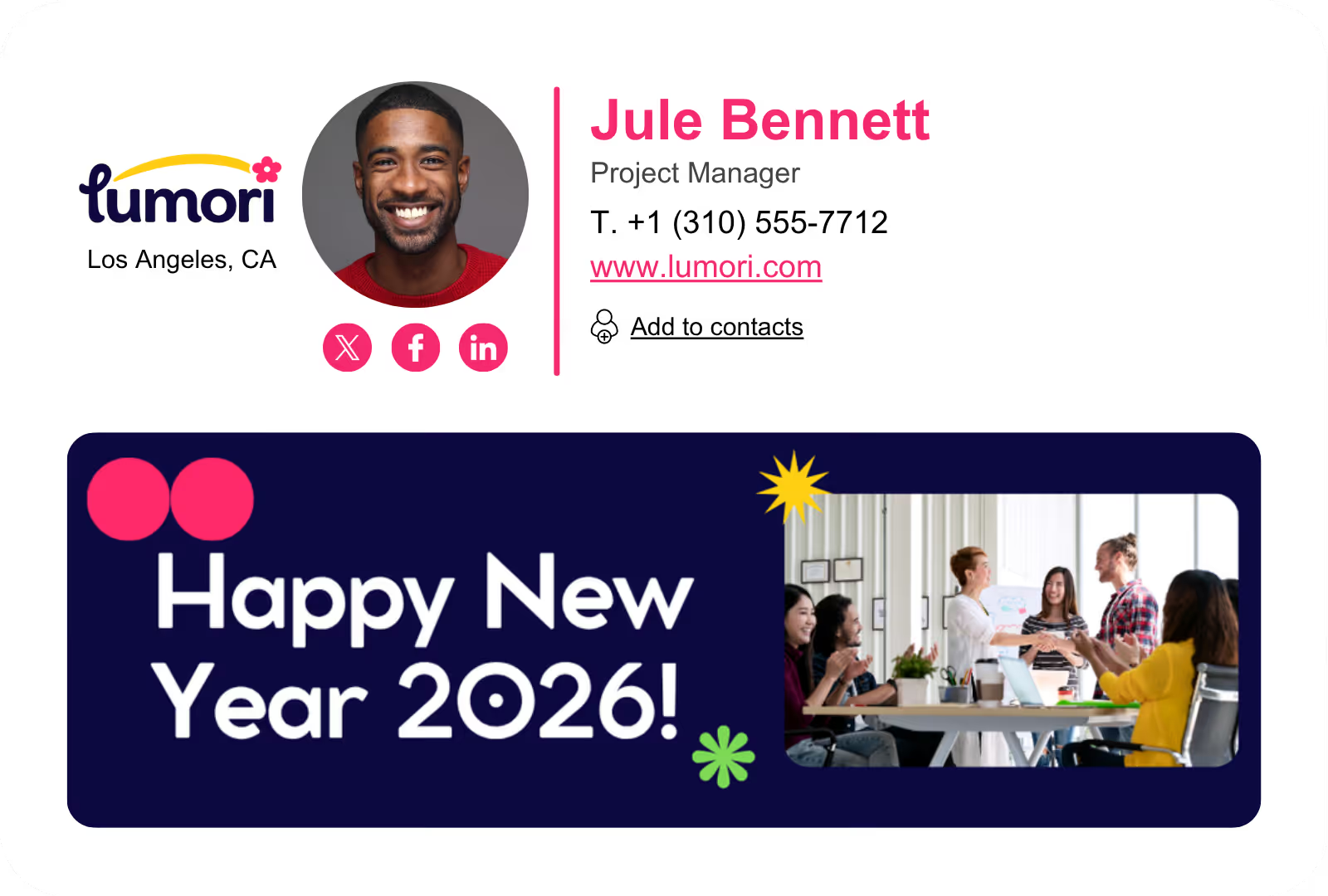
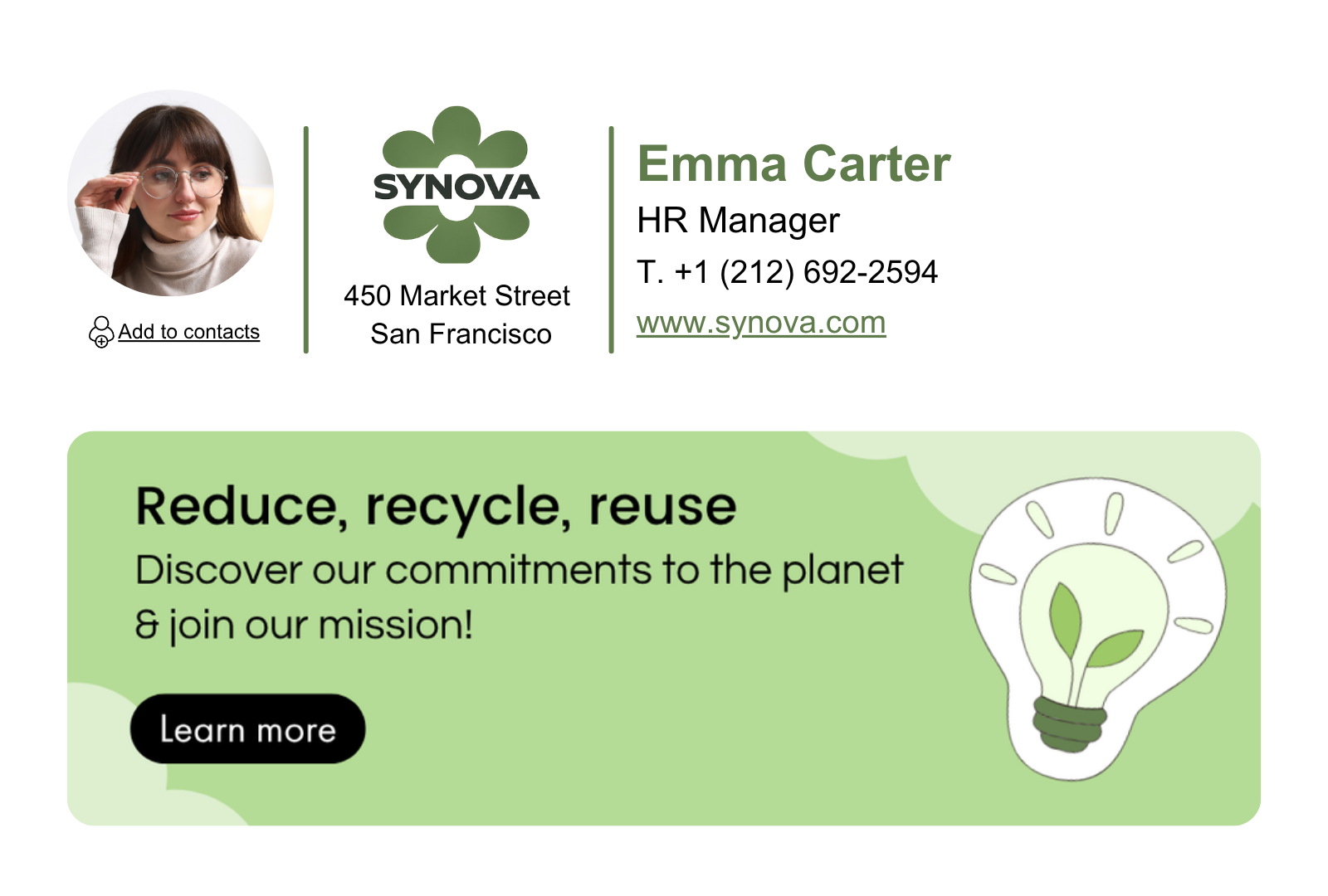
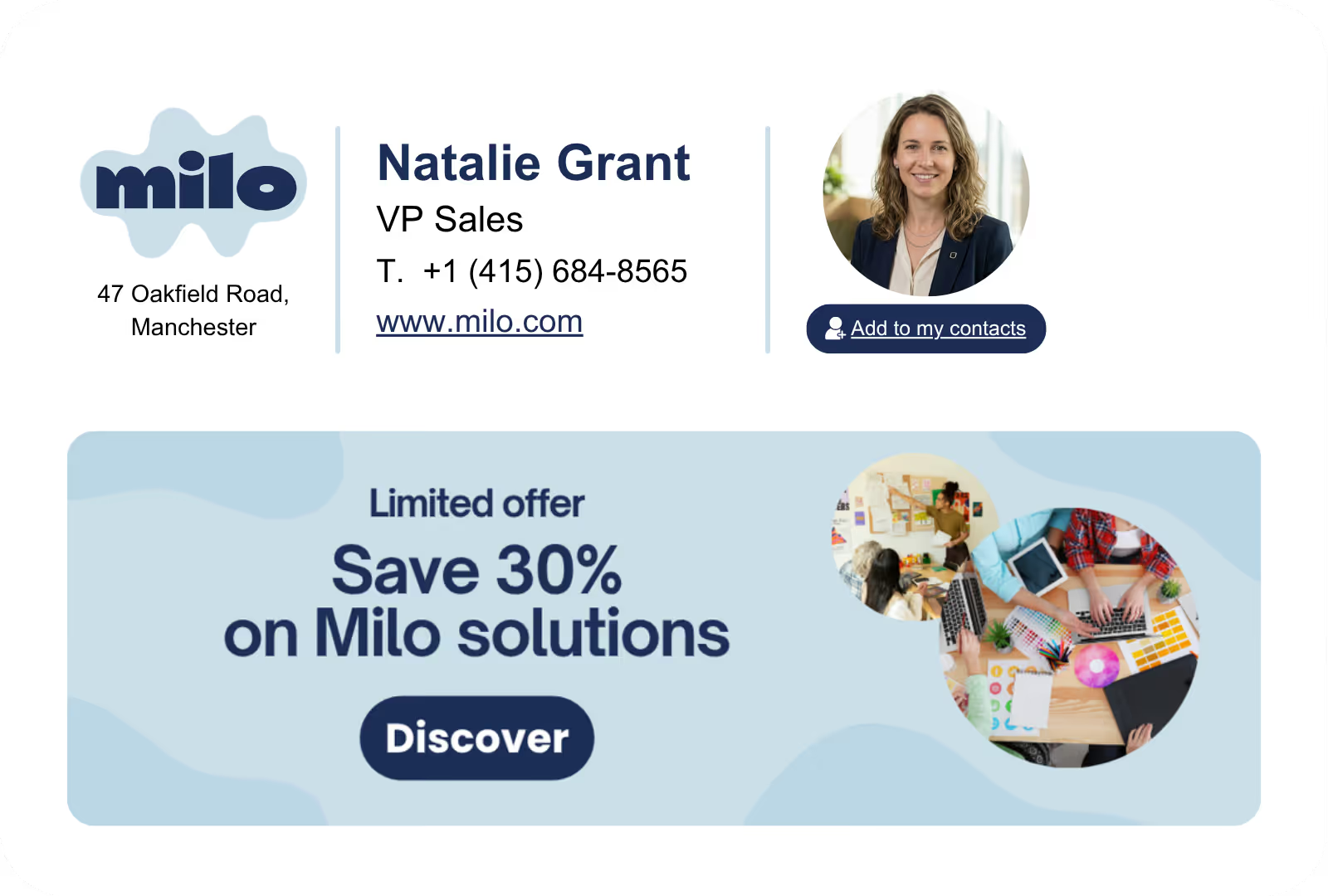
How it works

Connected to your stack.

Activated for your brand.

Letsignit doesn't replace your stack, it empower it. We sync with the tools you already trust, centralize your brand once, and push it everywhere your employees show up.

1.
Sync & centralize data
Connect Letsignit to your directory once (Microsoft Entra ID, Google Workspace, and more). Employee and company data flow in, stay current, and propagate automatically whenever something changes.
2.
Set up brand charter
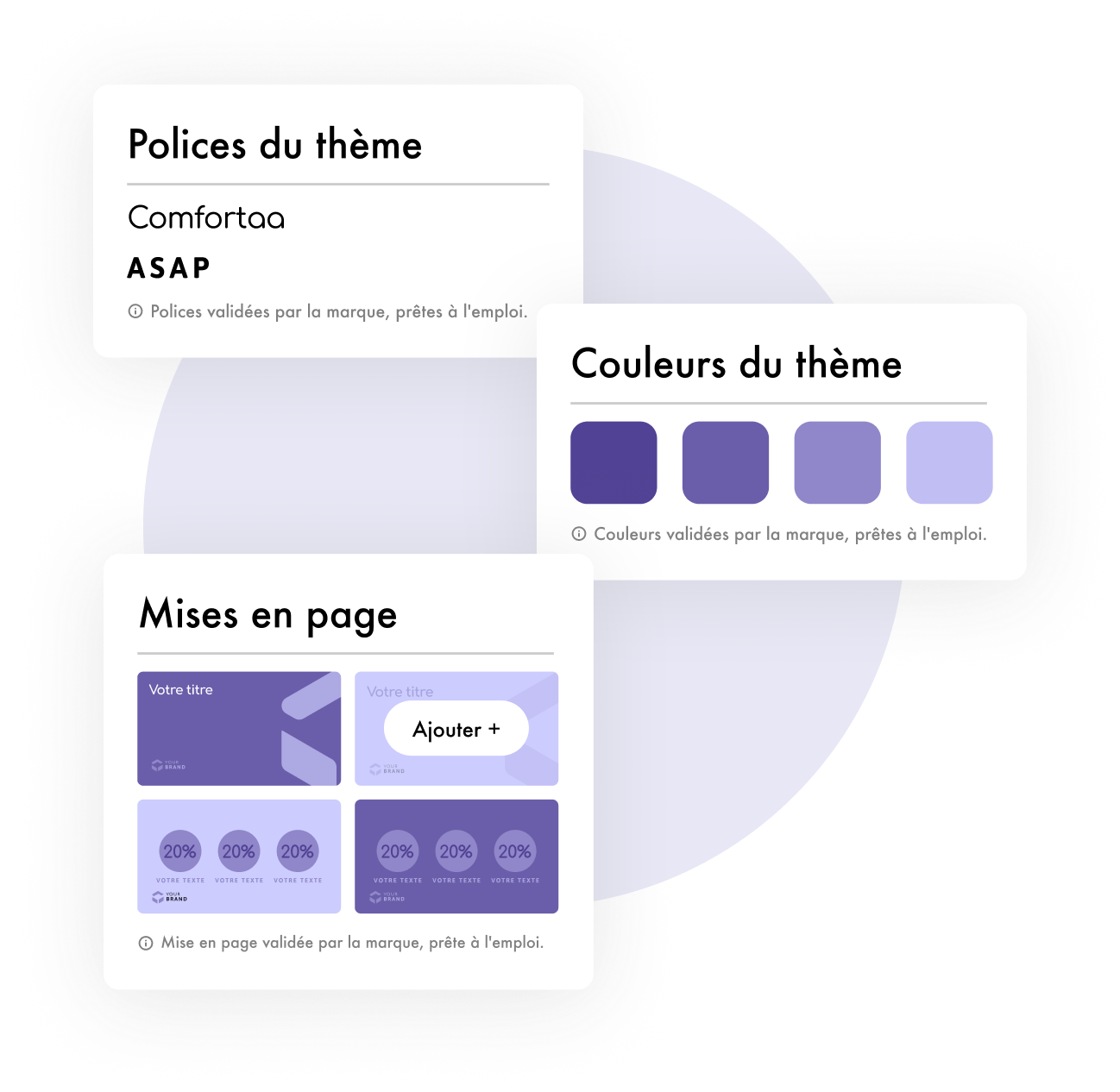
Define your brand once. Define your brand charter and import your brand identity assets into a single admin console. One source of truth for your people and your brand.
3.
Manage employee brand interactions
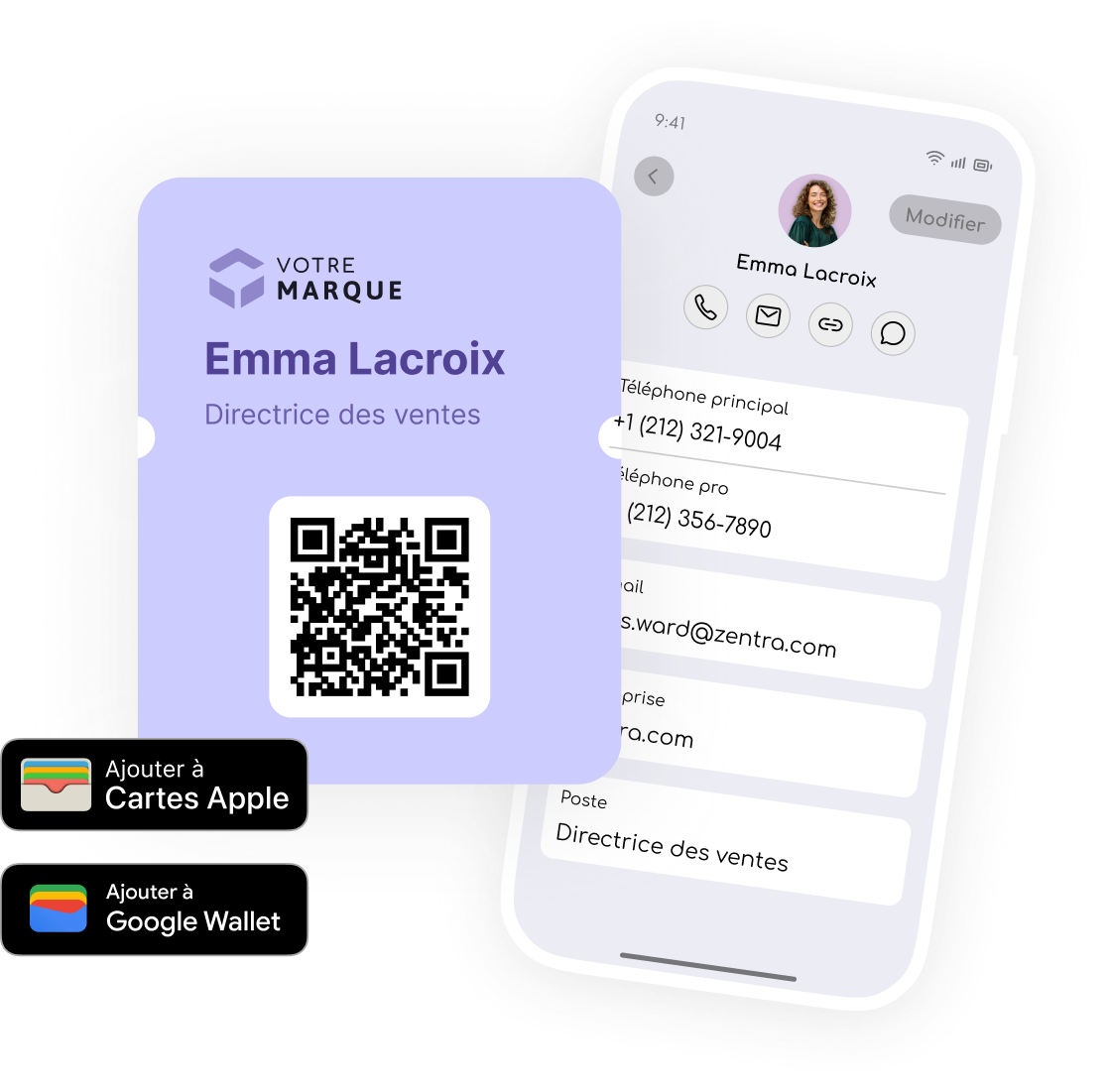
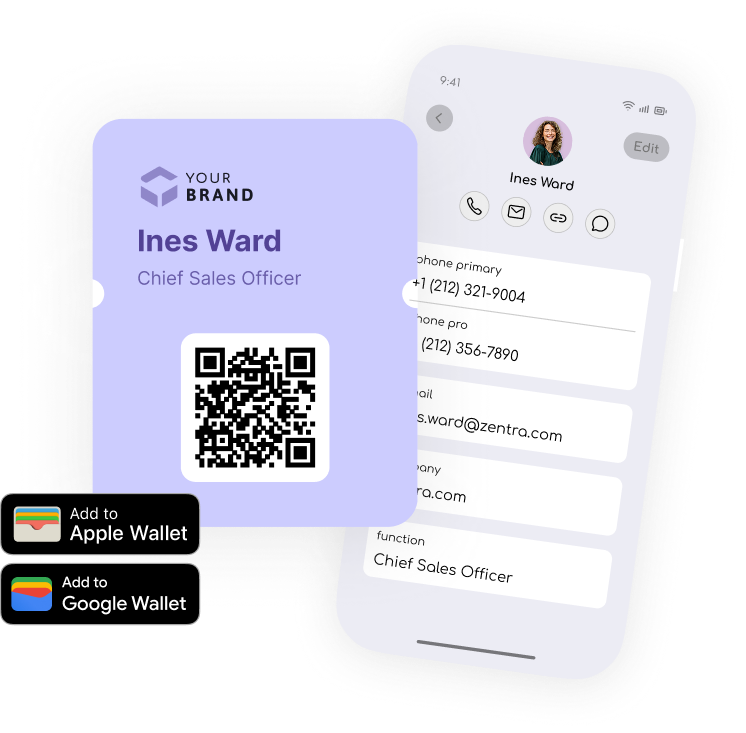
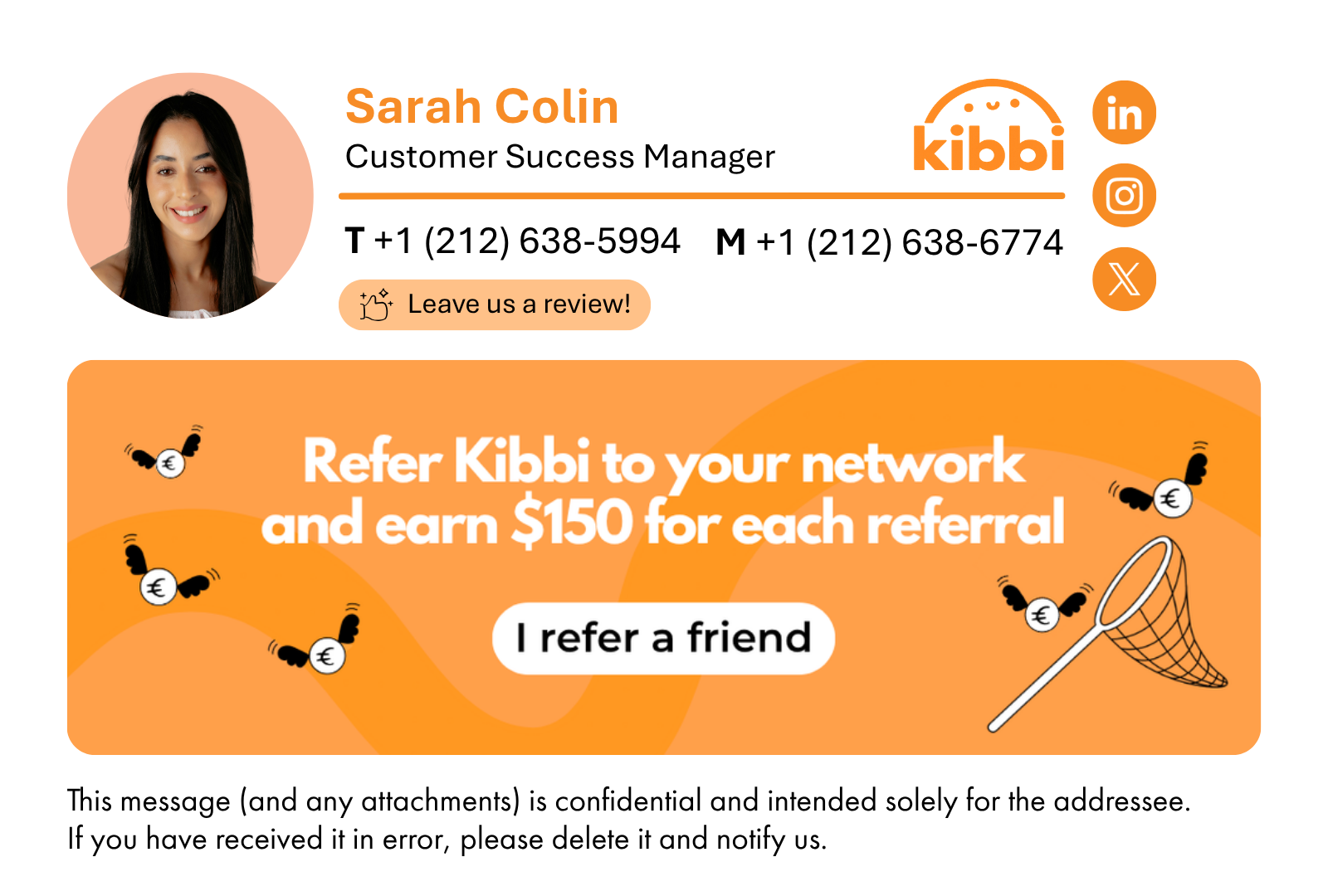
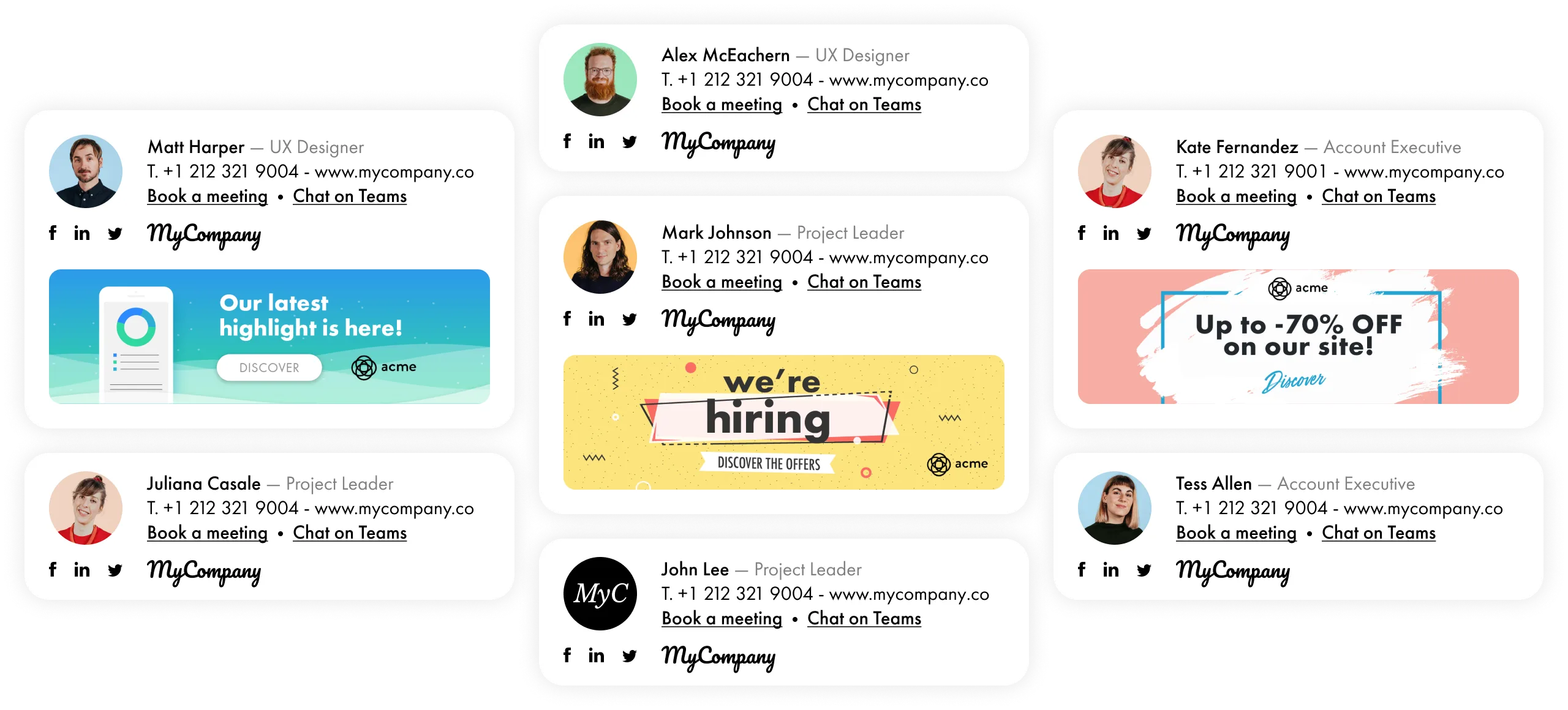
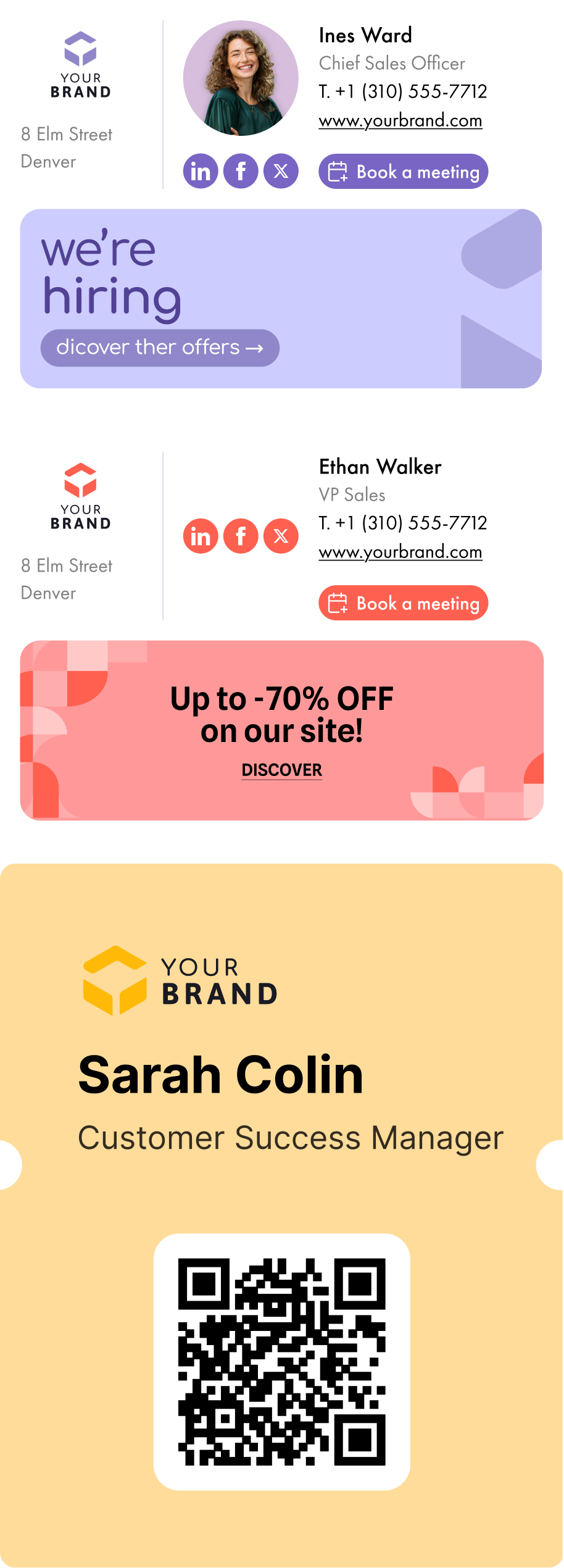
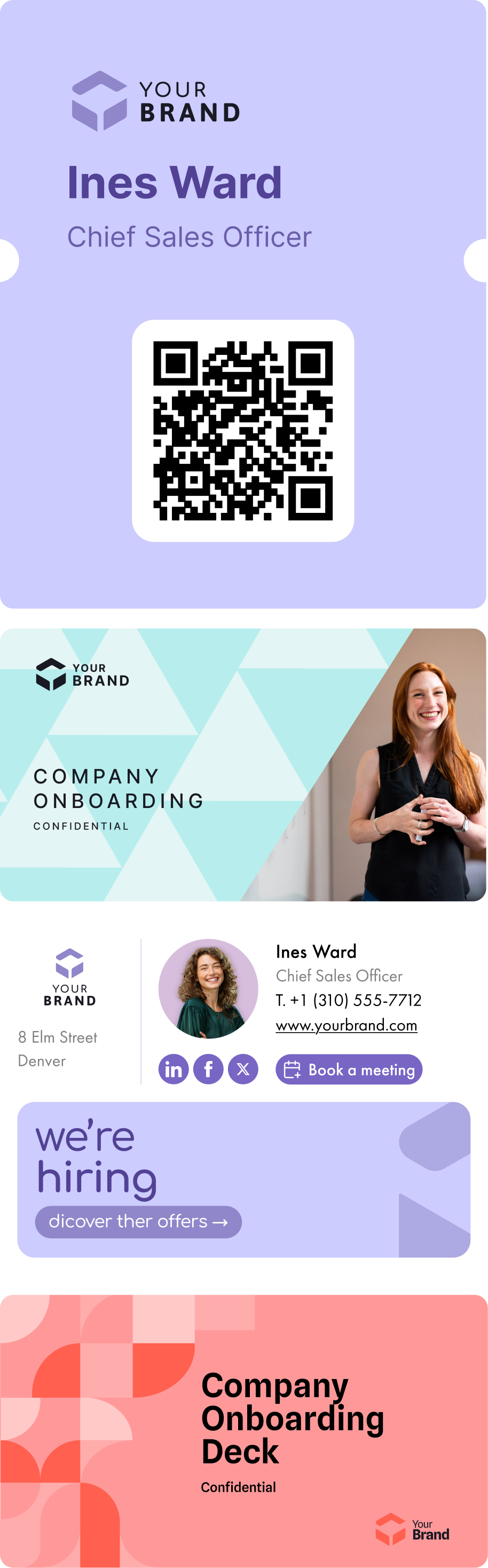
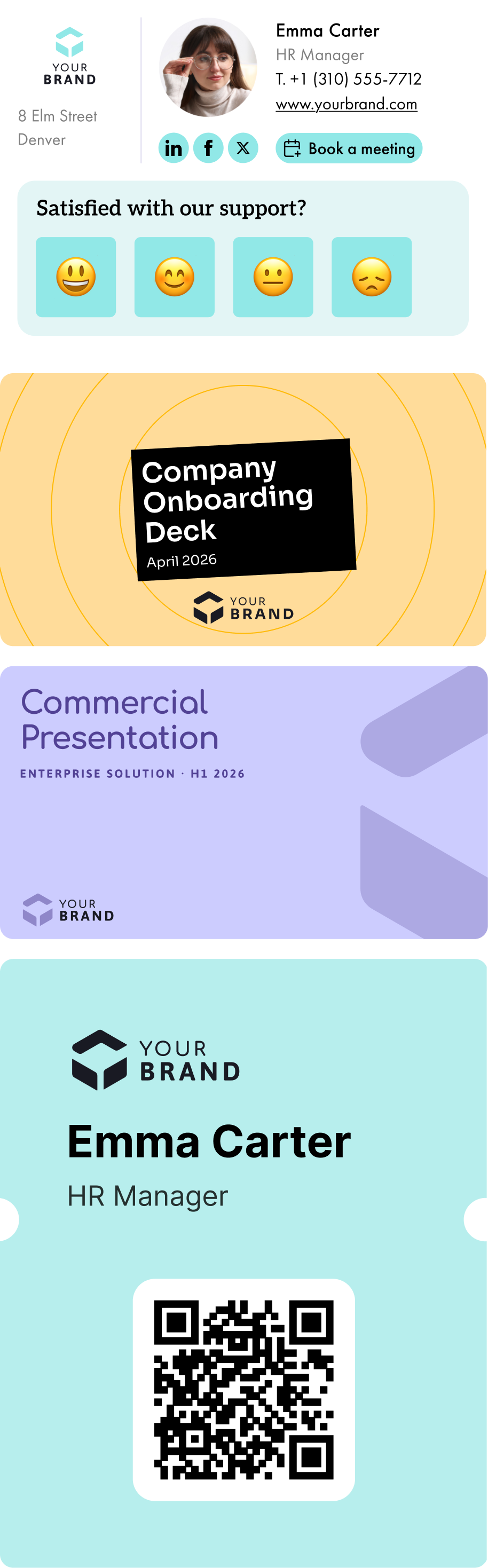
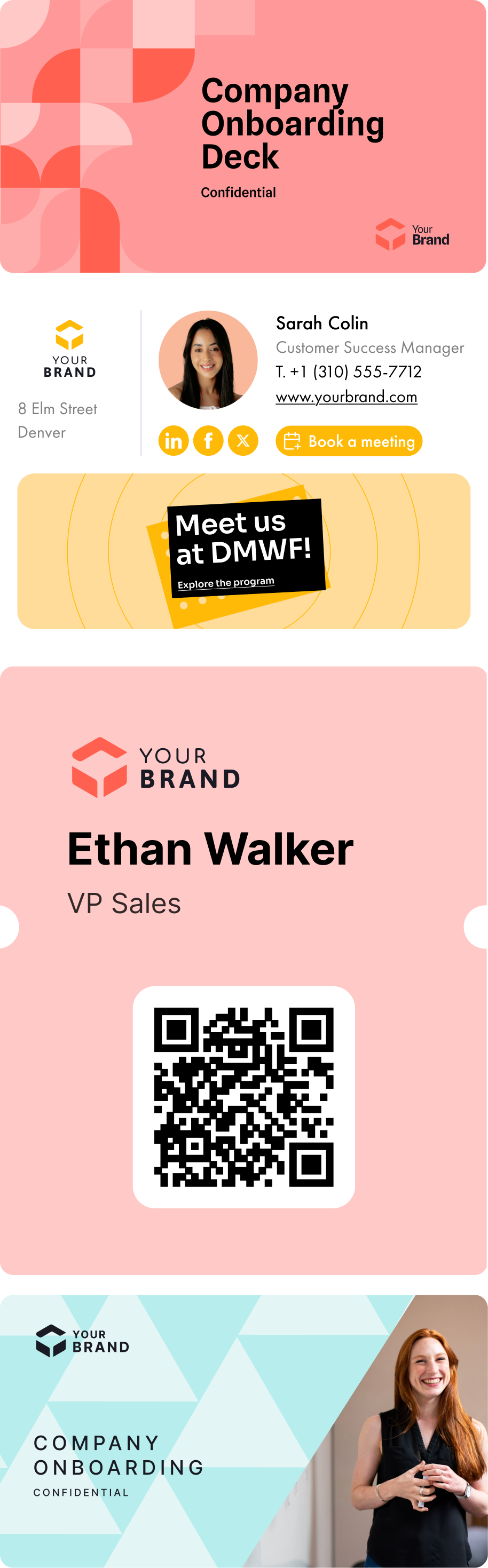
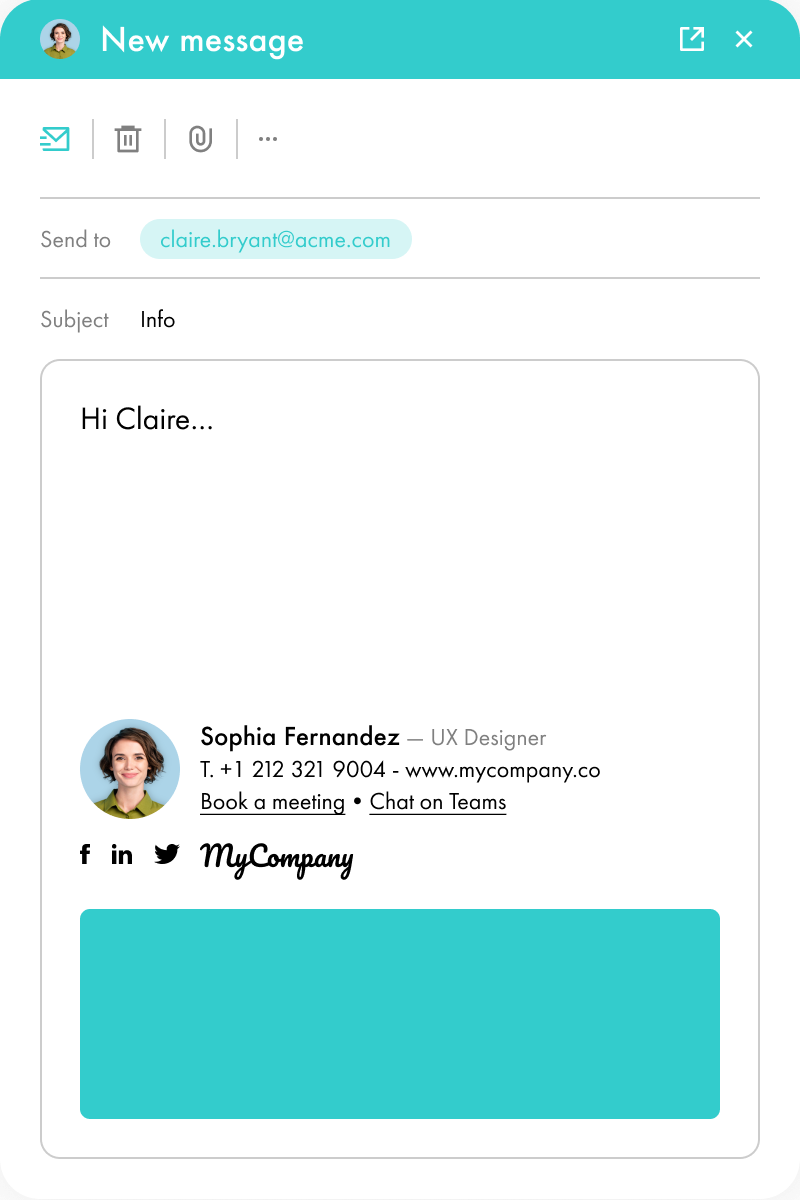
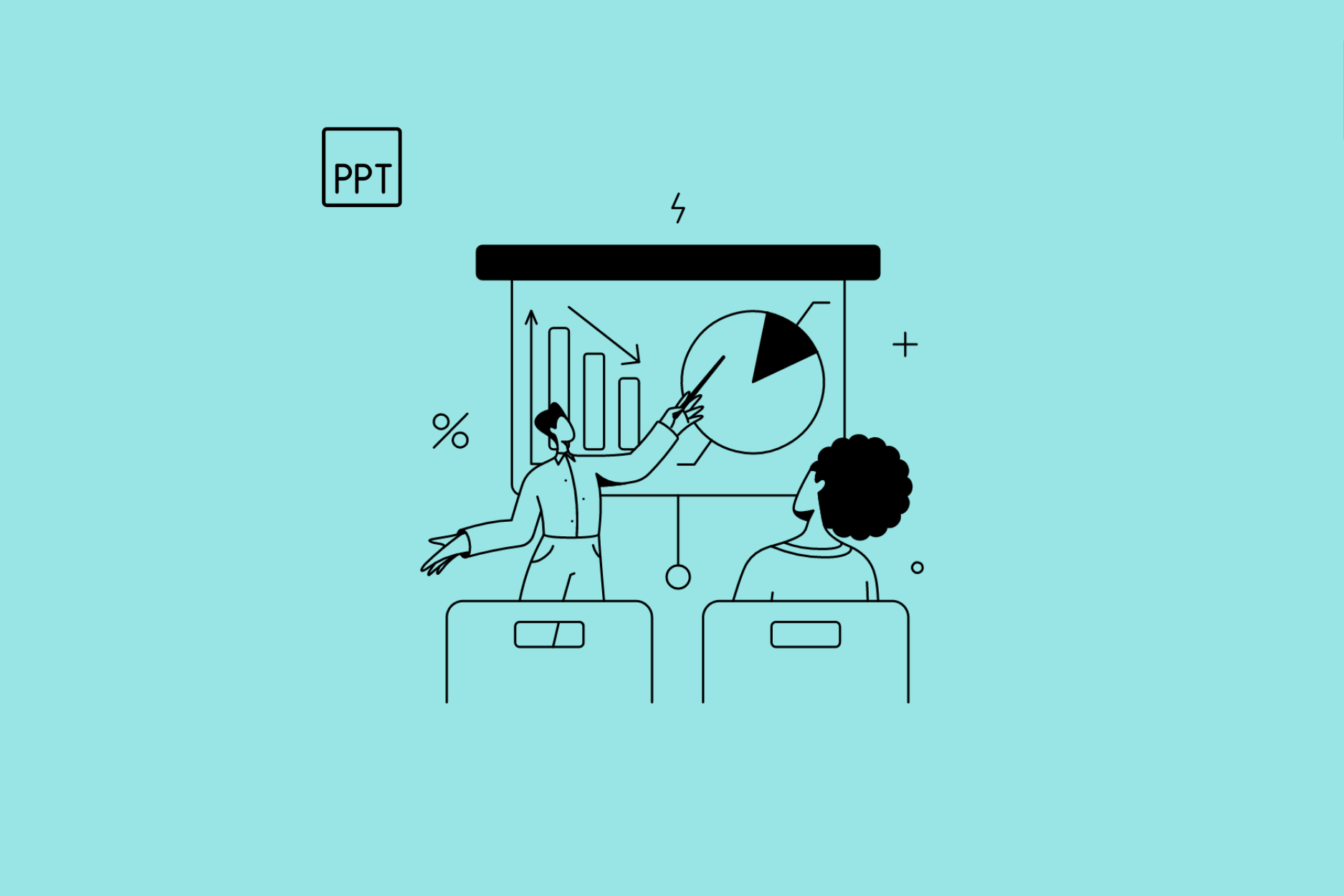
Create your email signature templates, import your powerpoint presentation themes, generate your vCards. Then assign them by your own rules: signatures by team, themes by BU, vCards by country, campaigns by audience. The segmentation that makes your brand precise at scale.
4.
Deliver a frictionless experience
Everything deploys to every employee, no install, no manual step. The Letsignit Add-in lives in Outlook and PowerPoint, the vCard in Apple and Google Wallet. Wherever they work, the brand is already there, accurate and ready to use. Zero friction, day one.
5.
Measure brand impact
Track signature clicks, campaign performance, and brand exposure in real time. See exactly what's working across every channel, and turn brand consistency into outcomes you can prove.

Get the most out of your email signatures

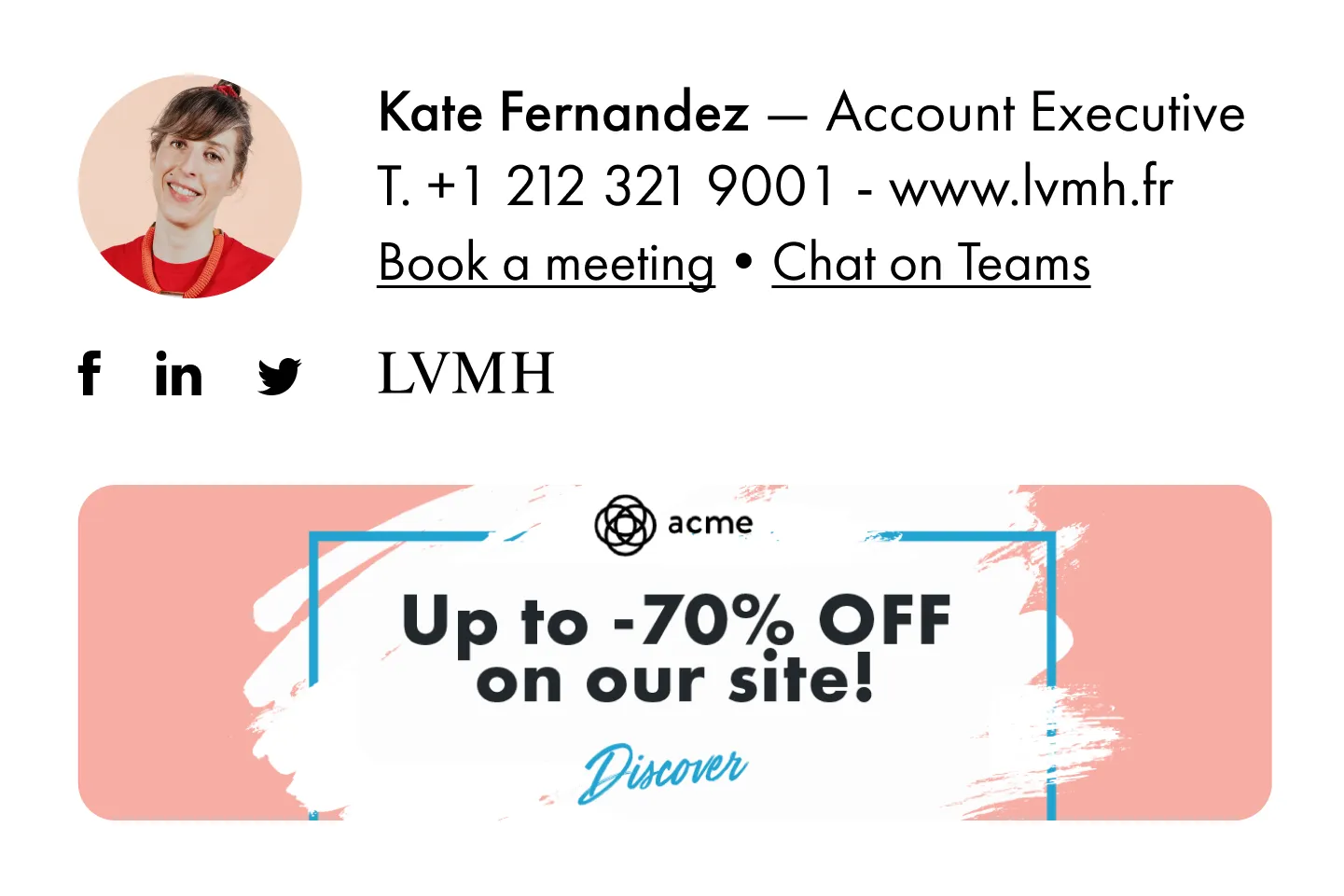
Design and deploy on-brand email signatures for your whole team. Connect with your audience in a way that's on-brand and personal, while driving quality lead generation.

Unite your brand above one signature

Deploy on-brand email signatures across your organization. Customize them for individuals, teams, 
or campaigns. Plus, enjoy large account management features.For teams with 50 to 100,000 employees.

Unite your brand above one signature

Deploy on-brand email signatures across your organization. Customize them for individuals, teams, 
or campaigns. Plus, enjoy large account management features.For teams with 50 to 100,000 employees.

Trouvez l’offre parfaite pour votre organisation

Signatures

Branding

Uniformisez vos
signatures mail
Créez, gérez, et automatisez le déploiement des signatures mail de l'ensemble de vos collaborateurs.
Signatures + Campagnes

Campaigns

Amplifiez la portée de vos communications
Intégrez des bannières de com' à vos signatures mail et programmez vos campagnes externes et internes.
+500 collaborateurs

Entreprise

Du sur-mesure, rien que pour vous
Contactez-nous pour une offre adaptée, qui répond aux besoins des organisations de plus de 500 collaborateurs.

Plus de visibilité.
Plus de cohérence.
Plus d’opportunités.
Moins d’efforts.

Transformez vos signatures mail en un média d'engagement 1-1 puissant pour vos marques et vos campagnes.

Remplissez le formulaire et choisissez un créneau pour découvrir comment Letsignit peut répondre aux besoins de votre organisation.

Demandez une démo

Unite your brand above one signature

The rich text element allows you to create and format headings, paragraphs, blockquotes, images, and video all in one place instead of having to add and format them individually. Just double-click and easily create content.
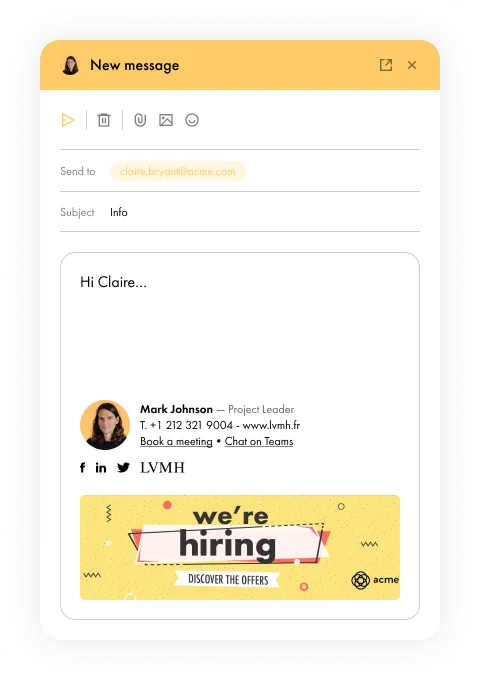
Unite your brand above one signature

The rich text element allows you to create and format headings, paragraphs, blockquotes, images, and video all in one place instead of having to add and format them individually. Just double-click and easily create content.
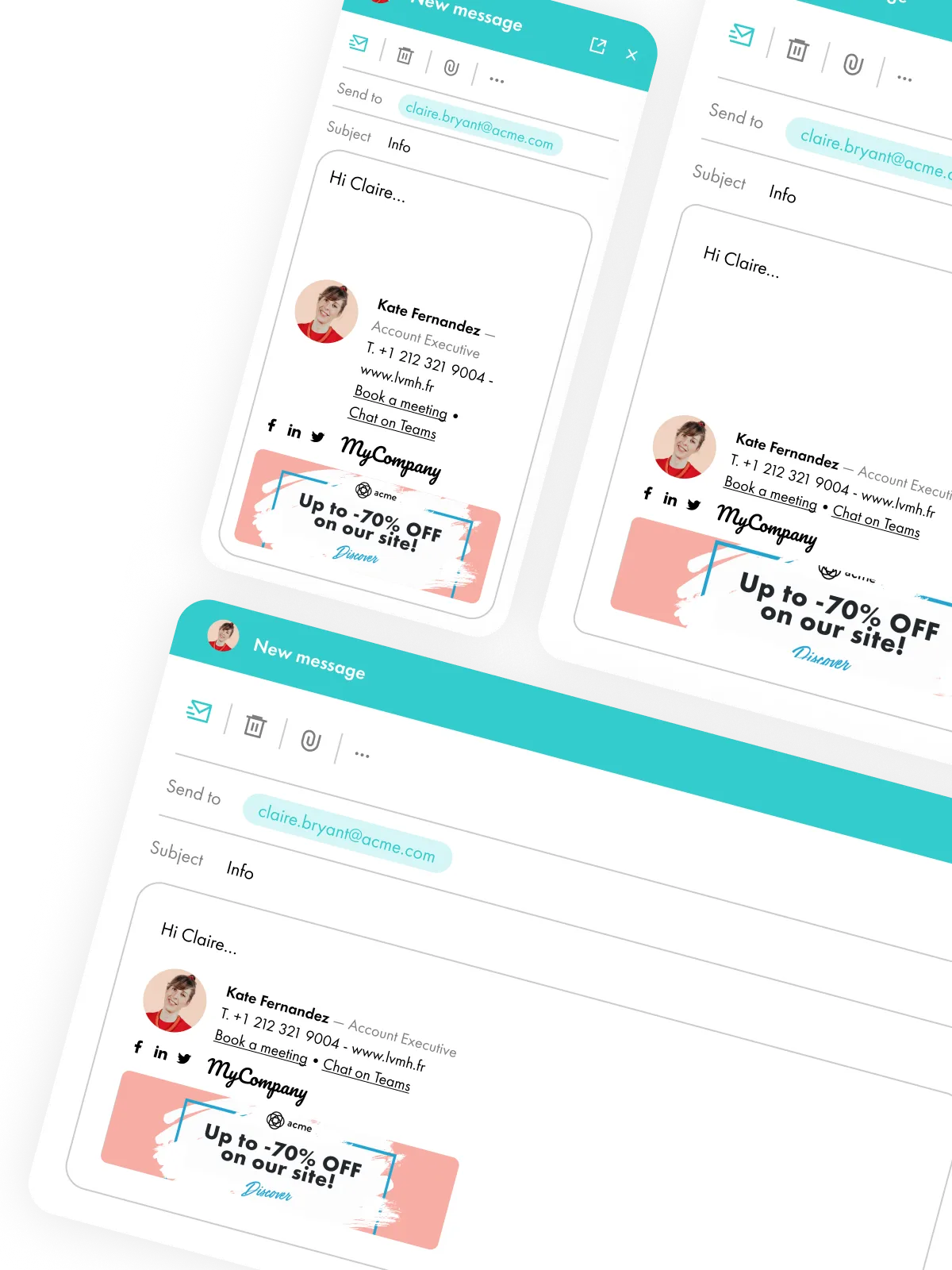
Unite your brand above one signature

The rich text element allows you to create and format headings, paragraphs, blockquotes, images, and video all in one place instead of having to add and format them individually. Just double-click and easily create content.

Set the new standard
— across every device

The rich text element allows you to create and format headings, paragraphs, blockquotes, images, and video all in one place instead of having to add and format them individually. Just double-click and easily create content.

A rich text element can be used with static or dynamic content. For static content, just drop it into any page and begin editing. For dynamic content, add a rich text field to any collection and then connect a rich text element to that field in the settings panel. Voila

Microsoft Gold Partner,
Microsoft (Office) 365 seamless integration,
and Azure cloud-based architecture
Stop settling
for the old way
Employees don’t follow approved brand guidelines
Signatures contain errors, inconsistencies, and misspellings
Manual processes steal time from IT
Misaligned emails become missed marketing opportunities
Generic templates don’t work across devices
Get on-brand
with Letsignit
Standardize email signatures across campaigns and teams
Make bulk updates in seconds
No design skills required
Rapid campaign distribution and tracking
Customize for different business entities and campaigns
Stop settling
for the old way
Employees don’t follow approved brand guidelines
Signatures contain errors, inconsistencies, and misspellings
Manual processes steal time from IT
Misaligned emails become missed marketing opportunities
Generic templates don’t work across devices
Get on-brand
with Letsignit
Standardize email signatures across campaigns and teams
Make bulk updates in seconds
No design skills required
Rapid campaign distribution and tracking
Customize for different business entities and campaigns

Resource library

Dive deeper. Unlock the full potential of your email signatures.

Brand outcomes for Marketing.
Enterprise standards for IT

You operate in regulated environments. Letsignit is built for that: every signature, every slide, every digital card runs on infrastructure designed for the enterprise.

Your data stays yours
We sync with your directory and push brand assets to your employees: we never read, store, or access the content they create and share.
Co-built with Microsoft
A 13-year partnership with Microsoft engineering: we co-developed our first Outlook Add-in with them, our new Powerpoint Add-in and we're building the future together.
ISO 27001 & 27018
Certified for 4 years with the highest global standards for information and data security. Continuous audits and penetration tests. 100% EU hosting. Zero compliance incidents in 13 years.
Learn more on security
The average person sends 30 emails per day.
With Letsignit, every email is a marketing opportunity.
Increase your brand visibility by 17%

The rich text element allows you to create and format headings, paragraphs, blockquotes, images, and video all in one place instead of having to add and format them individually. Just double-click and easily create content.

Boost clicks, traffic
or leads by 25%

The rich text element allows you to create and format headings, paragraphs, blockquotes, images, and video all in one place instead of having to add and format them individually. Just double-click and easily create content.

Enhance employee information by 38%

The rich text element allows you to create and format headings, paragraphs, blockquotes, images, and video all in one place instead of having to add and format them individually. Just double-click and easily create content.

“Ever since we implemented Letsignit, we've had an internal email signature policy in place. Believe it or not, it's been almost 10 years since we started using it - since June 2022!”
Martine GILLET‑ARAIC
 — Digital Communication Officer
 
Découvrir la Success Story

Your employees already represent your brand. Every day, across every interaction.

Make sure every interaction stays on brand.
Start governing your brand

How does it work?

1
Design

Create your signatures with the simplest designer on the market

Use templates or make your own with more precision thanks to our Drag & Drop Designer : no technical skills are required!
Learn more
2
Synchronize & deploy

Synchronize your user data in 3 clicks

Thanks to synchronization with your company directory (Azure AD or local Azure), all your users' information is pre-filled and updated instantly. The deployment of signatures on Outlook, Outlook Online, and mobile is then done directly in your Microsoft 365 Admin console through our Add-in for Outlook co-developed with Microsoft teams.
Learn more
3
Communicate & measure

Add banners to your signatures for internal and external communication

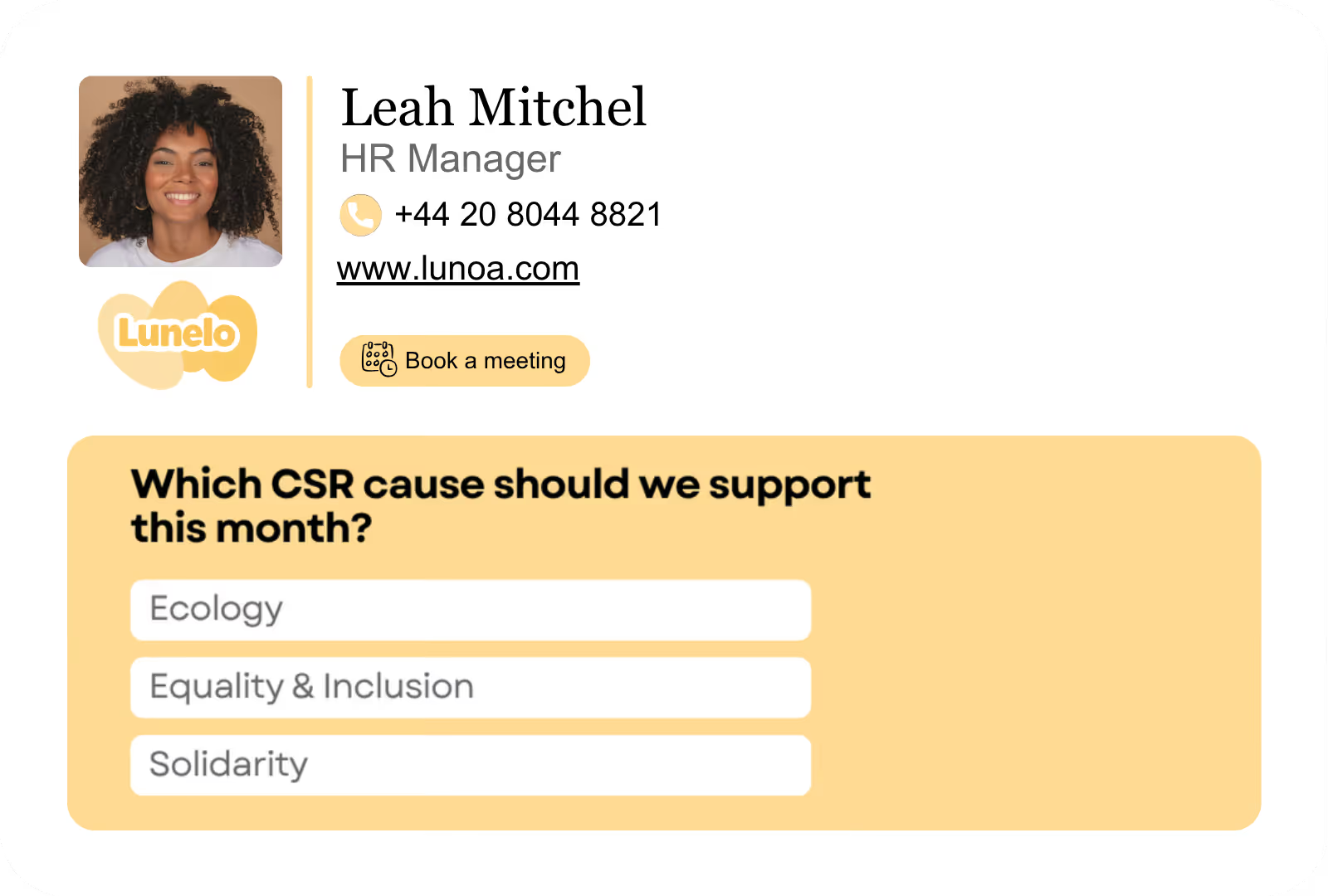
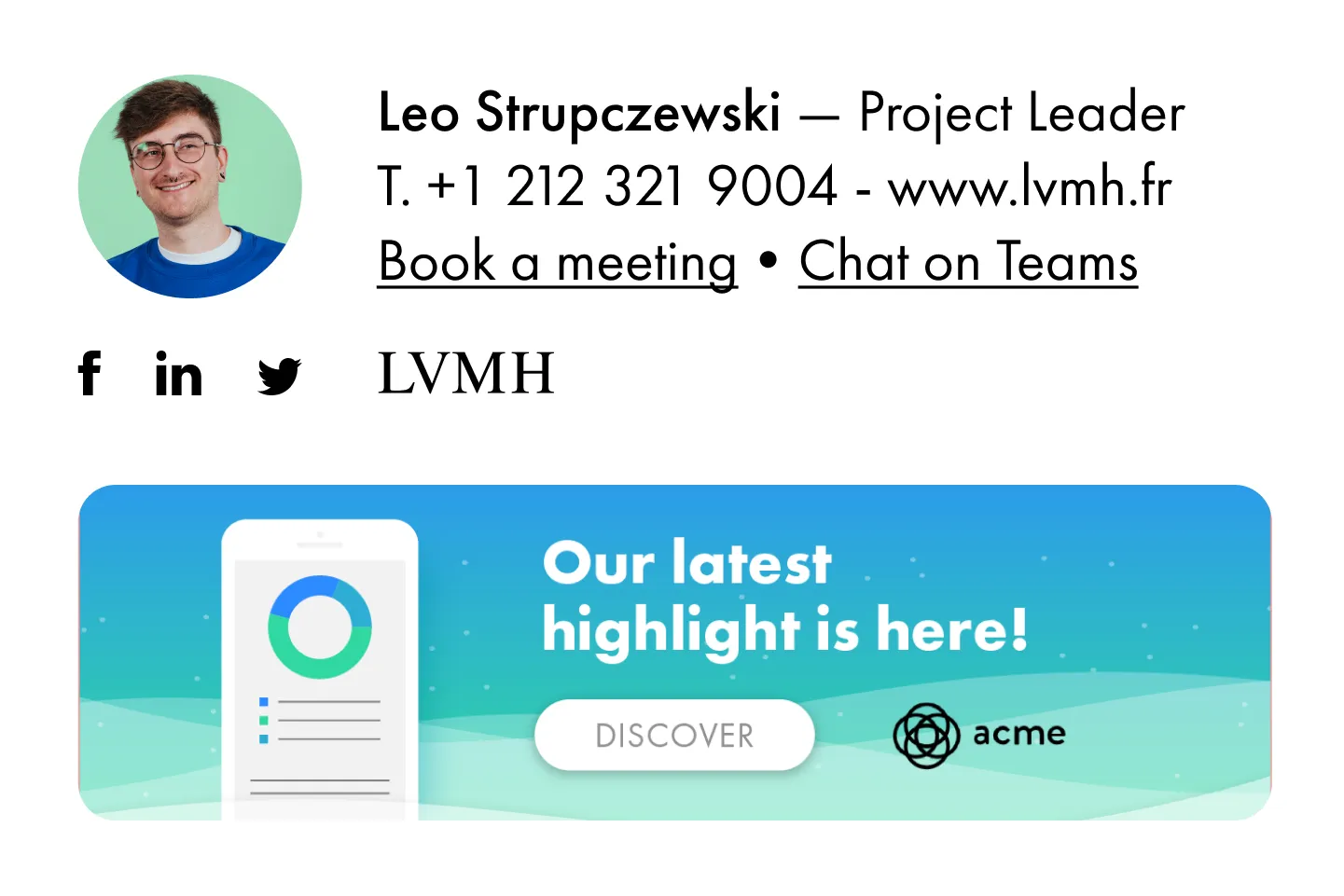
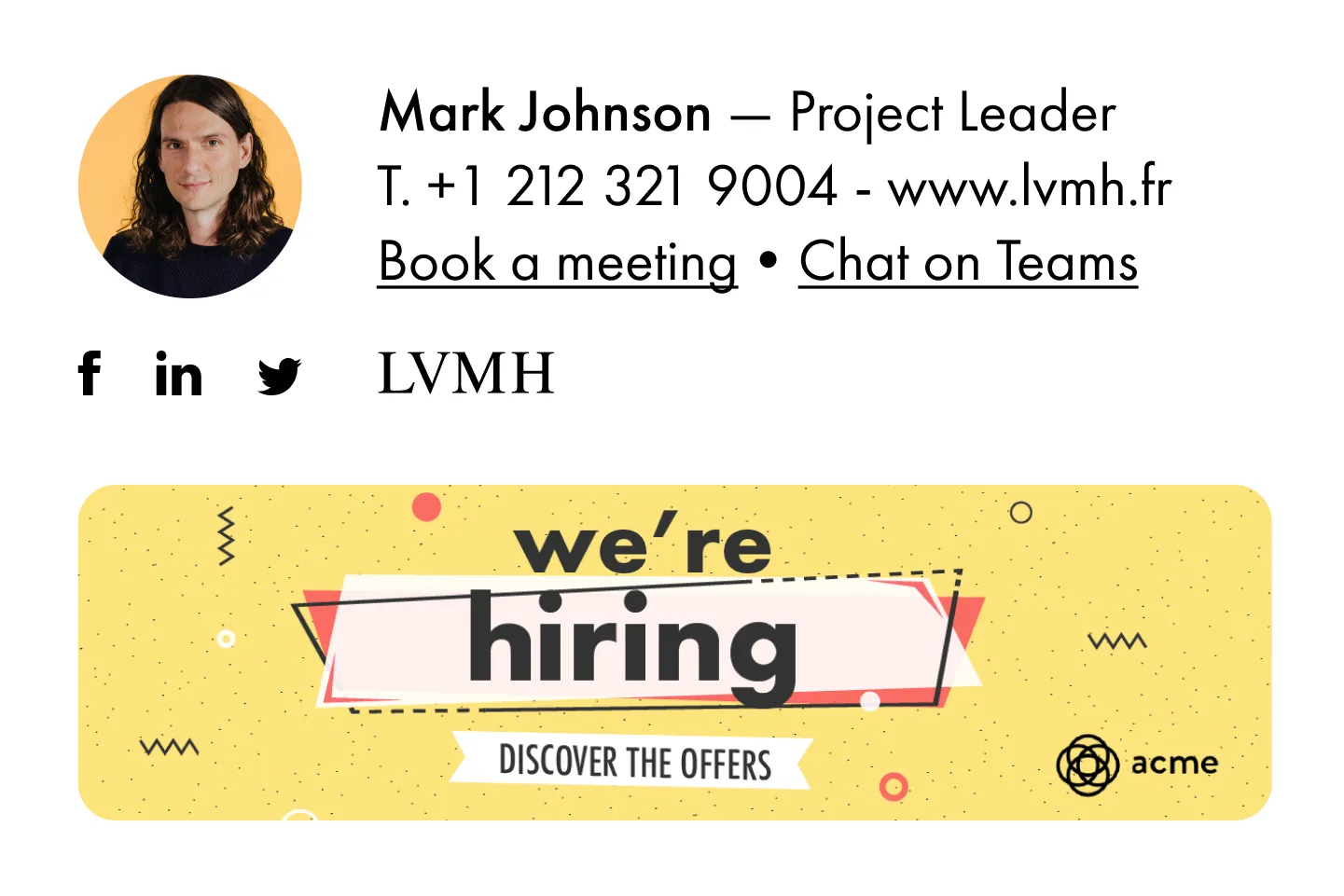
Spread your communication campaigns in a targeted, non-intrusive, and cost-effective way in all the emails your employees send. Promotions, eBooks, news, recruitment, events, surveys... your colleagues can choose the most appropriate campaign according to their recipients. Then, track the performance of your campaigns to improve your actions!
Learn more

Frequently asked questions

1

Is it possible to track the number of clicks on email signatures?

Yes, with the 'Campaigns' offer, it is possible to track the number of clicks on the email signatures of all your employees in the 'Statistics' area of the platform.

You can then access a detailed or global view of the number of clicks on the email signatures of each employee. You can use the search option to target a specific signature or a given period. Finally, you have the possibility to export all statistics to an Excel document.

If you launch campaigns with banners inserted in your email signatures, you can also access their performance via this same space.

2

Can we add links to social networks, our website, and appointment-setting applications such as Calendly?

With Letsignit, you can easily add social network icons in your collaborators' email signatures and link to your company pages. Also, our "attributes" feature allows you to manage personalized URLs for each of your collaborators such as their individual LinkedIn profile.

And that's not all: you can add links to an appointment-setting application, allow your customers to leave reviews easily, and integrate our 'Chat on Teams' widget to let anyone start a discussion via Microsoft Teams chat.

3

Can employees update their signature information themselves (number, function, etc.)?

It’s up to you! As an administrator of the Letsignit platform, you choose whether or not to grant modification rights to your employees. These permissions are managed on an attribute-by-attribute basis, which means that you can decide to allow the employee to change their phone number, but not the address of your premises, for example.

This feature applies to all attributes in your directory, including custom attributes created on Letsignit. When your employees change one or more attributes, your directory is obviously not affected.

4

Why it is important to standardize our email signatures on a large scale to ensure our identity and brand image?

It often happens that employees make their email signature their own: custom format, bad fonts, colors inconsistent with the brand standards... all of this has an impact on your brand!

A consistent visual identity is considered authentic and outperforms a perceived weak one by 20%. And, your customers are 2.4 times more likely to buy your products.

With Letsignit, take back control over your brand identity by standardizing all your email signatures. Our tool has many features that allow you to customize your signatures by department, by audience or by subsidiary. Not to mention the possibility of carrying out campaigns within your email signatures thanks to our Campaign offer.

5

What is the user experience like for our employees?

What is the user experience like for our employees?

  • If you opt for the Letsignit Add-in for Outlook, they will have a dedicated space in their Outlook account where they will be able to view the signatures and campaigns assigned to them.
  • If you opt for the Letsignit Desktop APP, they will be able to preview all their signatures and campaigns in this space. If they want to change their default signature to another one when sending an email, this will be done in their signature library in Outlook.

In both cases:

  • They preview their signature before sending an email and choose from signatures assigned to them.
  • Based on the permissions granted, they will also be able to modify their personal information such as their name, position, or address in these spaces.

In short, they have autonomy in their email signature, but you keep control on the field, signatures, and banners they can edit or use.

6

Can my employees have multiple signatures available to them?

With our "multi-signature" feature, your employees can benefit from multiple email signatures. No technical manipulation is required. Thanks to our Add-in for Outlook or the desktop app, they can change their email signatures as they wish with just a few clicks.

Regarding the creation of email signatures, you can make several variations such as:

Everything has been thought of to go further in the personalization process based on the recipient of your emails.

7

Regarding “Green IT,” have you implemented measures to limit the digital footprint of email signatures?

If sending emails has an impact, non-optimized email signatures also have an impact. An unsuitable format or an image that is too heavy considerably increases the size of your signatures... and therefore, your emails.

As a responsible economic actor, we contribute to reducing our CO2 emissions and those of our customers in several ways:

  • Optimization of the weight of signatures and campaigns in emails.
  • Green features: lightening of signatures during response/transfer emails, possibility of not embedding images, implementation of lighter signatures for internal exchanges.
  • Integration of a 'Switch to Teams' widget to encourage your employees to continue their exchanges via chat, rather than email.

As we are increasingly involved in sustainability initiatives, our priority in 2023 is to develop even more green IT functionality.

8

Regarding “Green IT,” have you implemented measures to limit the digital footprint of email signatures?

If sending emails has an impact, non-optimized email signatures also have an impact. An unsuitable format or an image that is too heavy considerably increases the size of your signatures... and therefore, your emails.

As a responsible economic actor, we contribute to reducing our CO2 emissions and those of our customers in several ways:

  • Optimization of the weight of signatures and campaigns in emails.
  • Green features: lightening of signatures during response/transfer emails, possibility of not embedding images, implementation of lighter signatures for internal exchanges.
  • Integration of a 'Switch to Teams' widget to encourage your employees to continue their exchanges via chat, rather than email.

As we are increasingly involved in sustainability initiatives, our priority in 2023 is to develop even more green IT functionality.

Trouvez l’offre parfaite pour votre organisation

Signatures

Branding

Uniformisez vos
signatures mail
Créez, gérez, et automatisez le déploiement des signatures mail de l'ensemble de vos collaborateurs.
Signatures + Campagnes

Campaigns

Amplifiez la portée de vos communications
Intégrez des bannières de com' à vos signatures mail et programmez vos campagnes externes et internes.
+500 collaborateurs

Entreprise

Du sur-mesure, rien que pour vous
Contactez-nous pour une offre adaptée, qui répond aux besoins des organisations de plus de 500 collaborateurs.